
Hey, Ty here. It’s the start of spring here in Newcastle, Australia, and it feels like a good time for a catch-up.
The changelog’s been a bit quiet since February, but there’s been plenty happening with whatayarn. Over the past few months I’ve been overhauling the website, improving the editor and inbox, and putting more guides together to help you get people involved in your show.
I’ve also been spending a bit of time on my other new product, Reroute (opens in a new tab). Here’s a catch-up on all of it.
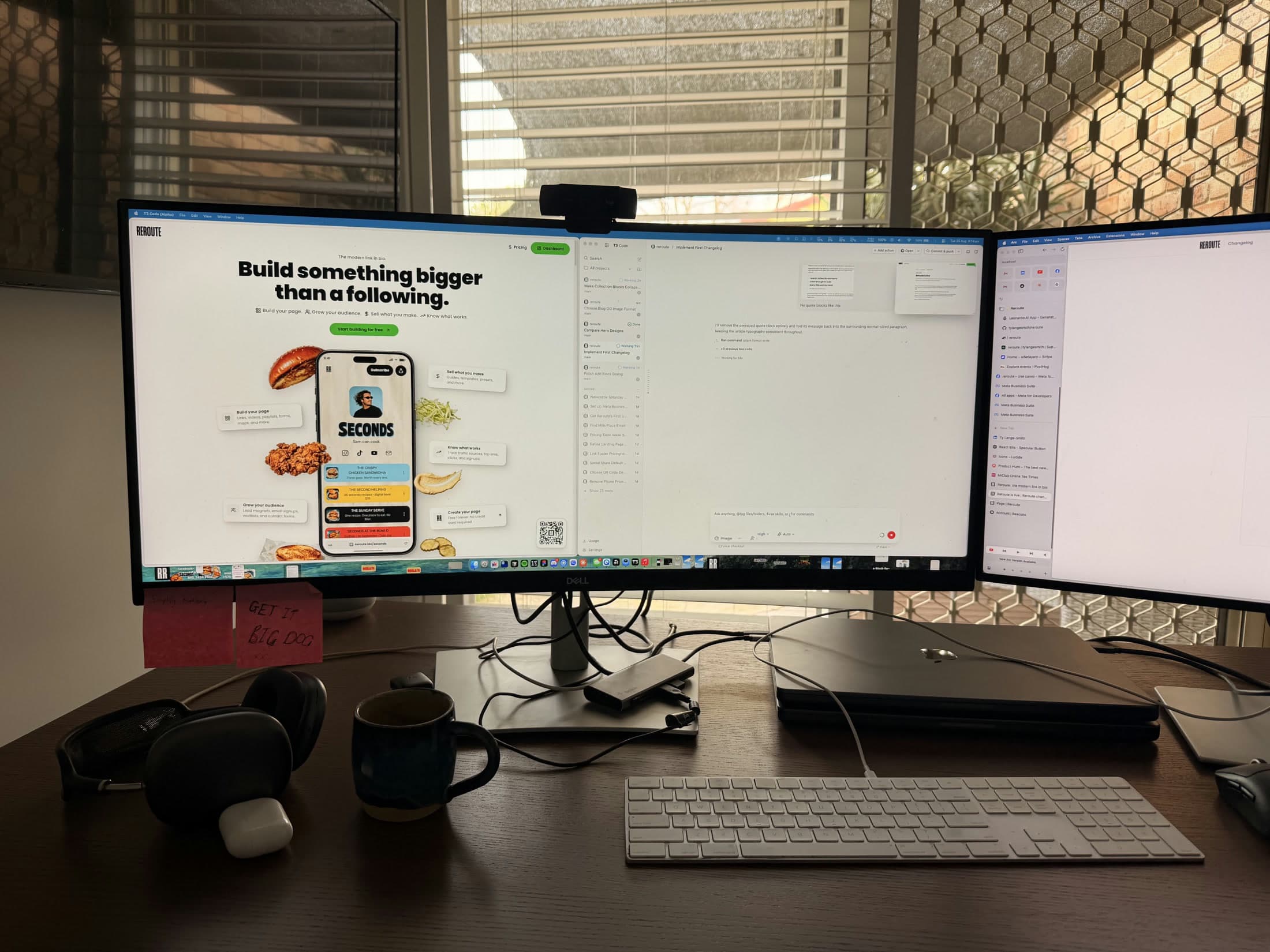
The desk in Newcastle where I work on whatayarn and my other project, Reroute.
A new homepage and a proper pricing page
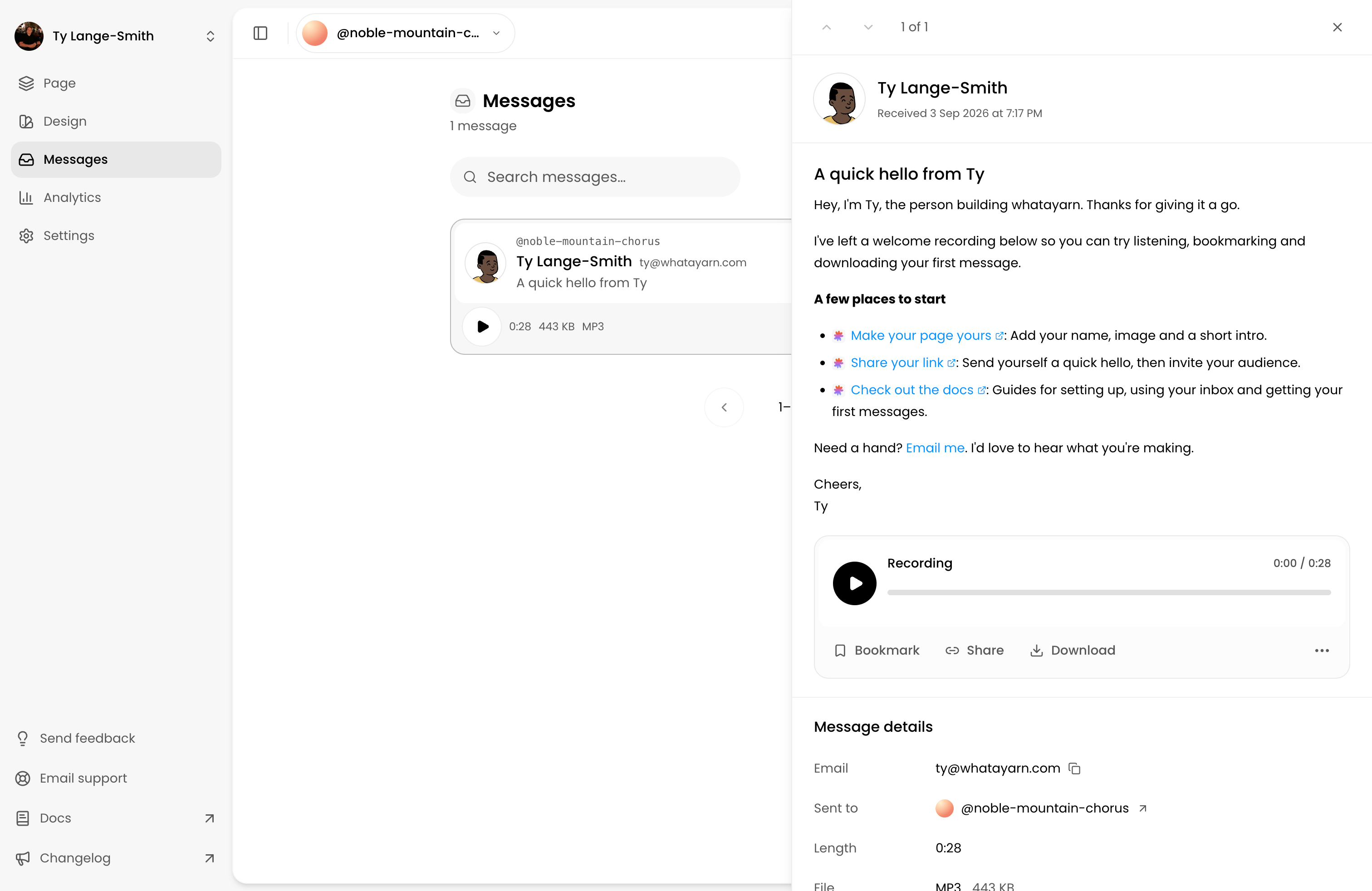
The landing page has had a proper overhaul. There’s a fresh design, clearer explanations of how whatayarn works, and more examples of how creators can use voice messages. You can also try the recording flow in the live demo before setting up your own page.
There’s now a dedicated pricing page, too, with the Free and Creator plans, a feature comparison, and answers to common questions. It puts the details in one place so you can work out which plan suits your show.
A clearer page editor
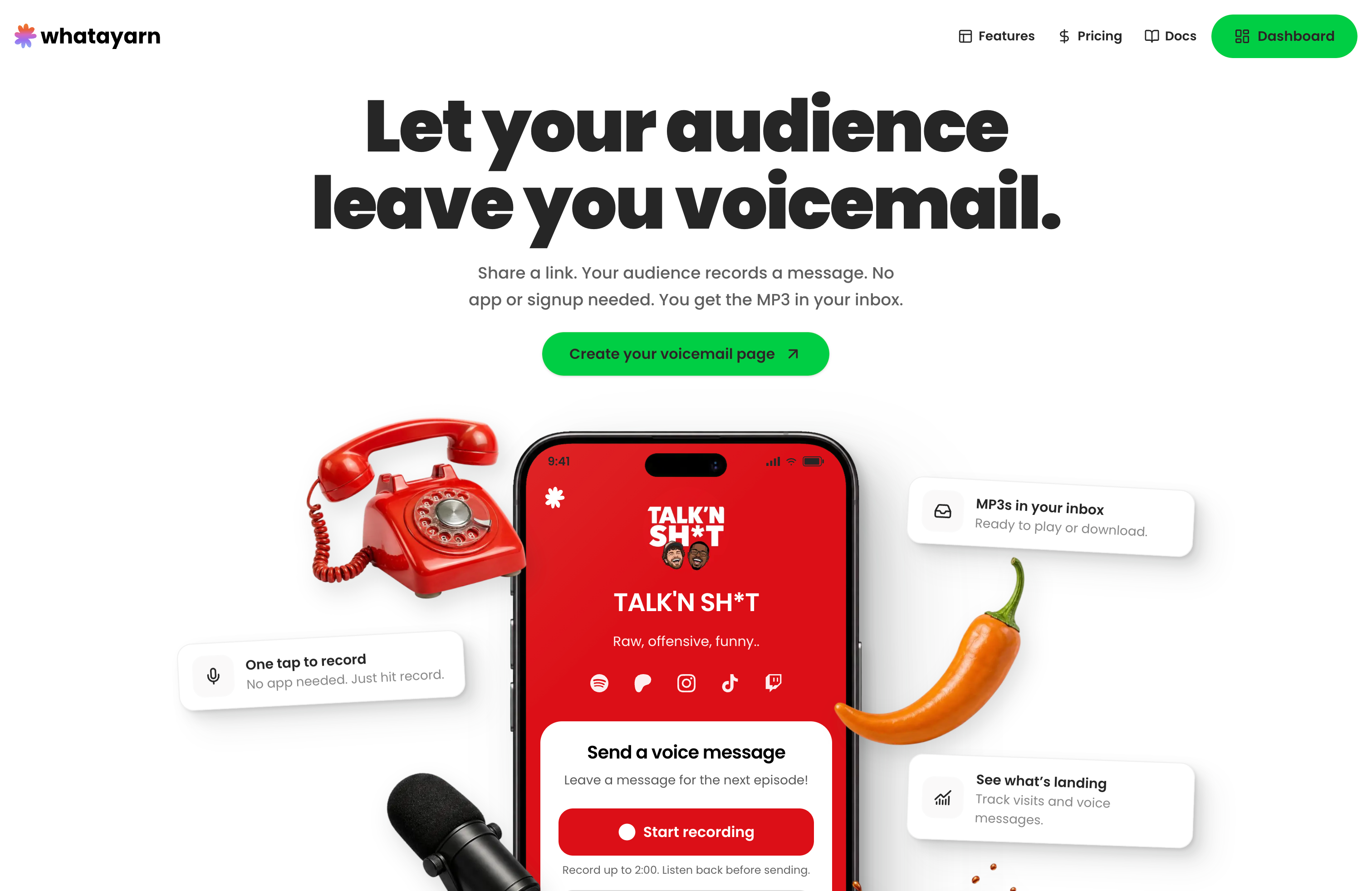
Inside the app, the page editor now gives your content, design, and settings their own space, with a preview alongside so you can see what you’re putting together. If you run more than one page, the editor remembers which one you’re working on as you move between those screens.
Your profile, social links, and welcome recording help the page feel like your show. Creator gives you more control over colours, recording length, and the questions you ask before someone sends a message.
I’ve also made a few small styling improvements to the public pages, giving the page your audience sees a little more polish.
The aim is to make getting your page ready feel less fiddly. If you haven’t looked at it for a while, the page customisation guide is a good place to catch up.
An inbox that’s easier to work through
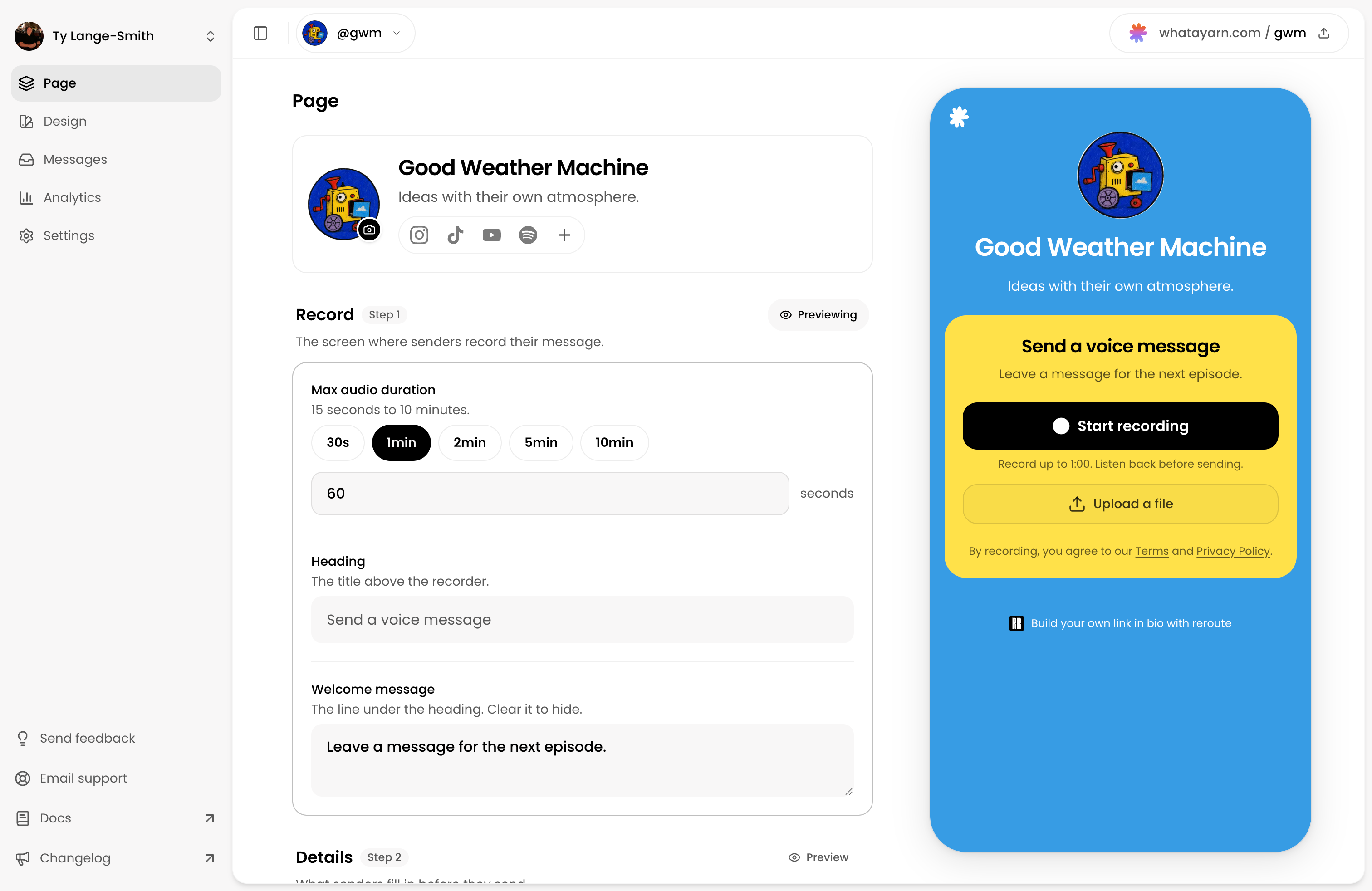
There’s been a lot of attention on what happens after the messages arrive. You can search and filter the inbox, listen straight from the list, and open a message’s details alongside it without losing your place.
Bookmarks give you a shortlist for an upcoming episode. Bulk actions let you mark messages as read, bookmark them, or download a batch of recordings for your editing workflow.
If you’ve got a stack of listener questions to go through, those small things should make the job a bit easier. The inbox guide covers how it all fits together.
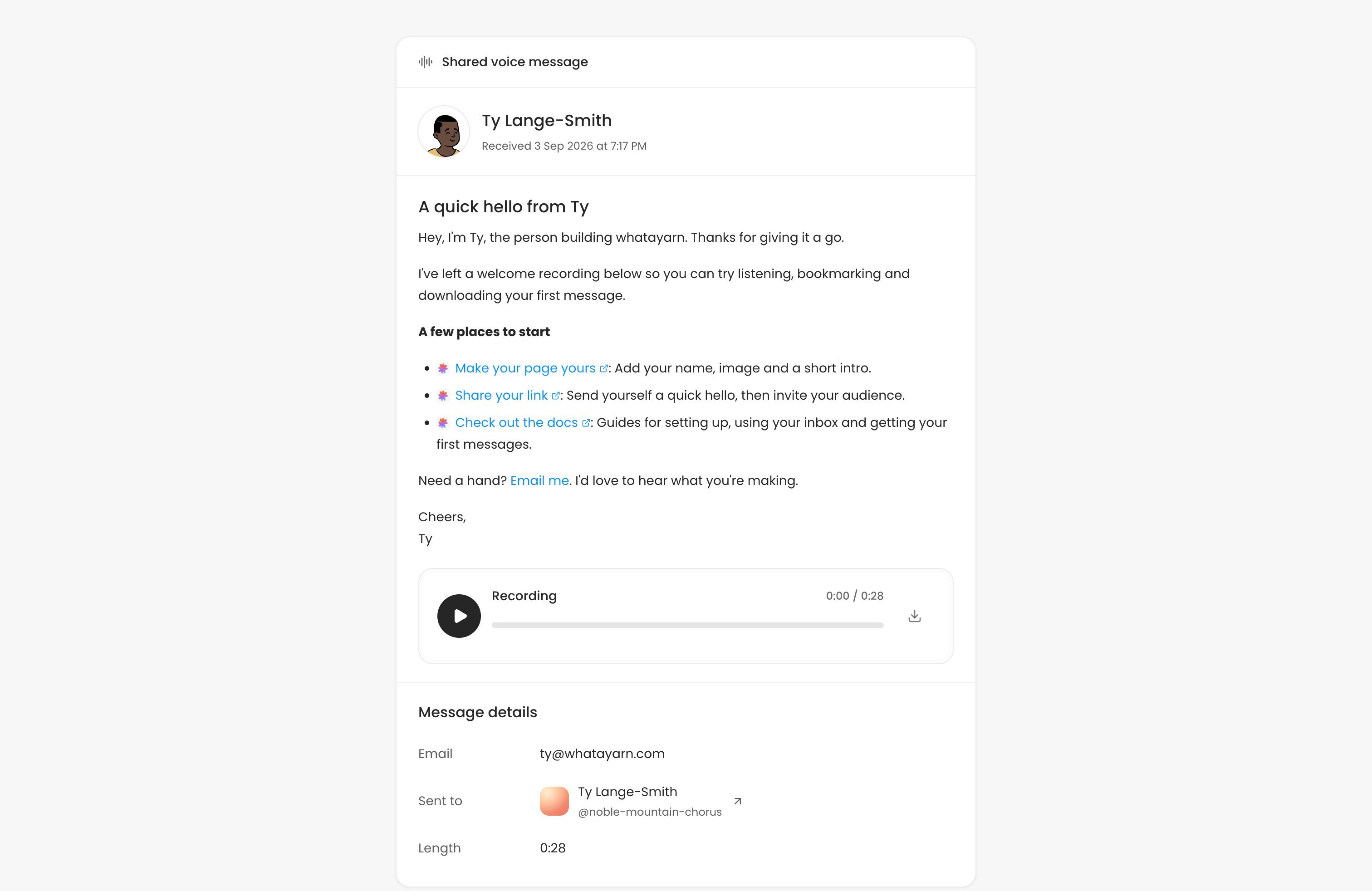
Share a voice message with a link
You can now create a public listening link for an individual message. Enable public messages in your page settings, then use Share on the recording in your inbox to copy its link.
It’s handy when you and the sender want other people to hear a particular yarn. You can put the link in your show notes, share it with your audience, or send it to someone directly.
Your usual page link and QR code are still there for inviting people to send their own messages.
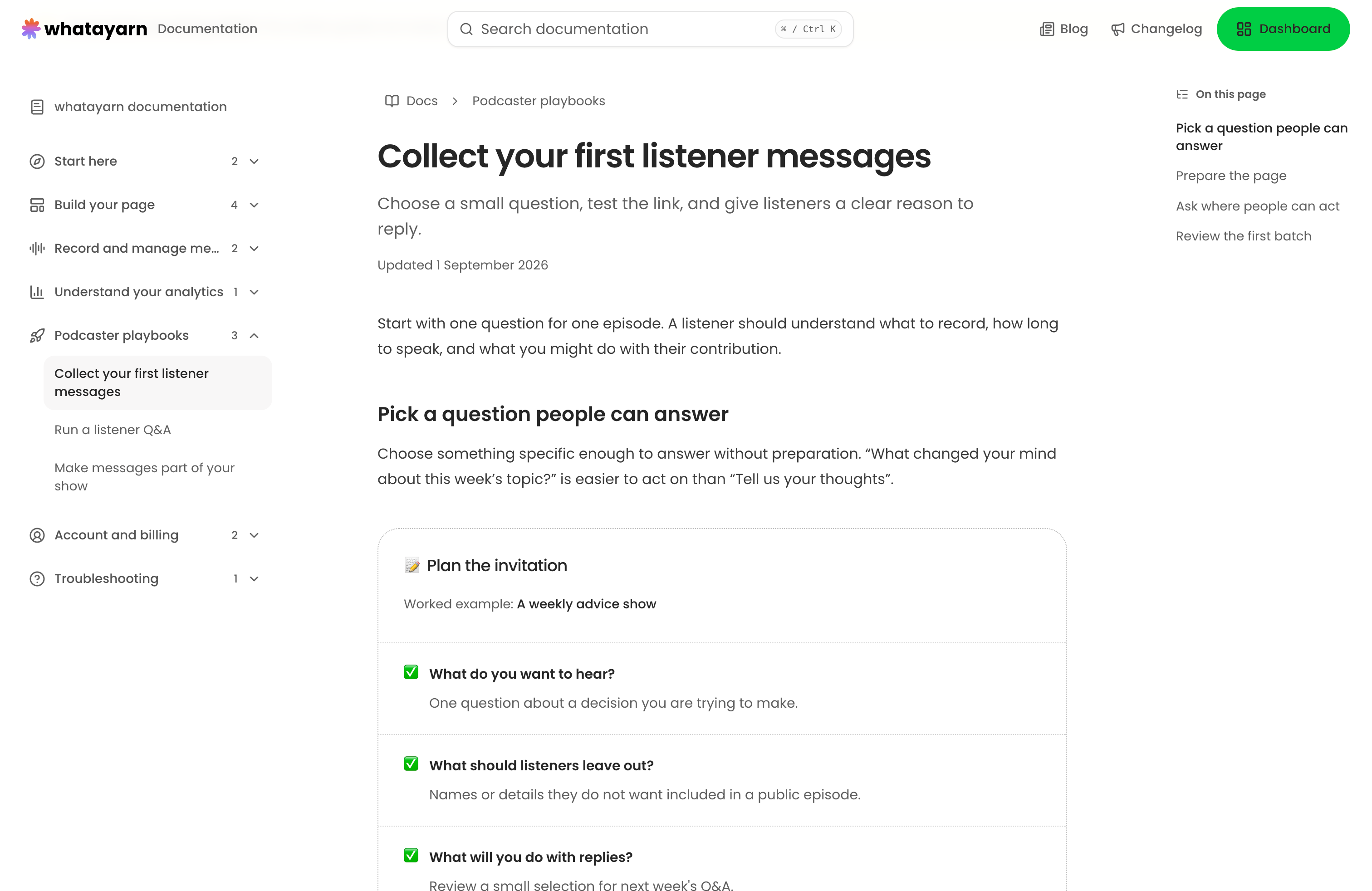
New docs and creator guides
I’ve started getting a proper set of docs in place, with guides for setting up your page, recording and managing messages, and understanding your analytics. It gives you somewhere to turn when you’re getting started or trying to work out how something works.
Alongside those product guides, there are creator success articles on collecting your first listener messages, running a listener Q&A, and making messages part of your show.
Those cover things like writing a good invitation, choosing questions for an episode, and getting the audio into your editing workflow. There’s more to add, but it’s a start at helping with the whole process.
If you’re on Creator, Analytics can help you see what happens after an invitation goes out. Pick a page and date range to look at visits, recording activity, and messages. It’s a useful companion to trying a new prompt or putting your link somewhere different.
The blog has had a tidy-up too. I’ve improved the structure and article layouts, refreshed the main articles and their artwork, and given older posts a home in the archive. The main collection focuses on choosing a voice-message workflow and getting listeners to take part.
A little time on Reroute, too
I’ve also been working on my other new product, Reroute (opens in a new tab). It’s a link-in-bio builder for creators who want a page that feels like their own, with their links, content, and ways for people to get in touch all together.
For a podcast, that could mean bringing your episodes, socials, newsletter, and whatayarn link onto one page. It’s live now, and I’ve written a bit more about building it in Reroute’s first changelog (opens in a new tab).
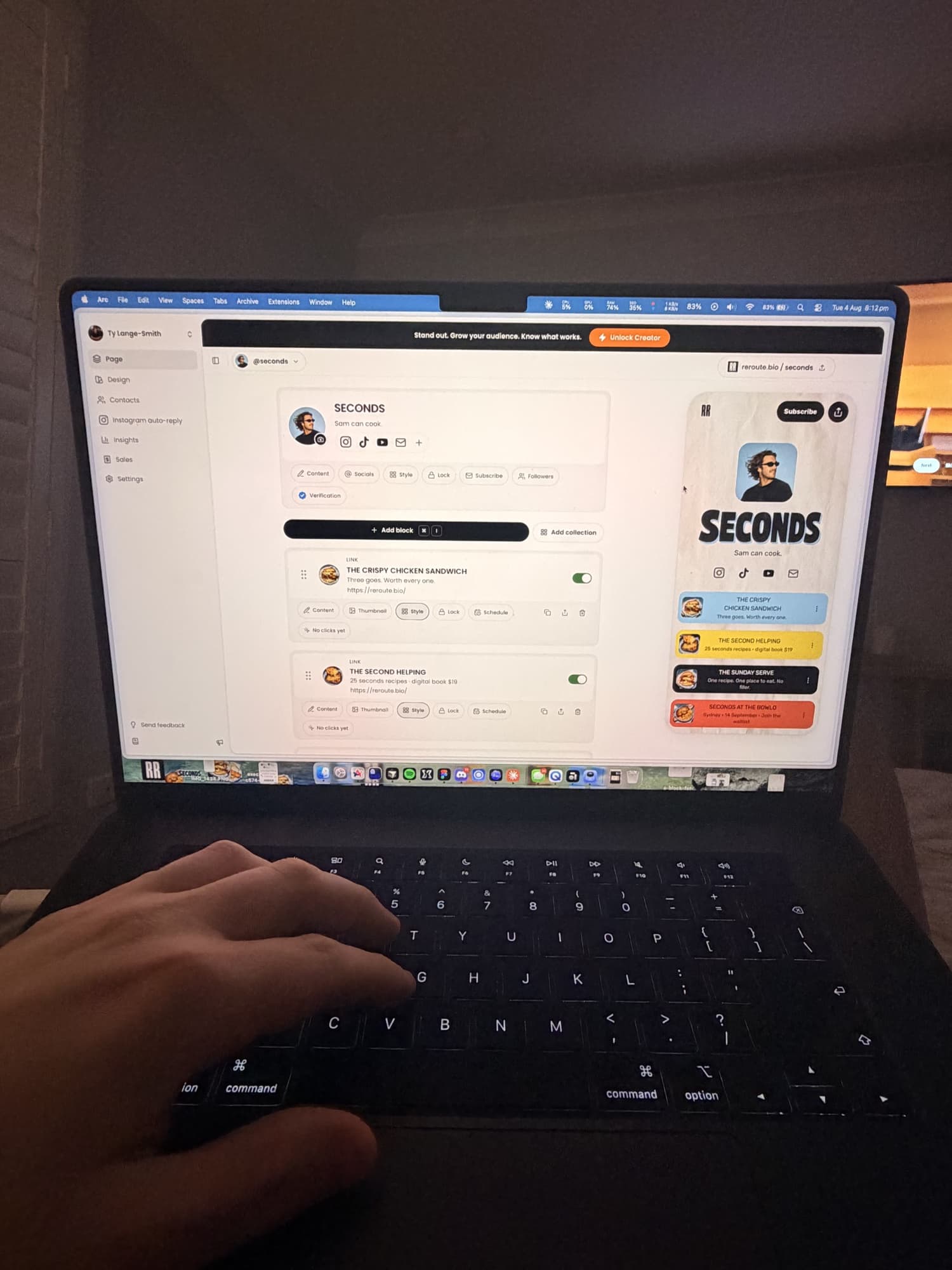
Another late night working on the Reroute editor.
Both products get built around my day job and being a dad. whatayarn is coming up on two years since those first experiments in Bali, and it’s pretty cool to have another project out in the world alongside it.
Seeing someone put their whatayarn link in their show notes still gives me the same feeling as those first messages coming through. Something I made is helping someone else make their show. That’s a pretty good reason to keep going.
If you’re curious about how it all started, I wrote more about that in the first changelog.
Heading into spring
This spring, I’m thinking more about how whatayarn could grow beyond voice messages. Text-only messages are one idea I’m exploring, alongside other ways for creators and businesses to engage and interact with their audiences.
That could mean giving people more ways to ask a question, share feedback, or join a conversation. I want to understand where those options would be useful before deciding what to build next.
I’m also planning further analytics improvements, better onboarding, and more useful email campaigns to make the whole experience of using whatayarn feel more connected. Transcripts are another idea I’m considering, especially for reviewing recordings and finding the part you want to use.
The everyday improvements still matter, too: getting your page ready, sending a first recording, and finding the messages you want to use. If you haven’t had a look for a while, open whatayarn and give the updated editor and inbox a go.
Whether you’re running a show, a business, or something else, I’d love to hear how you want your audience to get involved. Email me at hello@whatayarn.com with what you’re trying to do and what would help.
Thanks for being here, whether you’ve just made your first page or you’ve been using whatayarn for a while. Here’s to a few more good yarns this spring.

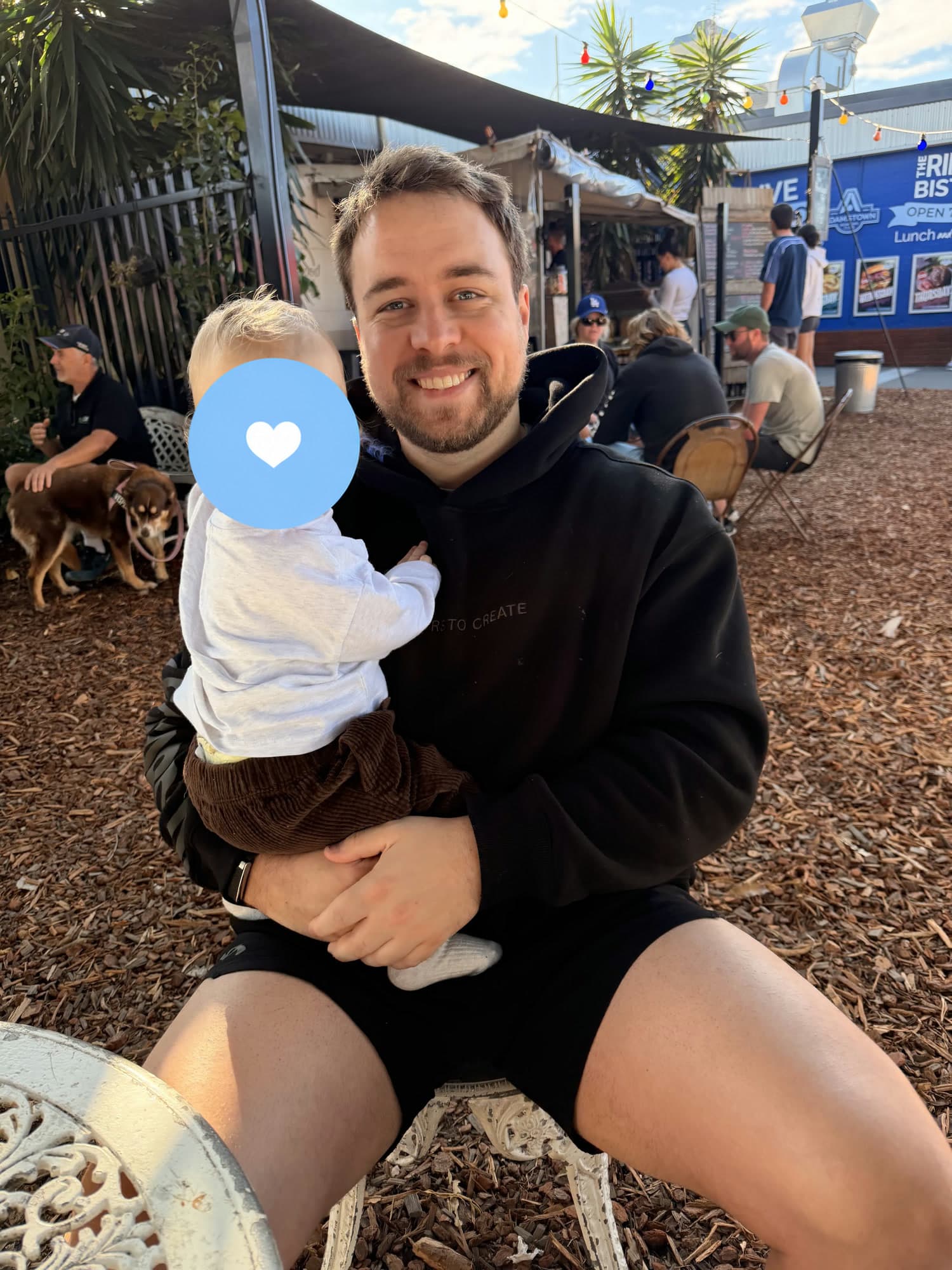
Me and my son. The laptop does get closed sometimes.