
Open Account (opens in a new tab) for account-wide settings, billing and support. Manage each form’s questions, design and response settings inside that form.
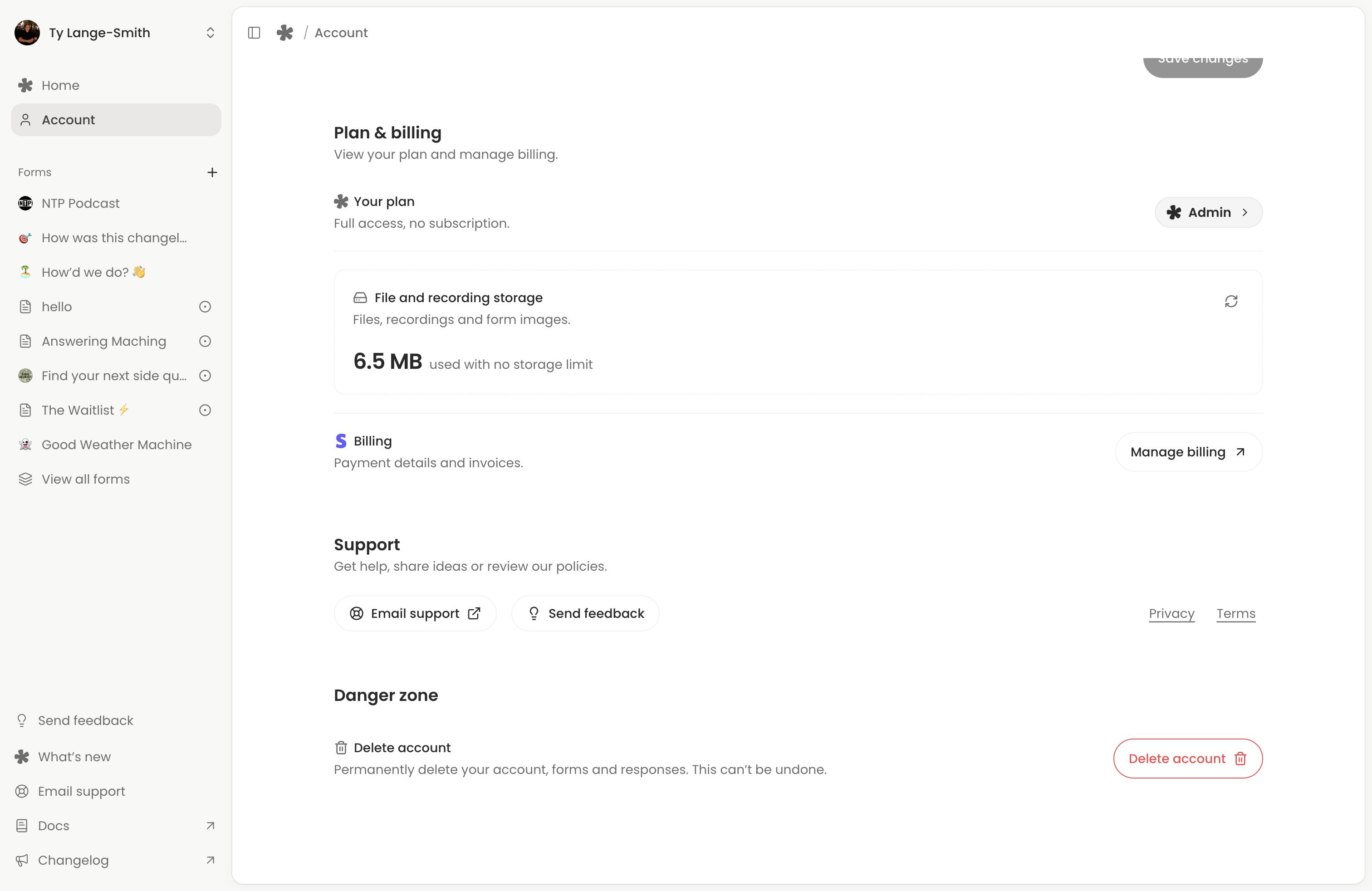
Find your current plan
Choose Plan & billing in Account. Check your current plan and billing information. Use Pricing for current prices and Free vs Creator for features and allowances.
Free includes 100 MB of storage and voice answers up to one minute; Creator includes 50 GB and voice answers up to ten minutes. Storage covers recordings, response files and form images across the account. Both plans include unlimited forms and responses. Individual questions can impose smaller upload or recording limits.
Manage a subscription
If your account has a billing record, select Manage billing to open Stripe’s portal for payment details, invoices and the subscription options available to you. A Free account without a subscription shows Upgrade to Creator instead. If your paid plan shows Contact support, use that link for help managing it.
Read the confirmation and effective date shown by Stripe before changing or cancelling a subscription. Return to Account to check the result. If the portal reports an error, use the support link rather than repeatedly submitting the same action.
Custom AI columns require Creator. If that access ends, their automatic updates pause while previous results and rules remain visible. Check the feature comparison before changing plans if your forms depend on Creator controls.
Find or create a form
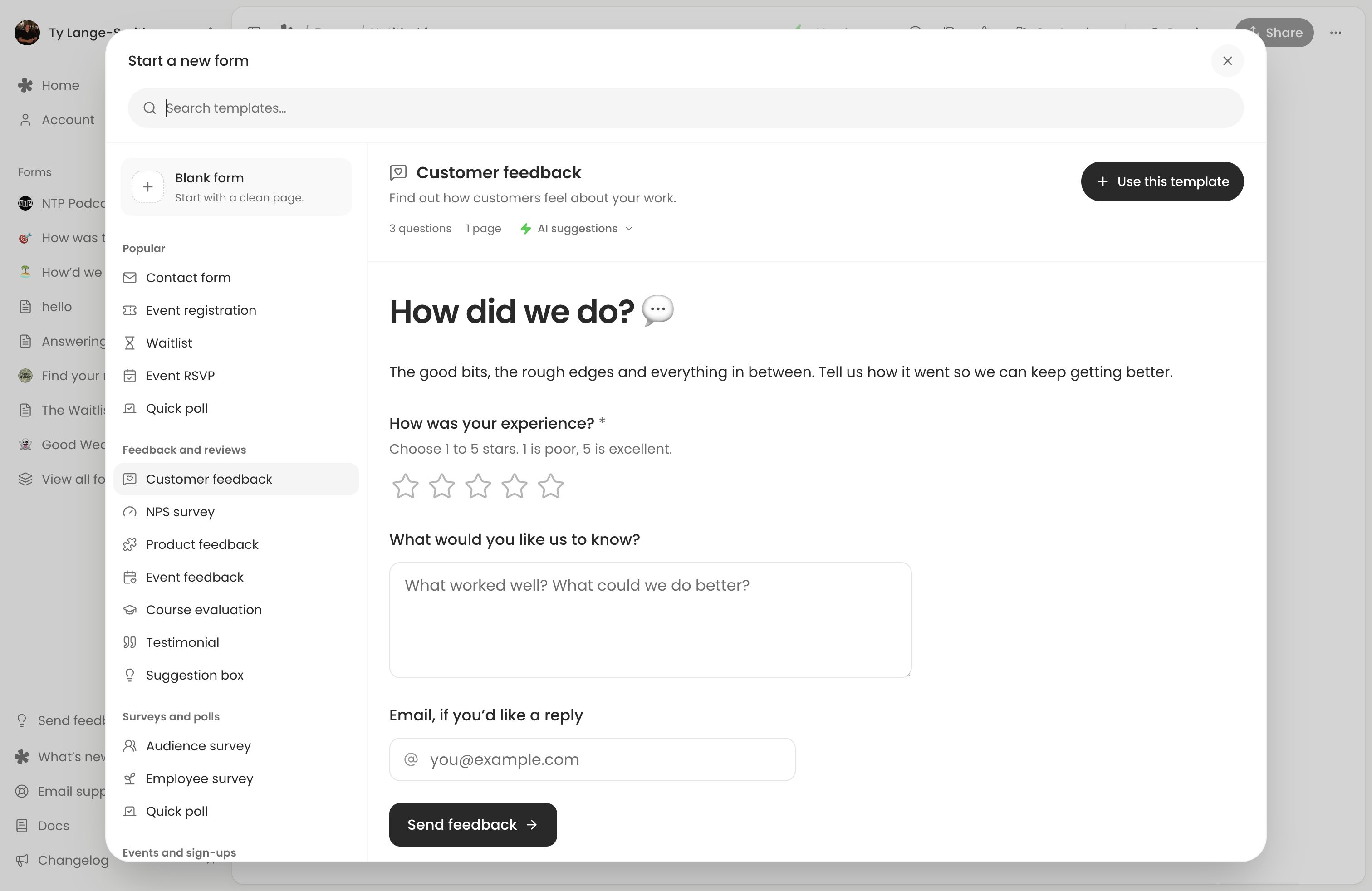
Your forms are listed under Forms in the sidebar. Selecting one opens Responses; choose Edit to work on its questions. New form opens the template gallery. Both plans include unlimited forms, so creating another does not change your plan or bill.
Each form has its own Settings for accepting responses, notifications and other collection controls. See form settings. Existing Classic pages and messages have their separate Classic workflow.
Delete with care
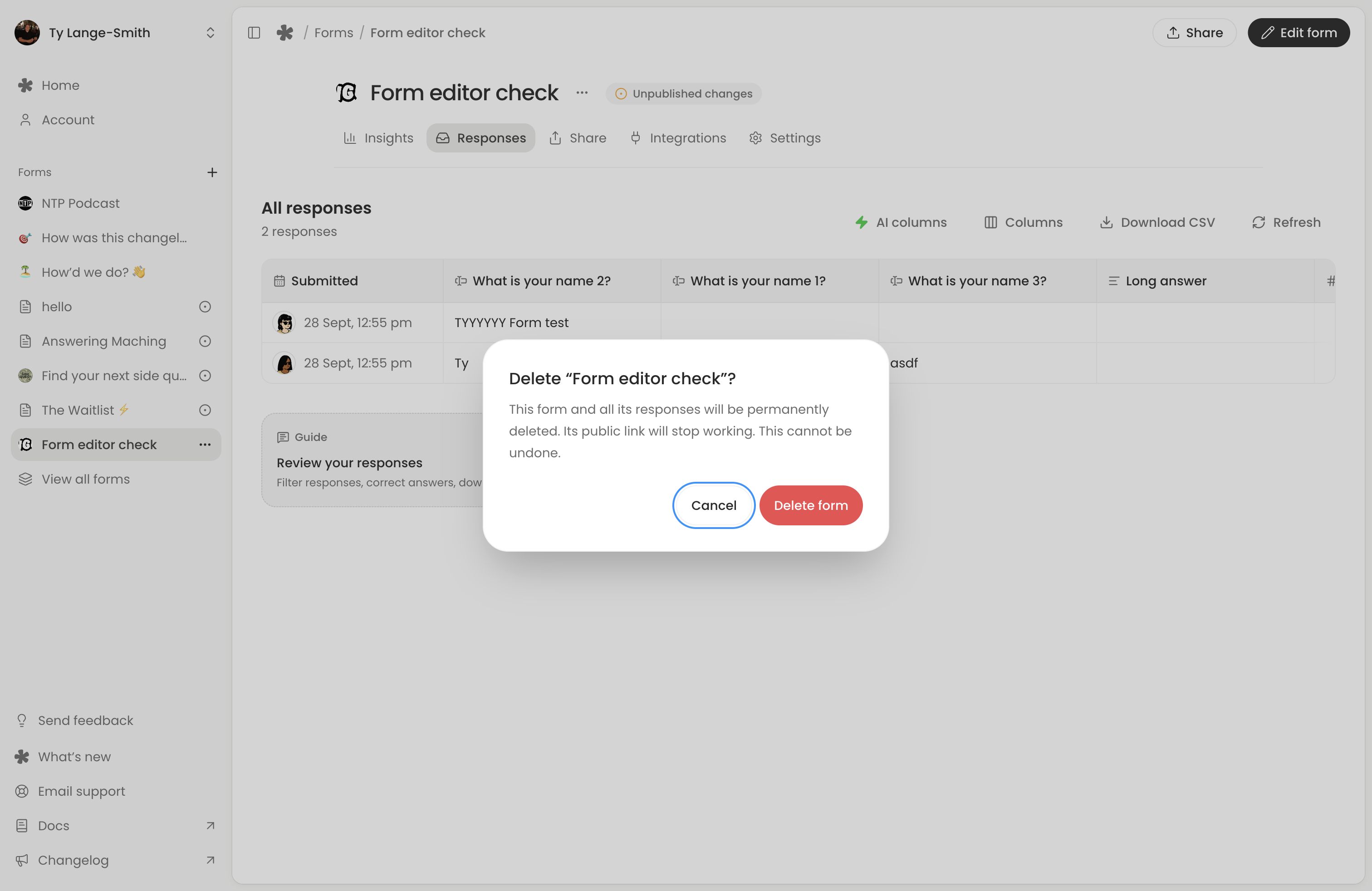
Delete a form from its actions menu. Read the confirmation and download anything you need first: a CSV contains answers and media links, so download the recordings and files themselves if you need to keep them.
Deleting a form removes its responses and media and disables its shared response links. Deleting a form and cancelling a subscription are different actions. One does not do the other.
Get help
Use the app’s support or feedback controls, or email hello@whatayarn.com. Describe the form, what you tried and the error you saw. Never send passwords, login codes or payment-card details.
For collection problems, check form troubleshooting first. Include whether the issue happens in the preview, at the live link or inside an embed.
Next action: Open Account (opens in a new tab) and confirm the plan and account you are managing before changing billing.