
If you own a form, share this guide with anyone who cannot record a voice answer. Microphone access is controlled by the browser and device as well as the website.
Check the basics
Make sure the microphone is connected and not muted. Close another recording or calling app if it is holding the device. Confirm that you have opened the correct public form and selected the recording action. Answer the browser’s permission prompt if it is still waiting.
Allow microphone access only for a site you intend to record on. On a managed work or school device, an administrator may control the permission; contact them if the setting is locked.
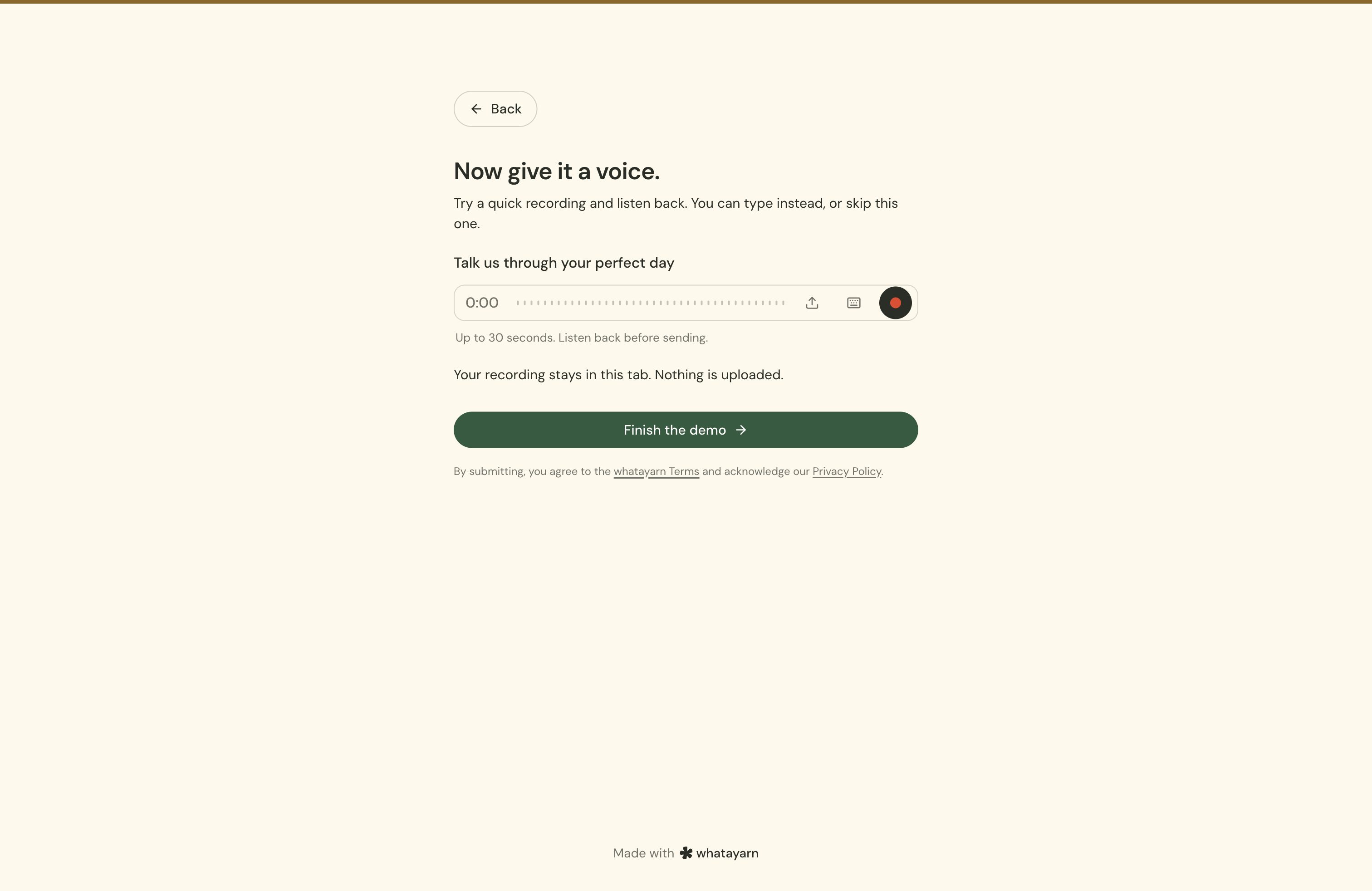
Allow access in your browser
Chrome
Open Settings, then Privacy and security, Site settings, and Microphone. Check the blocked sites and change the whatayarn site’s permission if needed. You can also choose the intended microphone there. See Google’s microphone instructions (opens in a new tab).
Safari on Mac
Open Safari’s Settings, choose Websites, then Microphone, and review the permission for the whatayarn page. See Apple’s website settings guide (opens in a new tab).
Firefox
Check microphone permissions under Settings, Privacy & Security, and Permissions. You can also clear a saved block from the address bar and let the site ask again. See Mozilla’s microphone permission guide (opens in a new tab).
Phones and tablets
Check both the website permission and the browser app’s microphone permission in your device settings. Menu names vary by operating-system version. If you opened the page inside another app, try opening the same link in your normal browser.
If the recording is silent
Check which microphone is selected and whether a headset or Bluetooth device is taking the input. Make a short test, then listen before recording a long message.
If recording fails inside a website
Open the form’s direct whatayarn link in your normal browser and try a short recording. If that works, the owner should check the installed embed rather than asking you to repeat the same permission changes.
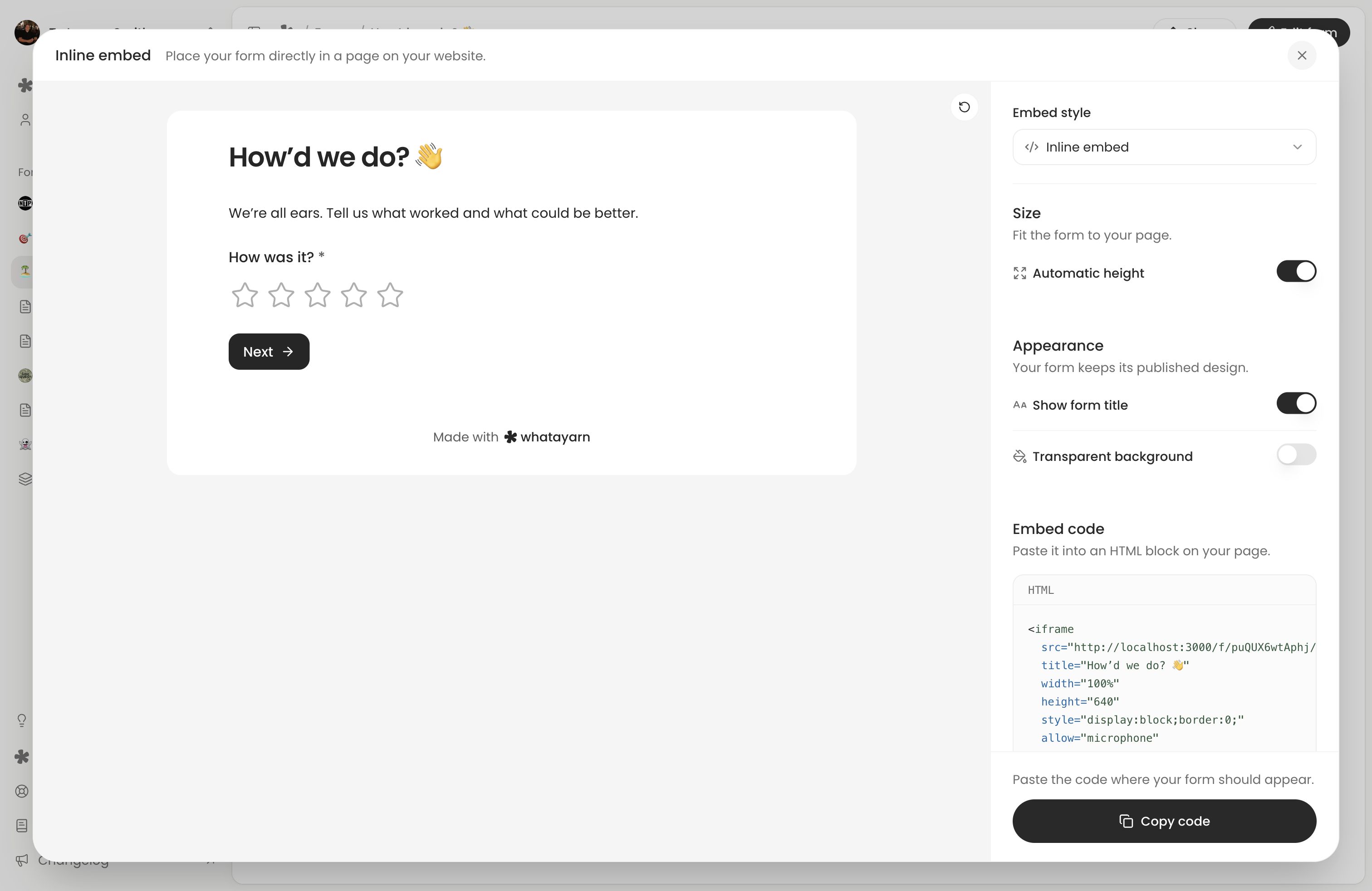
The generated embed code includes microphone permission. The website needs to retain it, use HTTPS and allow the embedded form to request the microphone. A host site’s permissions policy can prevent a prompt from appearing. MDN explains these browser requirements (opens in a new tab). Follow Embed your form to reinstall and test the complete snippet.
If sending fails
Keep the page open while audio is uploading and follow any error shown by the app. A successful recording or upload is not confirmation that a completed response reached the form owner. Submit the form and wait for confirmation before leaving. If a connection problem offers Retry, use it in the same form.
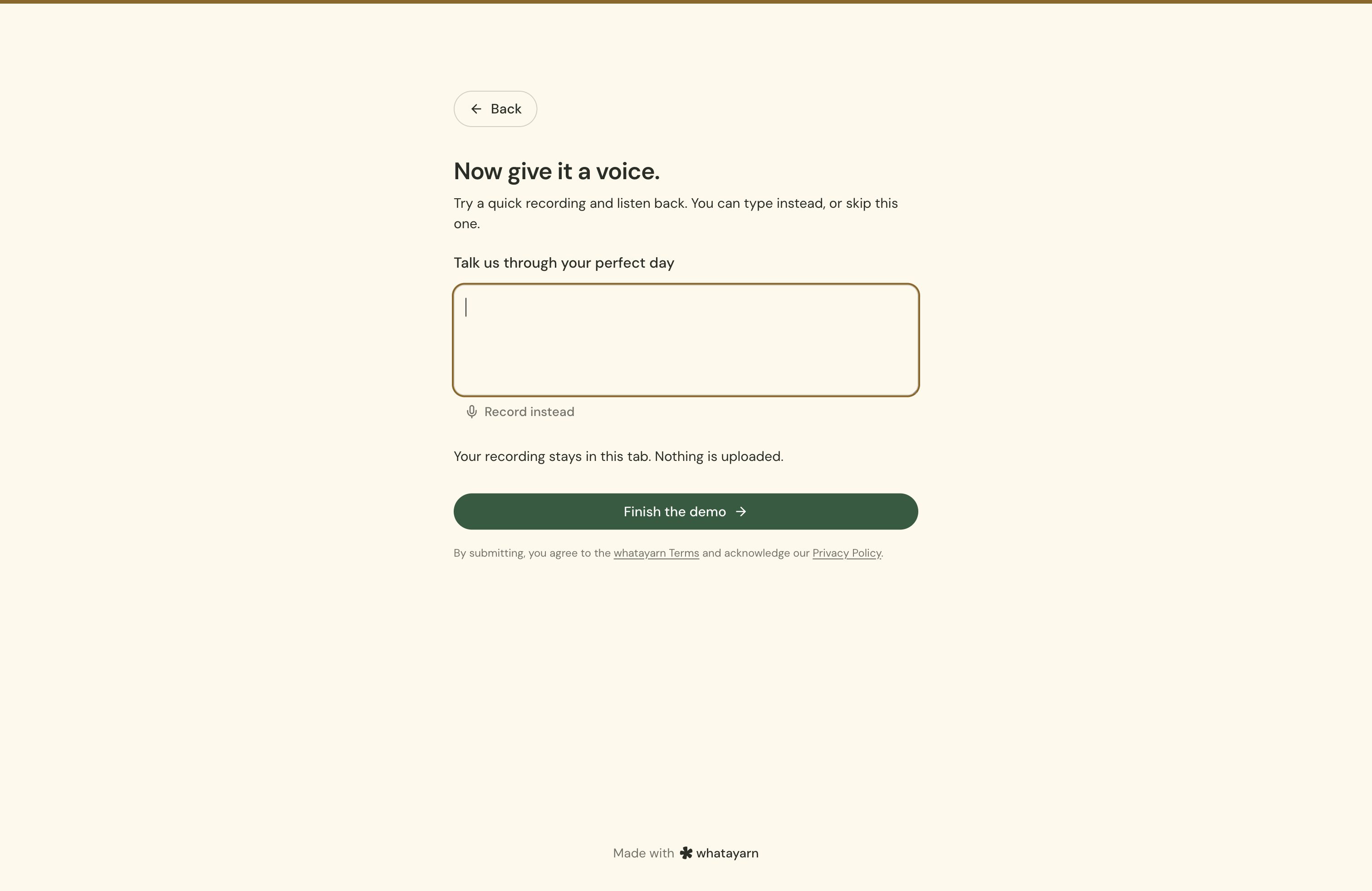
If the voice question offers Upload an audio file or Type instead, try that option. These alternatives depend on the owner’s question settings. The same question limits and required answers still apply. For failed uploads or a form that cannot accept responses, see Form troubleshooting.
Next action: Return to the public link and make a short test. How people answer your form explains the remaining steps.