
Use forms to collect questions, opinions, enquiries or memories. Choose text, choices, ratings or voice to suit each question, and explain how you will use responses.
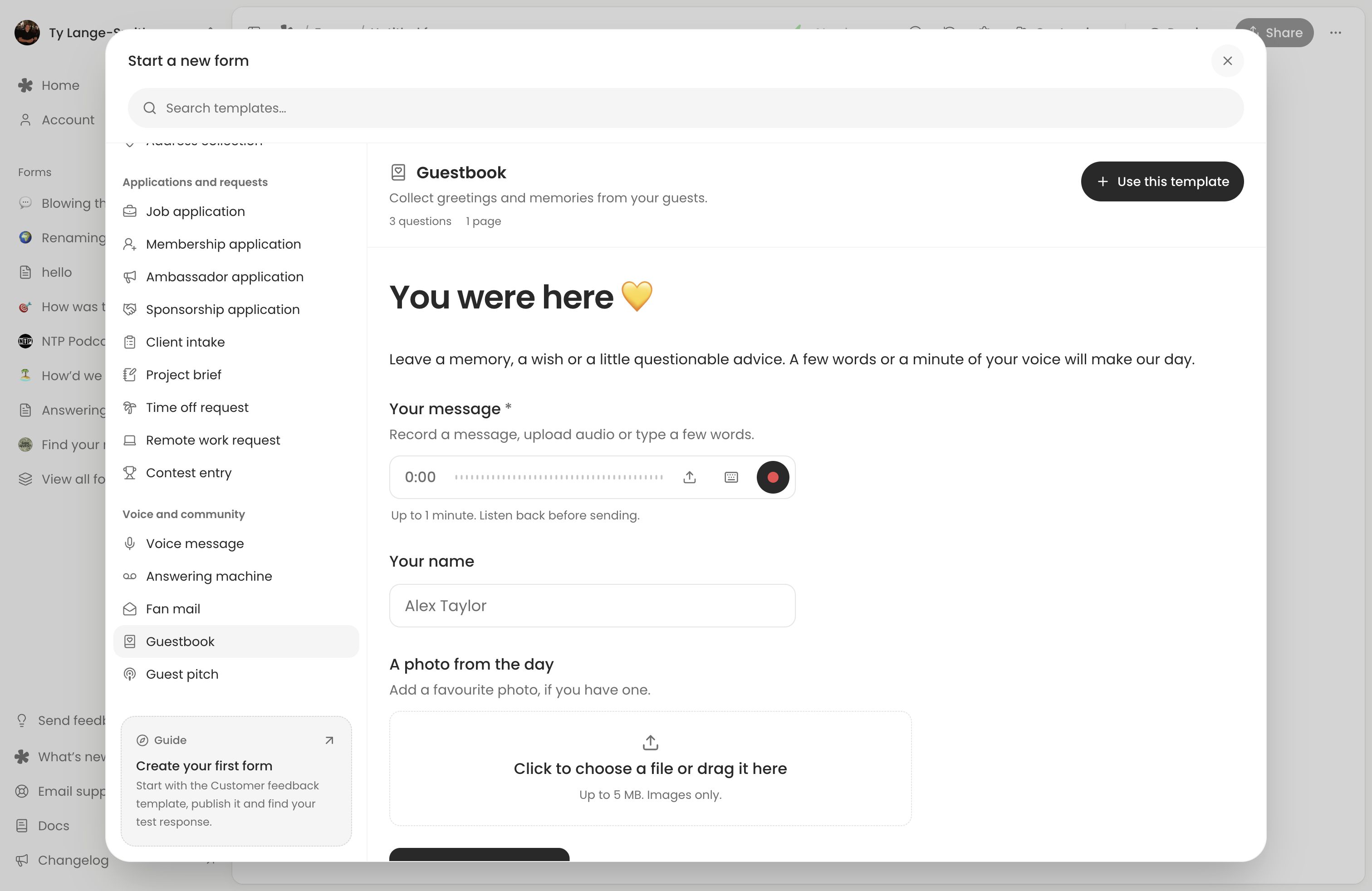
Browse the template library, or choose a template from New form and adapt its questions. Start with one audience and one purpose so people know what to send.
Feedback and business enquiries
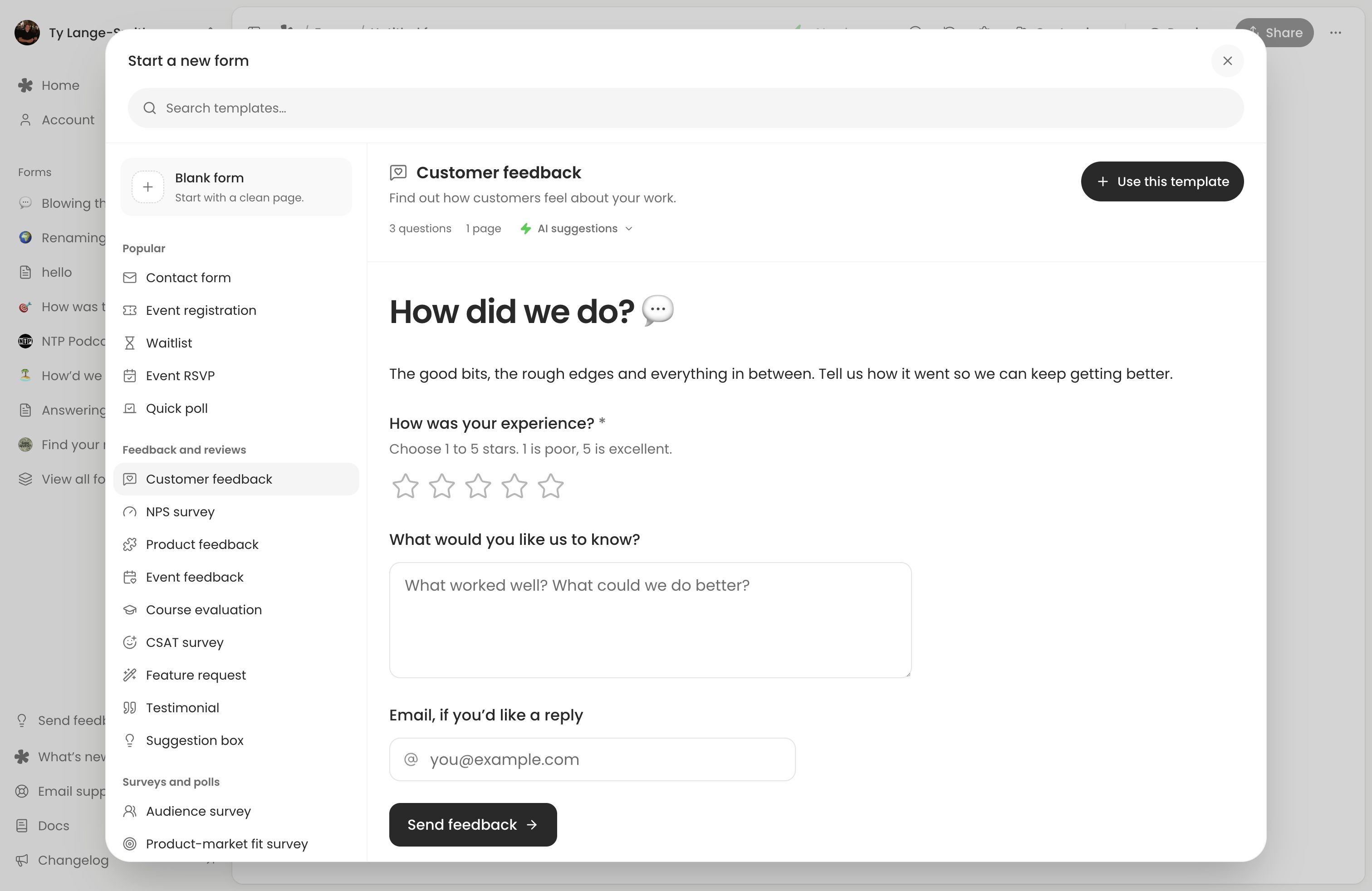
- Customer feedback: “What is one thing we could do better?” Ask after someone has used your product or service.
- Product ideas: “What were you trying to do that our product could not help with?” Look for the need behind each suggestion.
- Customer testimonials: “What was it like working together, and what changed for you?” Ask permission before featuring their words.
- Business enquiries: “Tell us what you need a hand with and when you need it.” Collect an email for follow-up.
- Team feedback: “What would make next week’s work easier?” Focus on something you can act on.
Templates: Customer feedback, Contact form or Testimonial.
Events and invitations
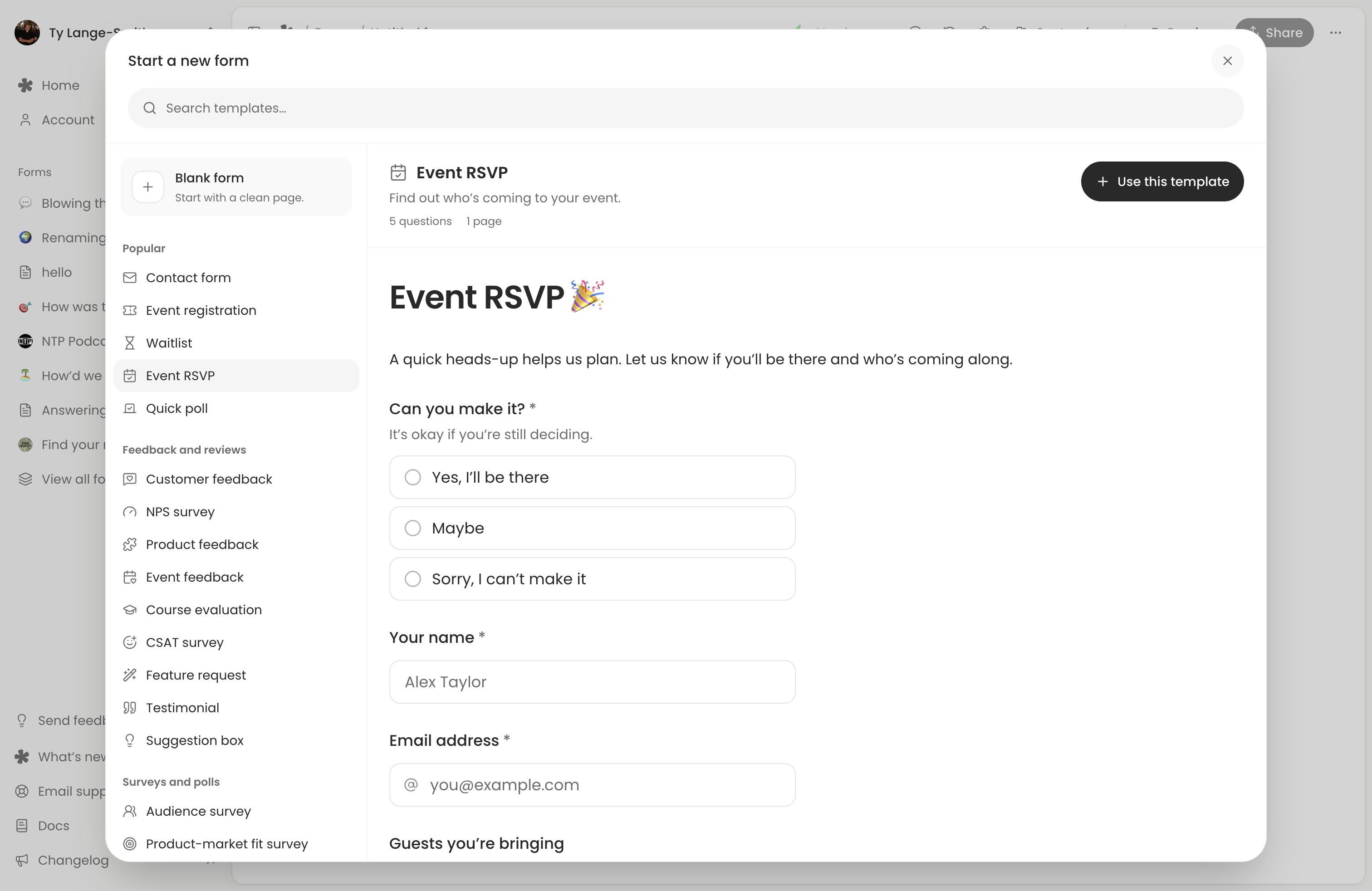
- Event RSVPs: “Can you make it, and are you bringing anyone?” Collect access or dietary needs only where useful.
- Event feedback: “What worked well, and what should we change next time?” Ask while the experience is fresh.
- Waitlists: “Leave your email if you would like to hear when this opens.” Explain when you will contact people.
Templates: Event RSVP, Event feedback or Waitlist.
Audience questions and content
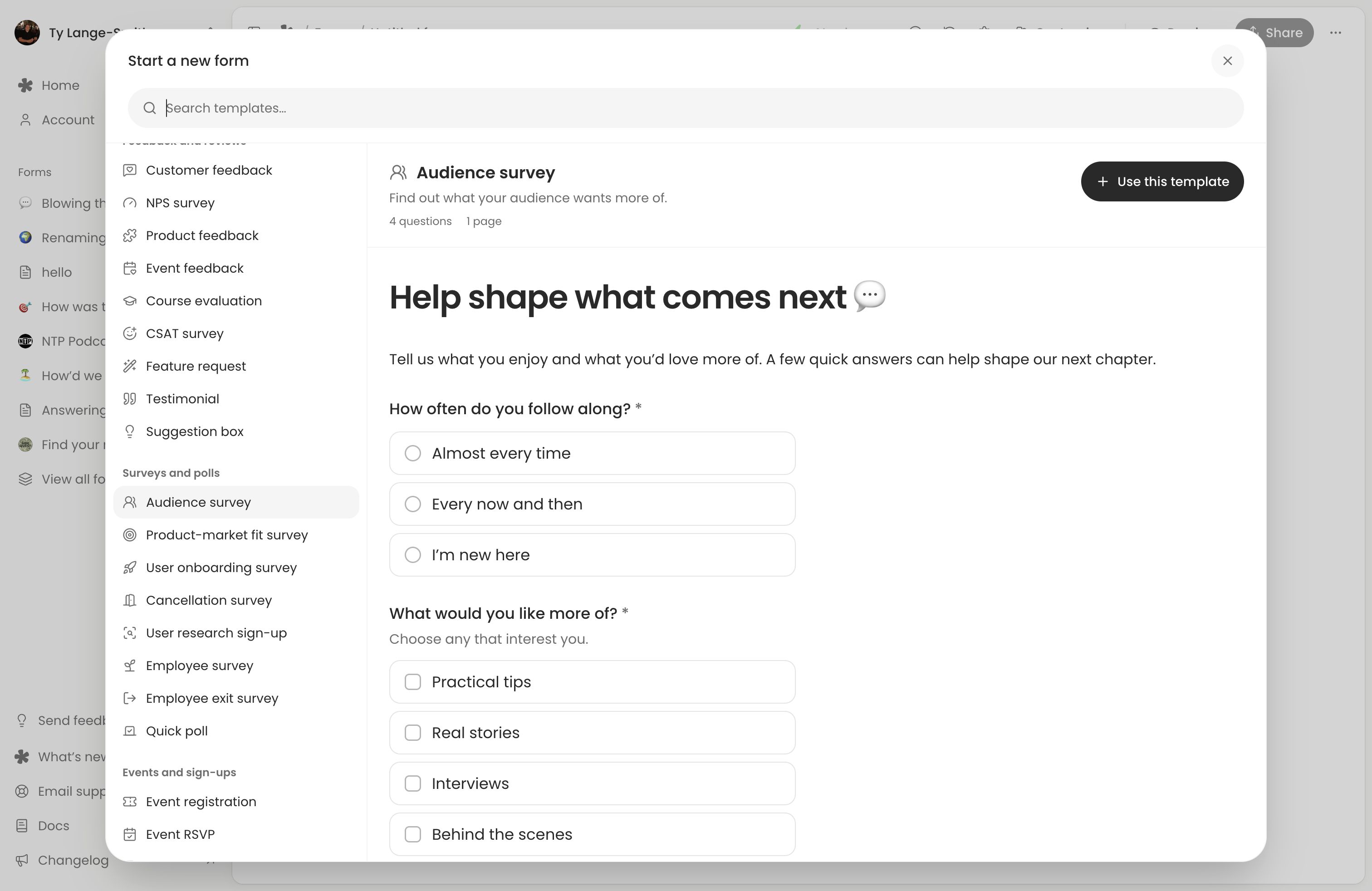
- Audience Q&As: “What is one thing about this week’s topic you still want explained?” Gather questions before recording or presenting.
- Episode or video feedback: “What stuck with you, and what would you like us to revisit?” Put the link beside the episode or video.
- Content ideas: “What should we make next, and why would it help you?” Ask for the reason behind the suggestion.
- Shoutouts: “Who deserves a shoutout this week, and what did they do?” Check pronunciation before reading names aloud.
- Event questions: “What would you like to ask our speakers?” Prepare a shortlist for the host.
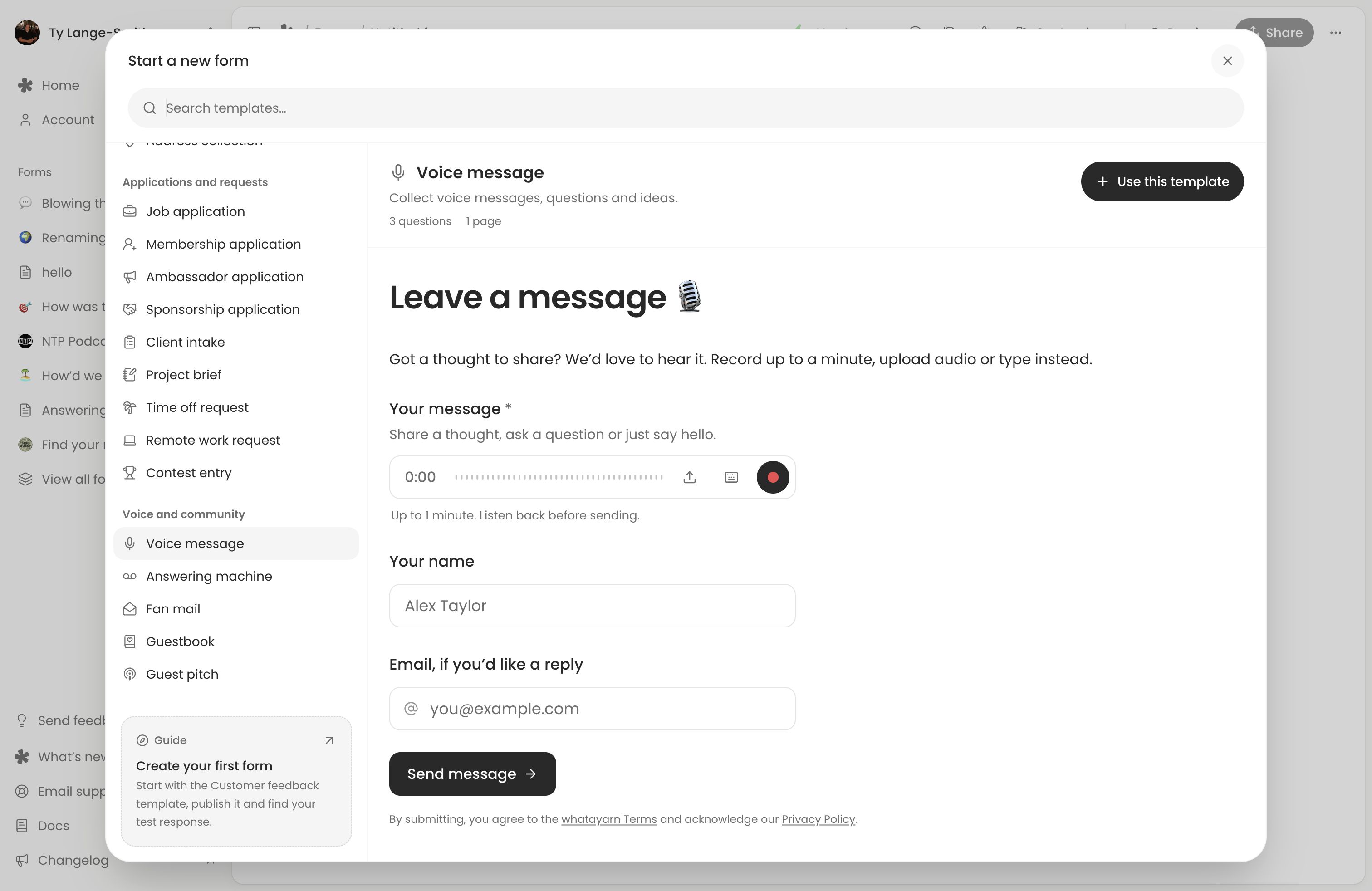
Templates: Audience survey or Voice message.
Learning and community
- Classroom questions: “What did not make sense in today’s lesson?” Revisit common themes in the next session.
- Student reflections: “What clicked today, and what is still tricky?” Repeat the prompt to see how understanding changes.
- Course feedback: “What should we keep, change, or explain again?” Ask about a specific module.
- Book clubs: “Which part of the book stayed with you?” Invite contributions from members who cannot attend.
- Community stories: “Tell us about a moment that changed how you see this place.” Explain where stories may appear.
Templates: Course evaluation, Audience survey or Guestbook.
Celebrations and memories
- Wedding guestbooks: “Leave the newlyweds a message to keep.” Put a tested QR code where guests can record quietly.
- Birthday wishes: “Share a favourite memory and a birthday wish.” Send the link ahead so distant friends can contribute.
- Family memories: “Tell us a family story we should never forget.” Suggest a person, place or occasion.
Templates: Guestbook or Voice message.
Questions without a name
- Feedback with an optional name: “What would you like us to know? You can leave your name blank.” Skip contact questions unless needed.
- Questions people prefer not to ask live: “What would you like explained that you did not want to ask in the session?” Say how you will answer.
Templates: Customer feedback or Contact form, with name and email optional.
An optional name does not make a response anonymous: voice, other answers and Visitor details can identify someone.
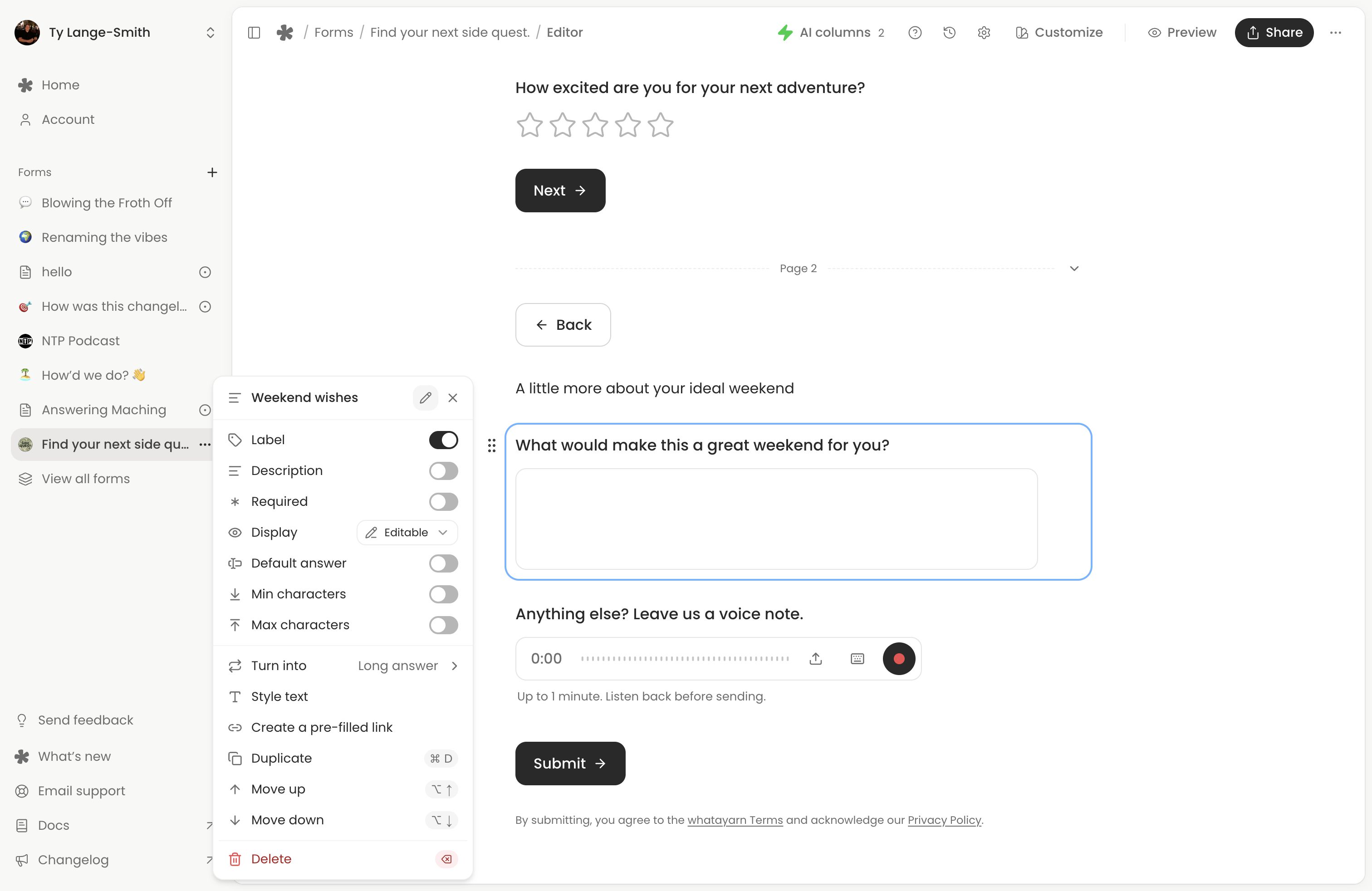
Turn one idea into an invitation
- Pick one audience and one question.
- Choose a template, add your prompt and explain how you will use responses.
- Publish and submit a test through the live link on your phone.
- Share where people can act on it, then set a time to review replies.
For example:
What would make our next workshop more useful? Choose the topic you most want to learn about and tell us why. We will use the answers to plan the next session.
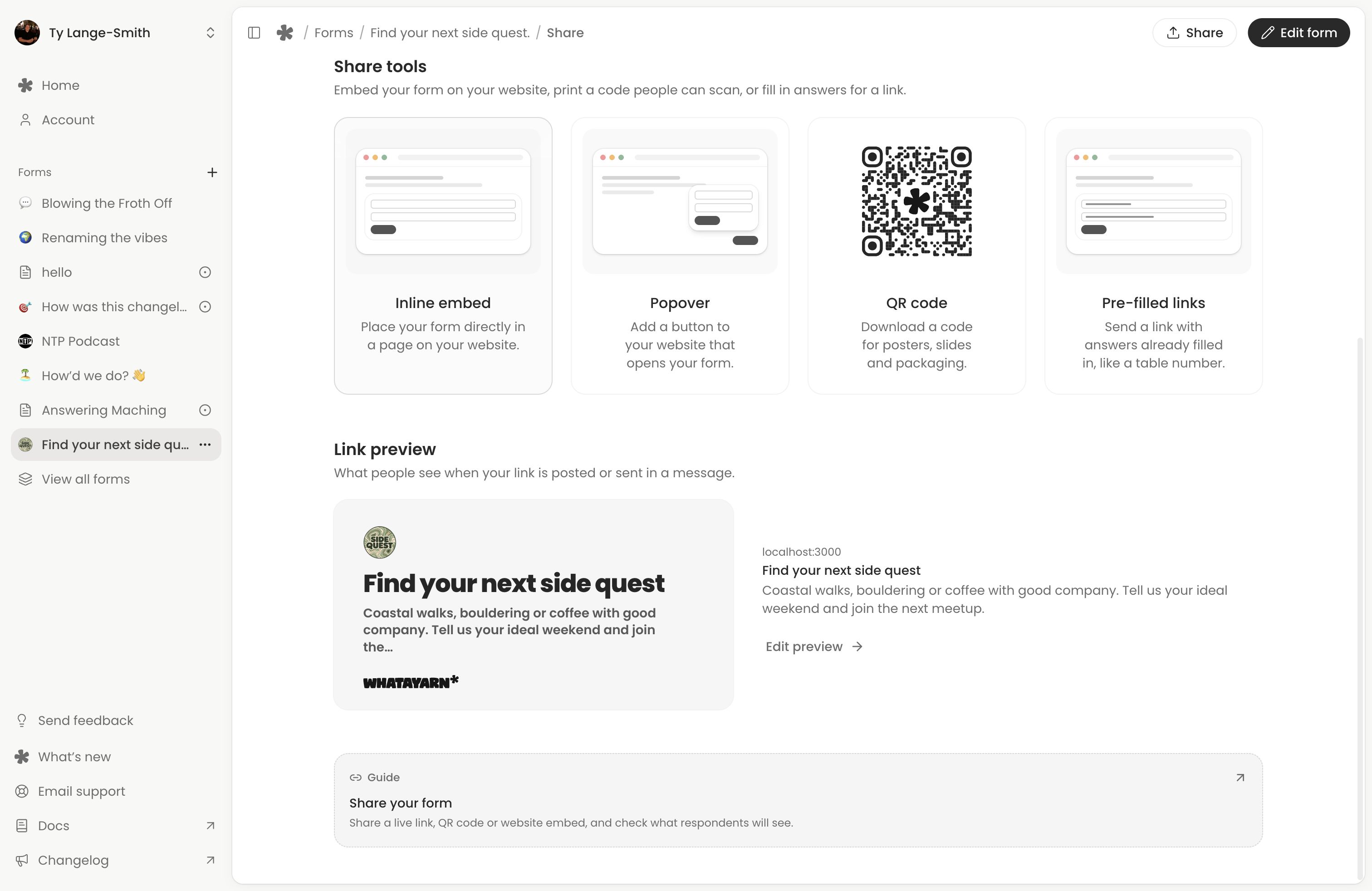
Next action: Choose one idea and collect your first responses.