
Open Forms (opens in a new tab) and select a form to reach Responses. Each form keeps its own answers. Use Edit separately when you want to change the form’s questions.
Open a response
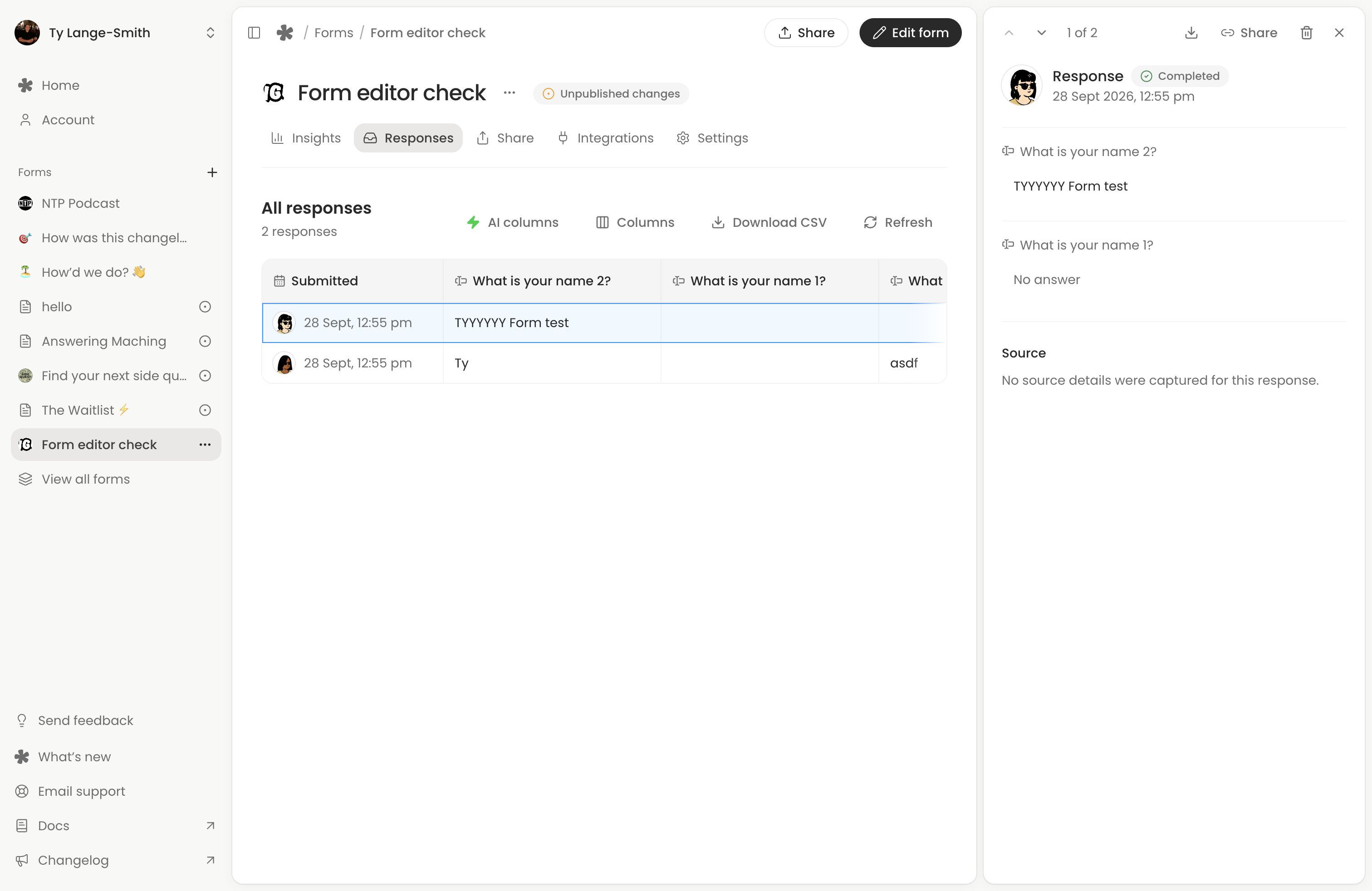
Select a row or card to open its answers. Play voice recordings and download submitted files in the detail panel. Questions use the latest published names and order; questions since removed remain available and are marked Removed. The response retains the question types and choices that person answered, so changing your form does not replace their answers.
Use Columns to choose which question, AI, source and journey columns you see in the table. Hiding a column changes your view; it does not remove the answer or exclude it from exports.
Complete and partial
Completed responses have been submitted. When Partial submissions is enabled on a Creator form, people who started without submitting can also appear, marked Partial. Use Filter by status to choose all, completed or partial responses when that filter is available. On phones, the status choices appear above the response cards.
Partial written answers normally expire after 30 days without a change unless completed, or sooner when you choose a shorter automatic deletion period. Recordings and files are attached on submission. Partials cannot be edited or shared. Saved progress and partial submissions explains the difference between a respondent returning to their answers and you seeing an unfinished submission.
Use AI columns
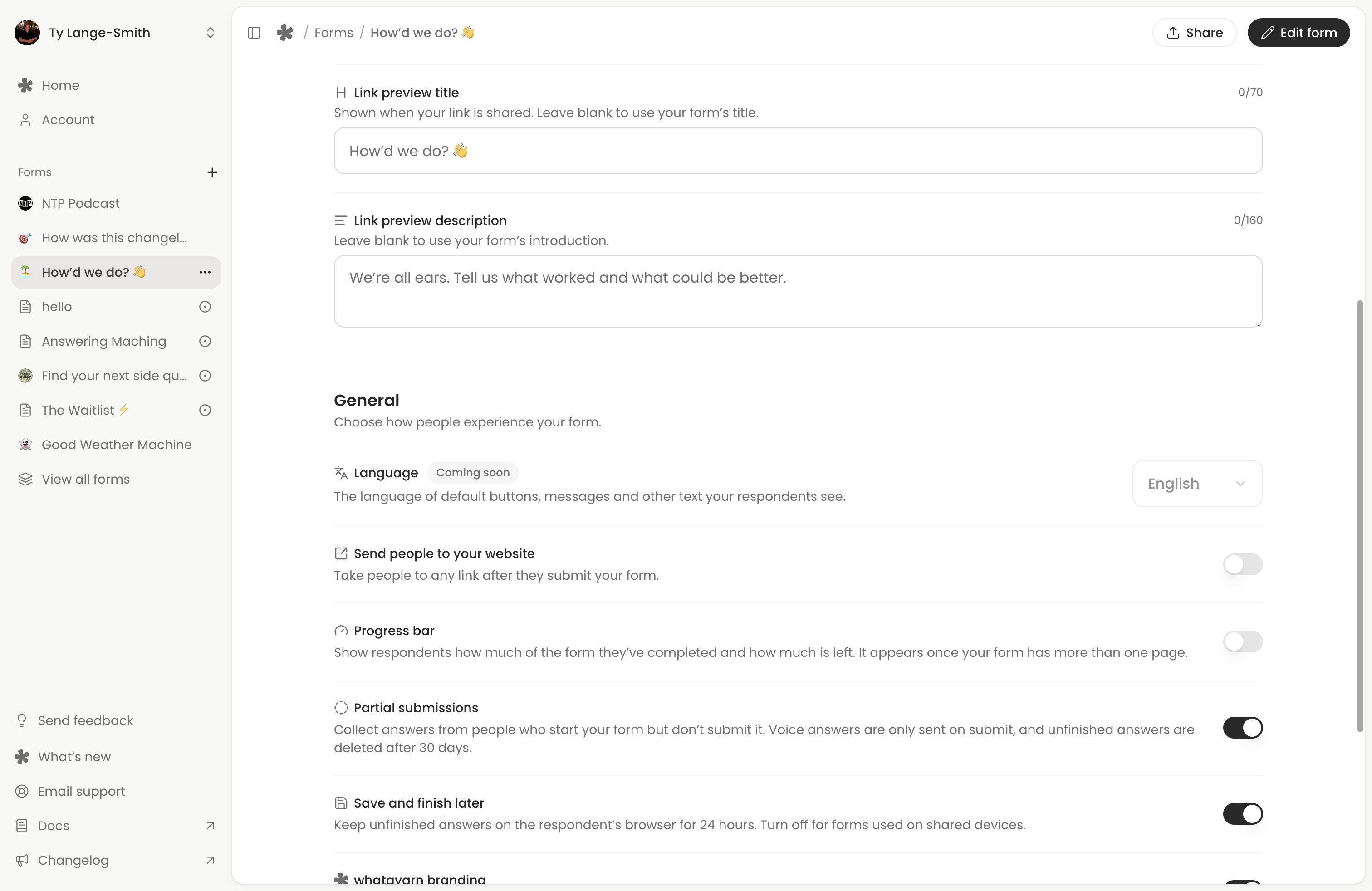
Choose AI columns, then Add AI column, to organise completed responses with Spam, Sentiment, Urgency or Needs reply. These standard columns are included on Free. Creator supports custom questions, possible answers and rules.
AI reads selected written answers, choices and ratings. It does not listen to recordings or read files. Open a completed response to review or correct an AI answer. The AI columns guide covers setup, Unsure, manual corrections and Let AI decide.
To narrow the list to one AI result, select that answer in Insights. Responses opens with an AI filter chip. Clear the chip to see other results again; the status filter still applies.
Correct an answer
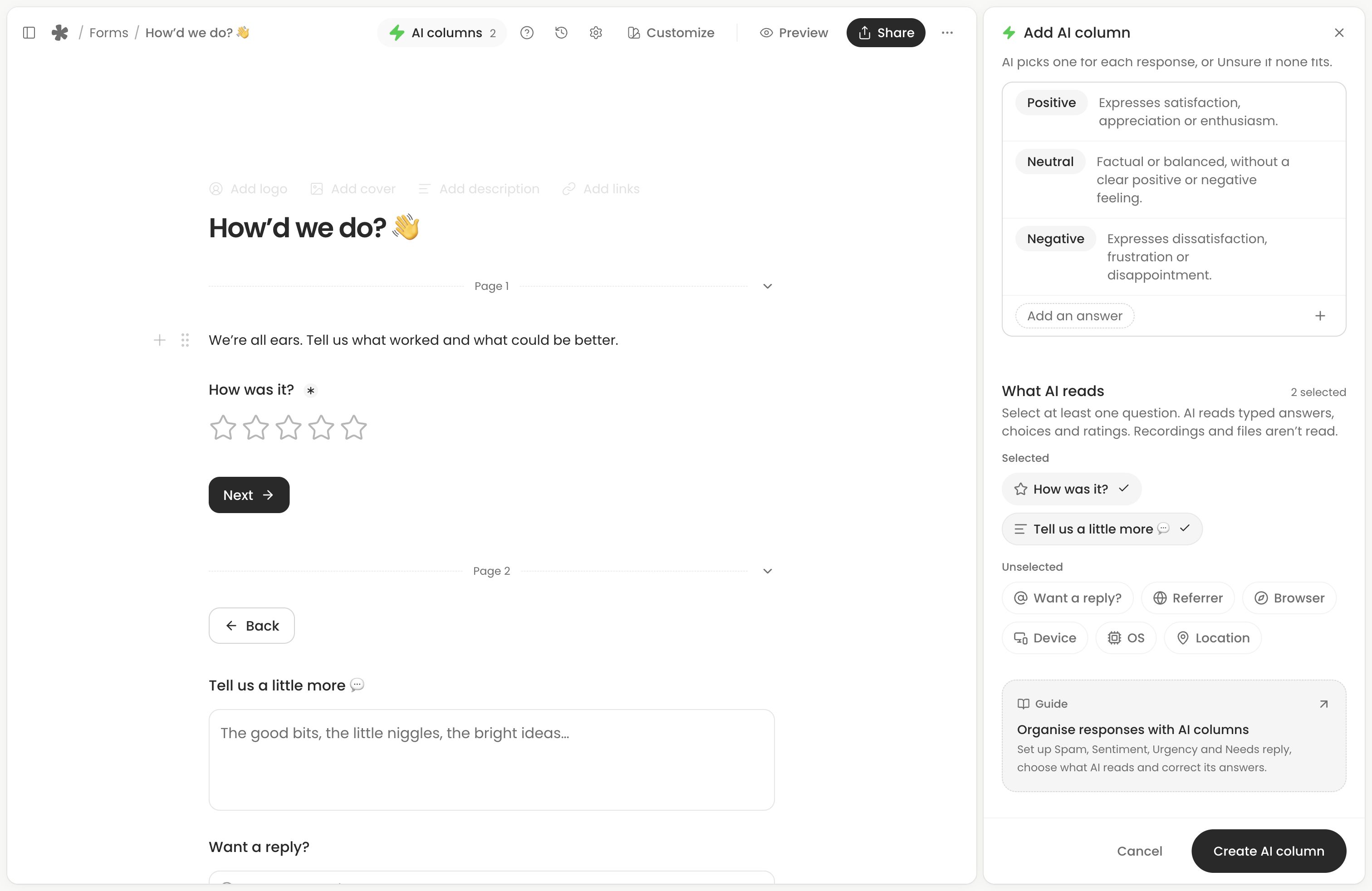
Open a completed response and select the answer you want to change. You can correct written answers, choices, ratings, scales, dates and times, including unanswered optional questions. Recordings, uploaded files, rankings, matrices and signatures cannot be changed here; a typed alternative to a voice answer can be edited.
- For a single-line text answer, press Enter or click away to save. For multiline text, use CommandEnter on Mac or ControlEnter on Windows, or click away.
- For choices, ratings and scales, pick the new answer. Multiple-choice changes save when the menu closes.
- For a date with a time, choose both and use Save.
- For a time, choose it and use Save.
- Press Escape to undo an unsaved change. If saving fails, use Retry or Undo change beside that field.
An Edited marker opens the original answer and Revert to original. It preserves the first original, rather than a history of every edit. Reverting saves that original again and clears the marker.
The table, CSV and shared response show the corrected answer. Automatic AI columns recheck it; manual AI corrections are kept. The submission date, response count and previously sent notification email do not change.
Download and export
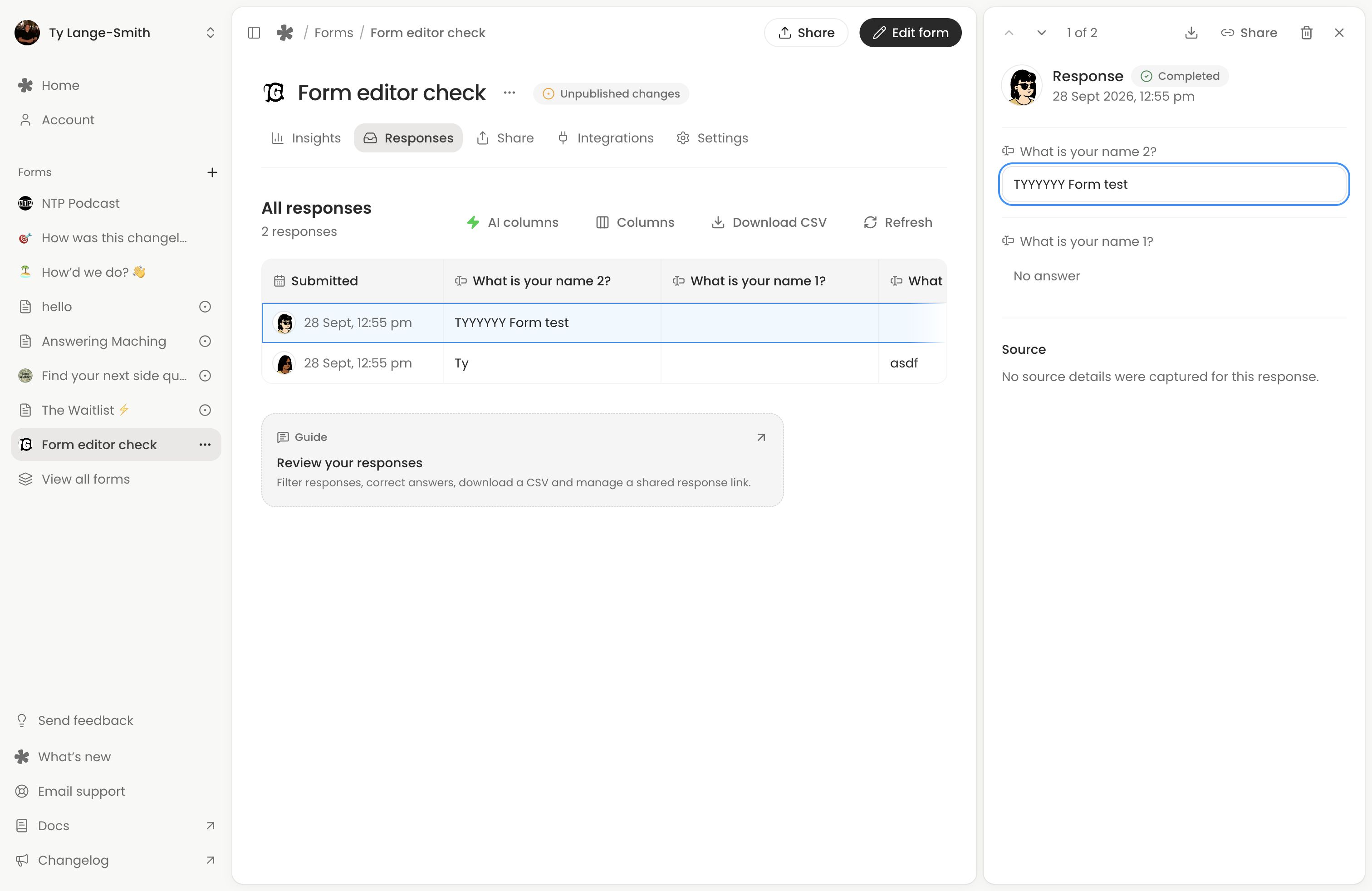
Choose Download CSV above Responses to export all matching responses, including rows beyond those currently loaded. Both the status filter and AI filter apply. Ticked rows are for deletion; ticking them does not narrow the CSV. On phones, find the CSV action in the response tools menu.
The CSV includes answers, AI column results, captured source details, journey details, dates in UTC and a response ID. Time taken exports in seconds, and the answered count as two numbers, so a spreadsheet can sort them. Removed questions are labelled. Column visibility does not narrow the export. Recordings and files appear as download links, rather than being packaged inside the CSV; those owner export links require your account access. A ranking exports as a numbered list, a matrix as each row with its answer, and a signature as Signed; open the response to see the drawing.
For one response, open its details and choose its Download CSV action. Use the recording’s Download control or the file’s download link to save the actual media. Keep copies you need before deleting the response or form.
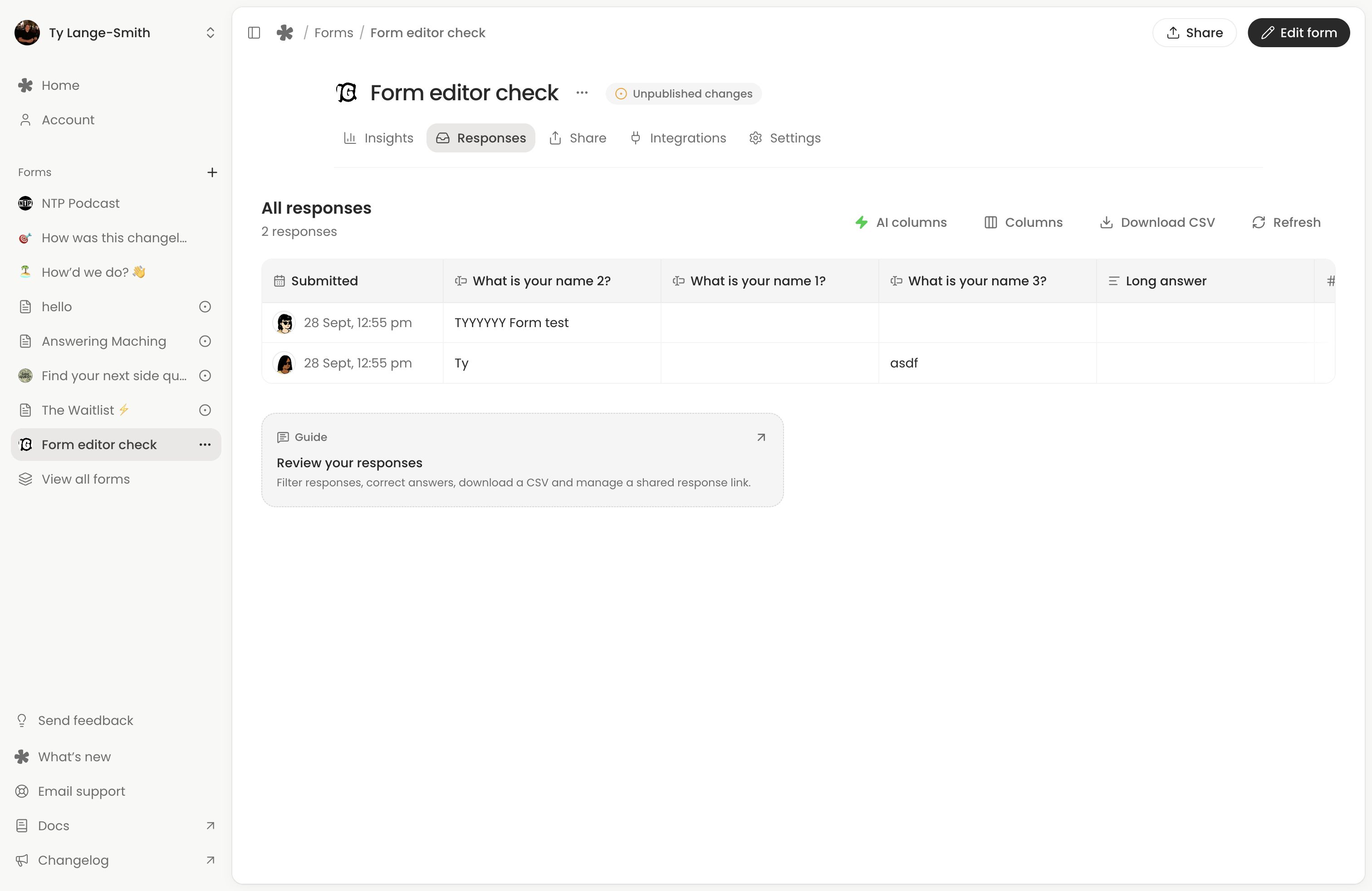
Share one completed response
- Open the completed response and choose Share.
- Turn on Allow anyone with the link.
- Choose Copy link, or open the shared page to check it before passing it on.
Anyone with that link can read all current answers, including contact details, play and download recordings, download files, see AI answers and confidence, and see captured source details such as referrer and approximate location. They can also download a one-row CSV with shared media links. Original answer history and private unpublished form changes are not shown.
The shared page reflects later answer corrections and AI results. Sharing a response is separate from publishing the form or pausing submissions. A shared response also links back to its form.
To revoke access, reopen Share and turn off Allow anyone with the link. That disables the shared page, its CSV and its media links. Re-enabling uses the same link. Deleting the response or form also disables access. Revocation cannot remove copies someone has already downloaded.
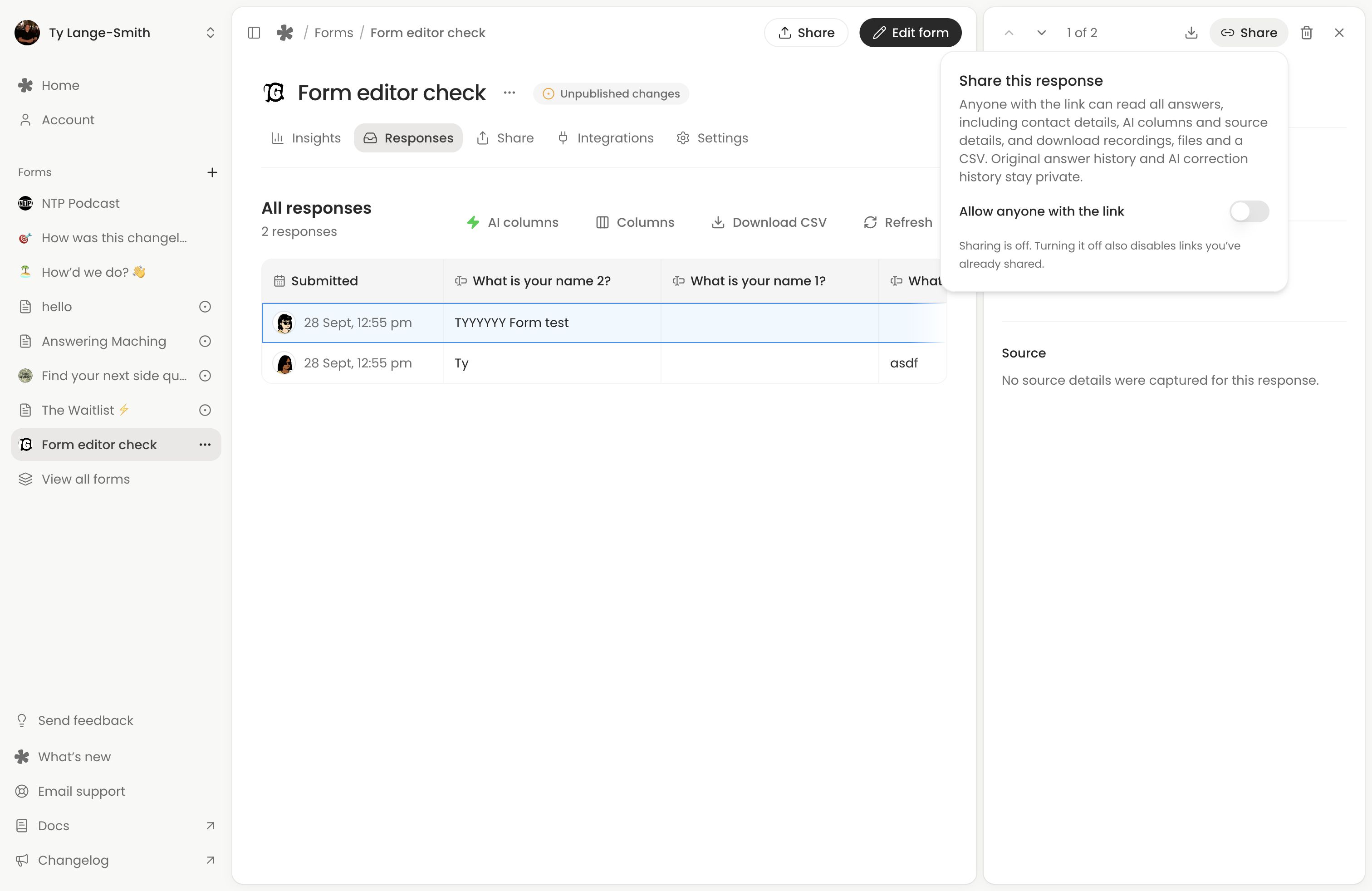
Check visitor details
Creator can show the referring site, browser, device, operating system and approximate location captured with a response. Details may be missing on older responses or unavailable from the browser or network. They provide context rather than verified identity. Open Columns and use its Automatic group to choose the source details shown in the table.
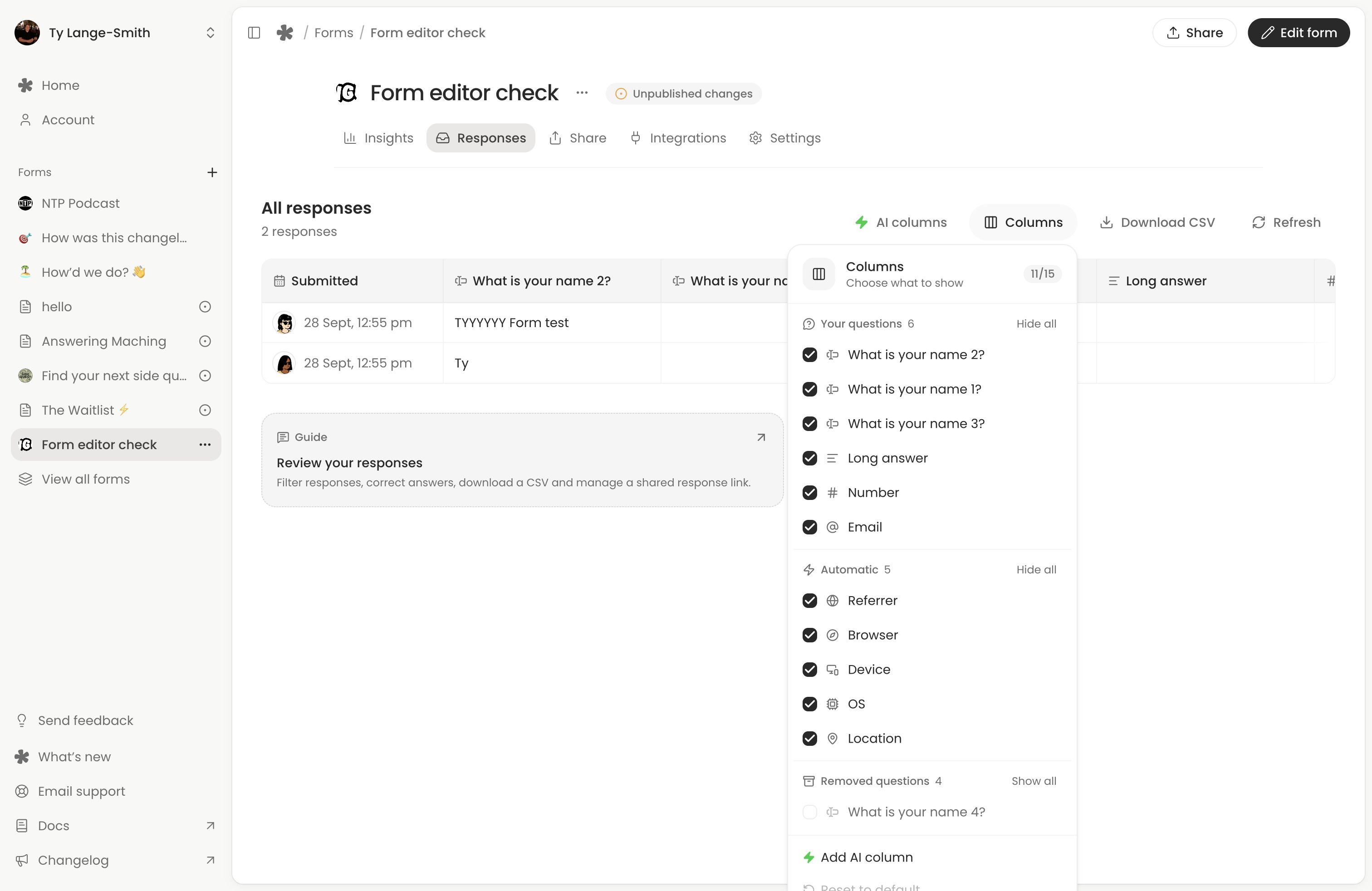
See how each response was answered
The Journey group in Columns shows how each person answered, on every plan:
- Time taken: time spent answering, from opening the form to sending it. Time away is left out, so someone who comes back the next day counts the time of each visit, not the day between.
- Answered: how many of the questions they saw got an answer.
- Stopped at: for a partial submission, the question after their last answer, or the page when they answered all of it. It appears once the list includes partials, after 30 minutes without activity.
- Came back: how many times they returned after 30 minutes or more away.
- Changes: how many times they changed an answer they had already given. Edits within a few minutes of each other count once.
- Campaign: the
utm_sourcetag on the link they used, as in Insights.
Sort a downloaded CSV by Time taken to find people who rushed through. These come from the same record as respondent journeys, so the two always agree. They are blank for your own test responses and for responses sent before whatayarn kept these timings.
Delete responses
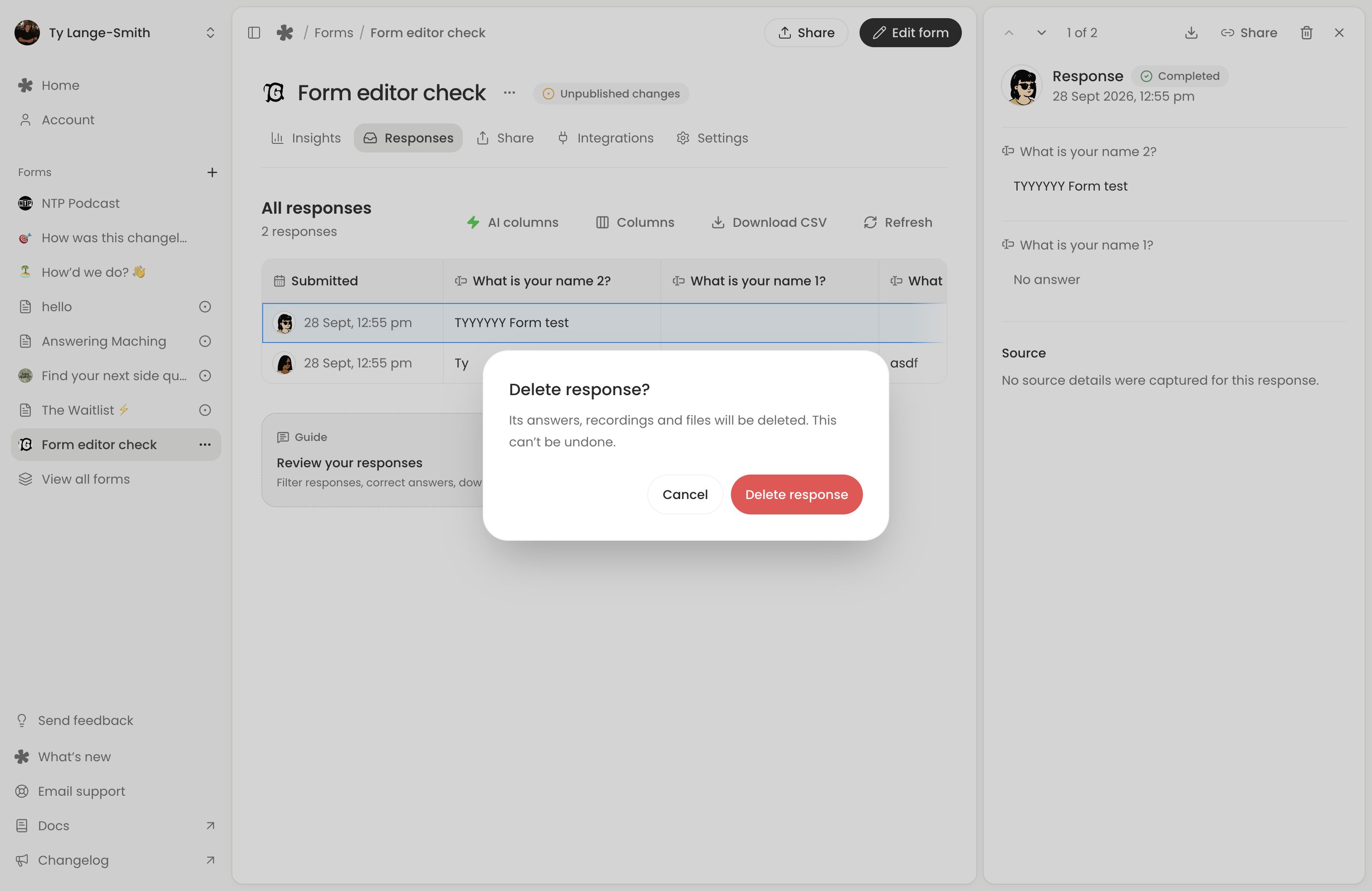
Use the response’s delete action, or select rows and use Delete for a batch. Read the confirmation first: deleting a response also deletes its recordings and files, and its journey in Insights. Selecting all selects the currently loaded rows. Download anything you need to keep before confirming.
Creator lets you set a response data retention period. Download copies you need before their retention period expires; deleted responses, recordings and files cannot be restored.
Existing Classic voice-message pages use Messages (opens in a new tab), with their own listen, bookmark and download controls. See Classic forms and messages.
Next action: Submit a test response, open it here and download its CSV before inviting respondents.