
Start with one question for one group. Decide what you need to learn and what you will do with the answers. A focused feedback form or enquiry form is easier to review than an invitation to tell you everything.
Write a question people can answer
“What is one thing we could improve about yesterday’s workshop?” gives people a clearer starting point than “Any feedback?” Use a rating or choice when you need comparable answers, and text or voice when you need an explanation. Ask for contact details when you intend to follow up.
For inspiration, browse use-case ideas or the worked feedback, enquiry and RSVP examples.
Prepare and test the form
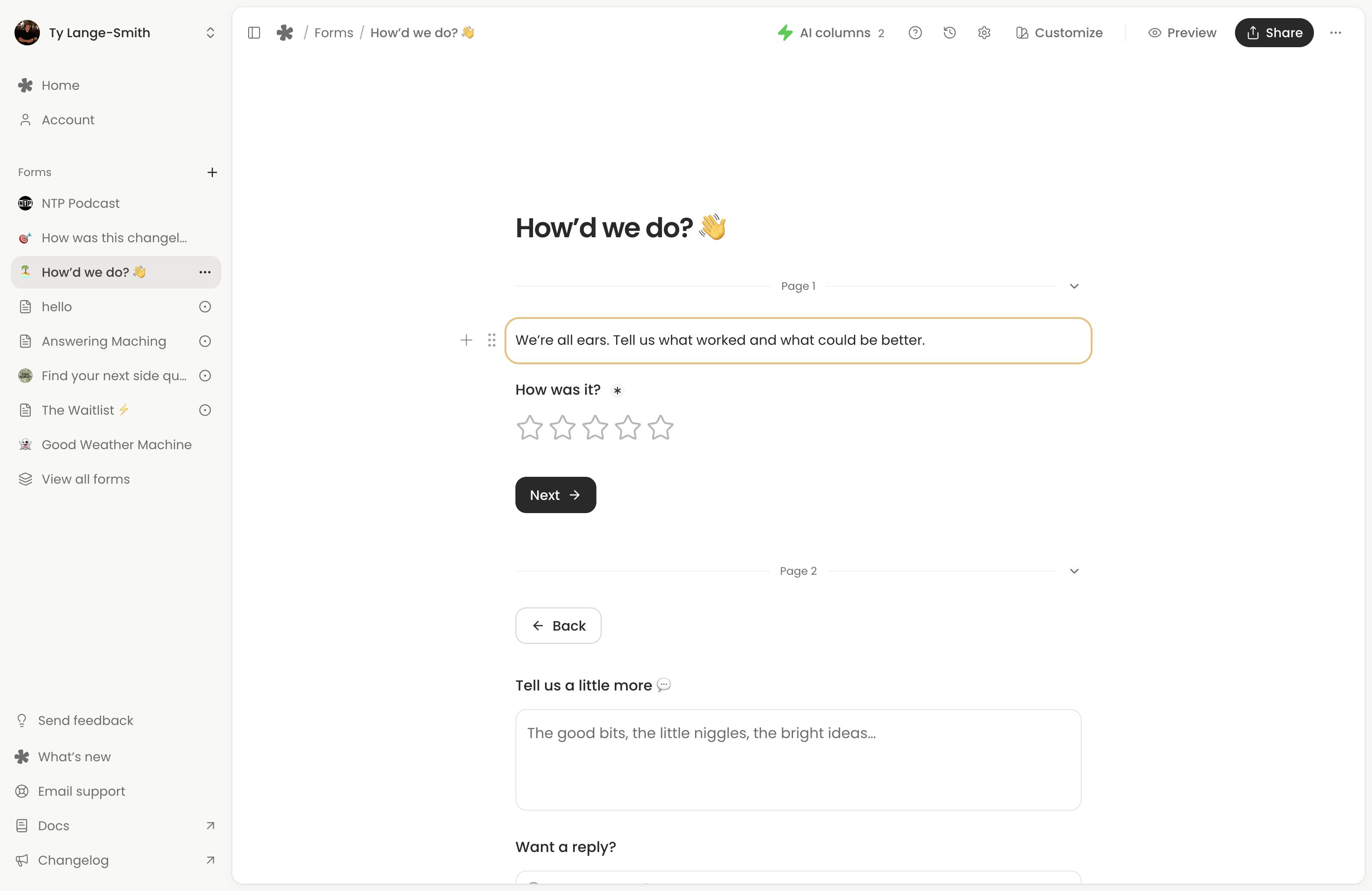
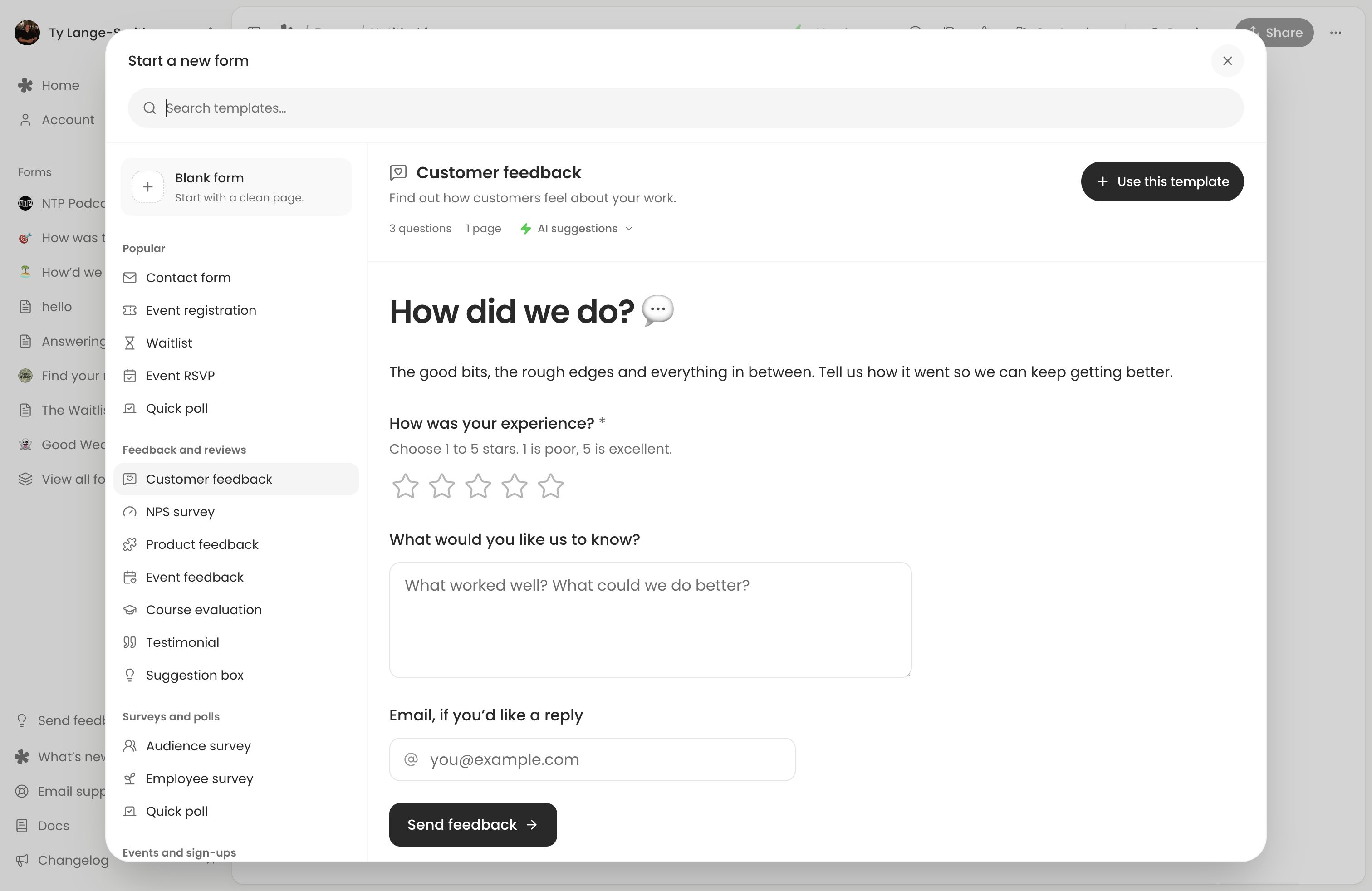
- Open Forms (opens in a new tab), choose New form and pick a template. Customer feedback, Contact form, Event RSVP and Voice message are useful starting points.
- Adapt the title and introduction. Say who the form is for and how you will use responses.
- Review required questions and remove anything you do not need. For voice, check the recording limit and whether respondents can type instead.
- Select Publish changes when the questions are ready. See saving and publishing for how the initial live version differs from later private edits.
- Open the live link on your phone, complete it and submit. Find your test in Responses, including any recording or uploaded file.
Preview helps you check the layout; a live test also checks submission and the answers you receive.
Invite people where they can act
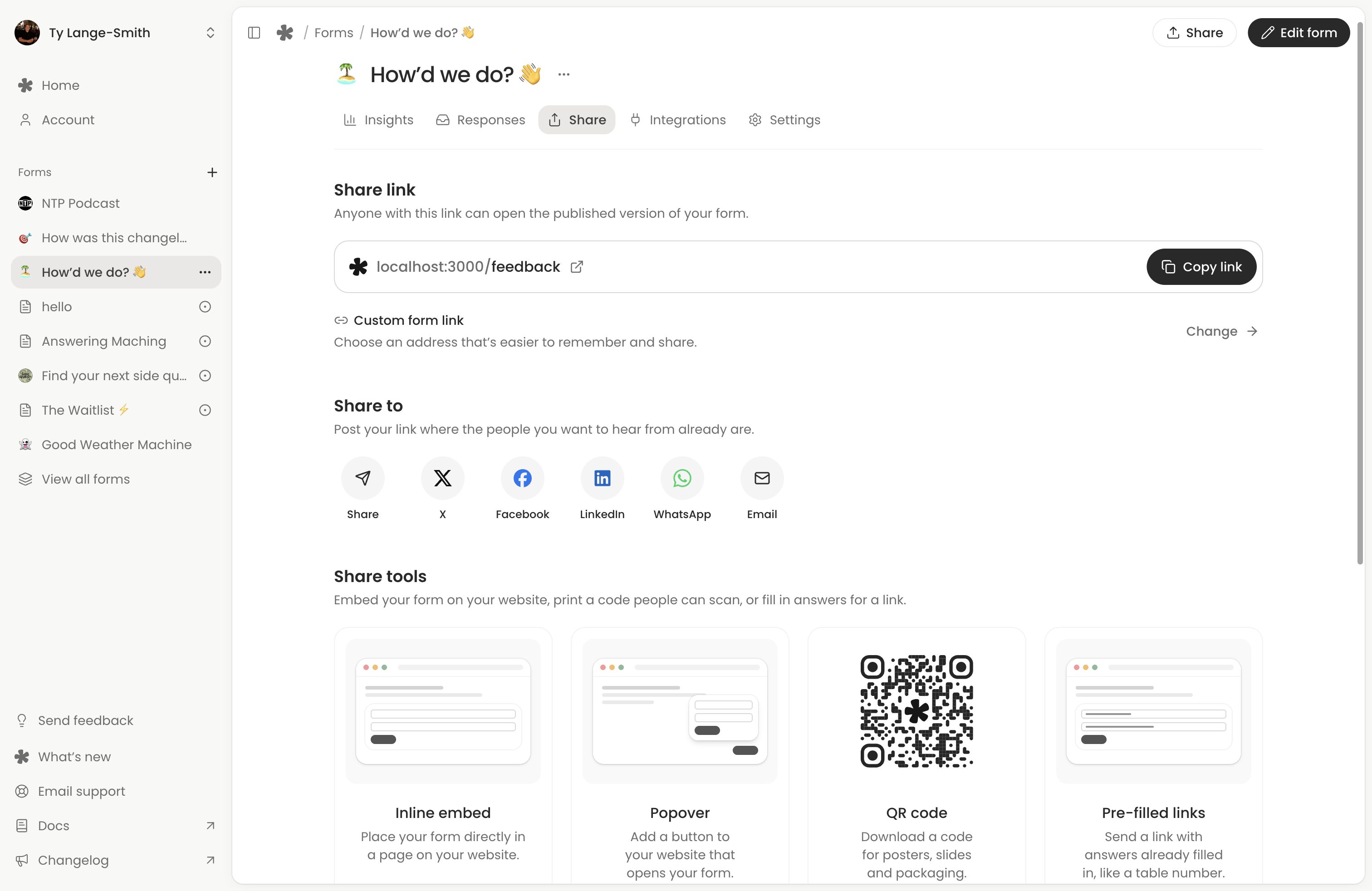
Put the question beside the form link in a newsletter, community post, product page or event material. A tested QR code opens the same form. Explain whether answers stay private or might be included in public content.
A feedback invitation could be:
How was yesterday’s workshop? Give us a rating and one thing we could improve. We read every response to plan the next session. Leave your email if you’d like us to follow up.
A voice invitation could be:
What should we explain in next week’s episode? Leave one question in under a minute, or type it instead. We may play selected recordings in the episode.
For a website, you can also embed the form. Test it where respondents will use it.
Review the first batch
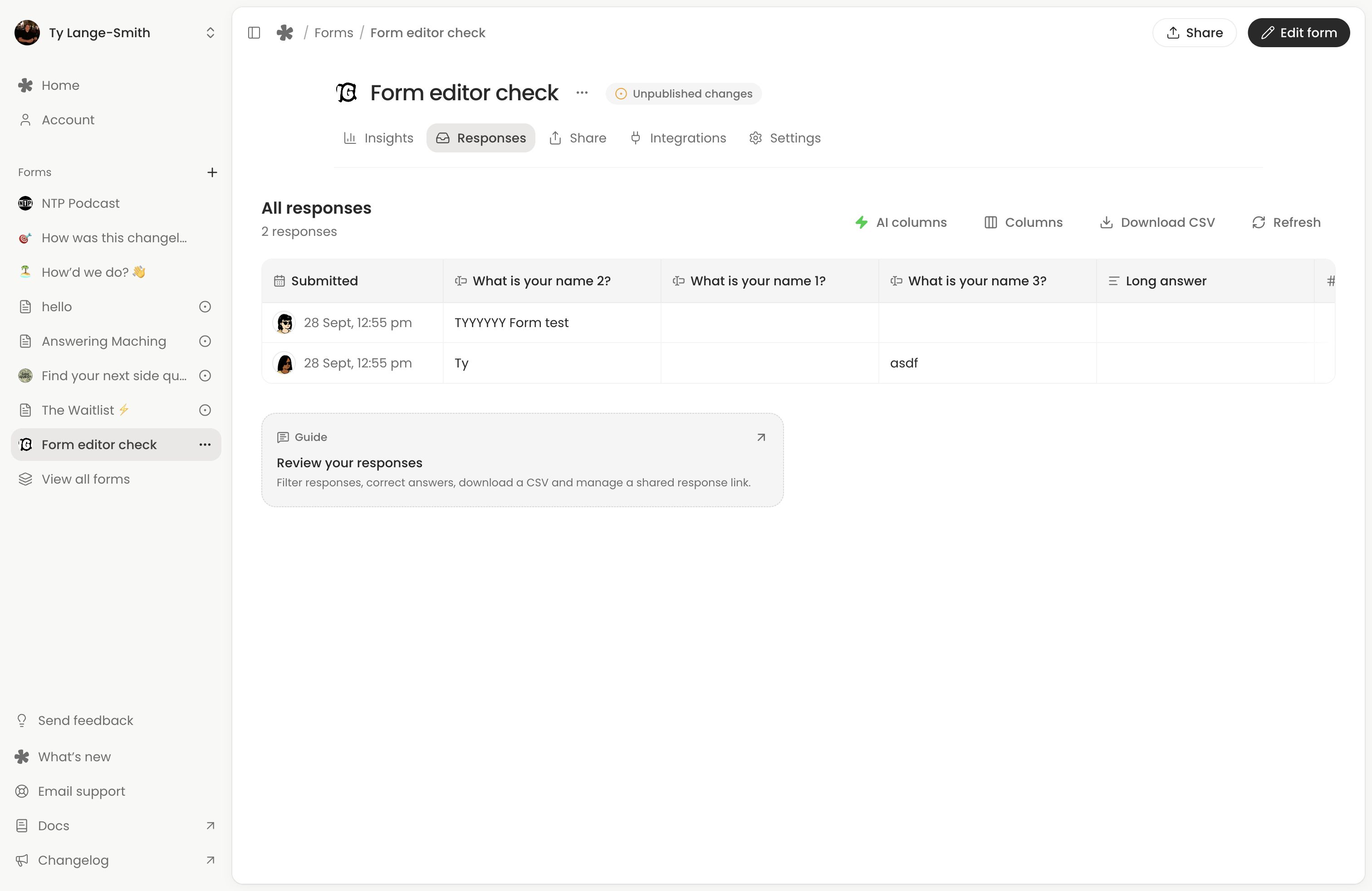
Read whether the responses answer your question. For written feedback, add Sentiment; for questions and enquiries, try Needs reply. AI columns do not read recordings or file contents, so listen to voice responses yourself.
If answers are too broad, narrow the next prompt. If people struggle with required questions, remove requirements you do not need. Publish the revision before inviting the next group. Use Insights to compare starts and completed responses, while keeping the sample size in mind.
Set a time to review and carry out the follow-up you promised. whatayarn collects the answers; you reply, publish findings or make changes through your own workflow.
Next action: Share one tested form with a small group and set a time to review its responses.