
Choose one theme for a video, newsletter, live session or podcast. Tell people when you will review questions and where you will answer them. A narrow theme helps them decide what to ask and helps you choose what to cover.
Prepare the question form
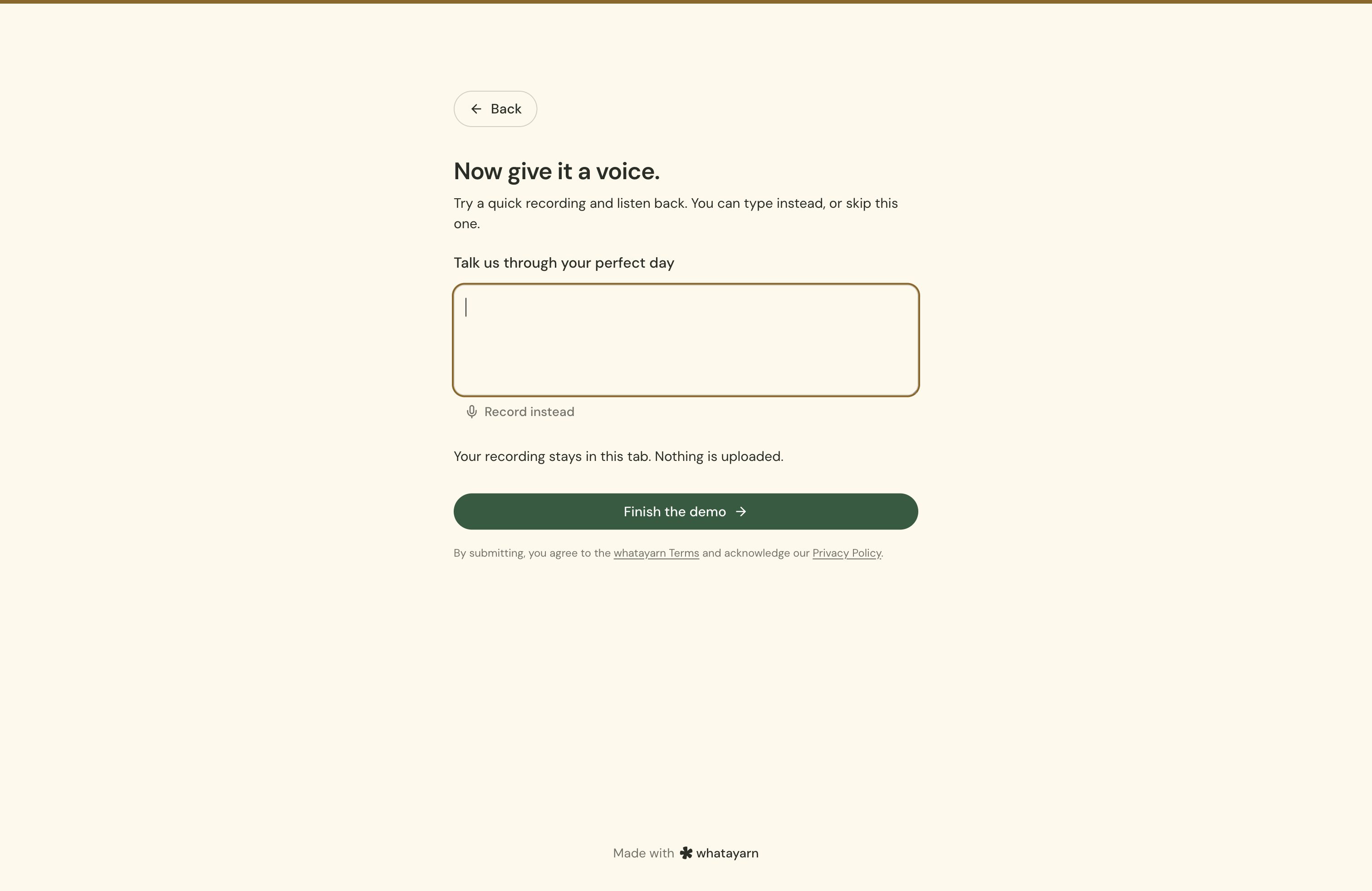
Start with Voice message for a recording prompt or Contact form for written questions. Adapt the template’s title and introduction. Add an optional name if you want to credit contributors, and an email question if you will follow up privately.
For example:
What would you like to know about starting your first garden? Send one question by Friday. We’ll choose a few for next week’s episode. We may play your recording and use your first name.
Match that wording to what you will actually do. If you want explicit permission, add a choice question asking whether you may use the contribution in the show. Give people a way to decline public use if you still want their private questions.
All currently available question types are included on Free. For voice, choose a recording limit and typed alternative. For written questions, ask for one question per response. Publish the complete form and submit a test through the live link.
Share a deadline
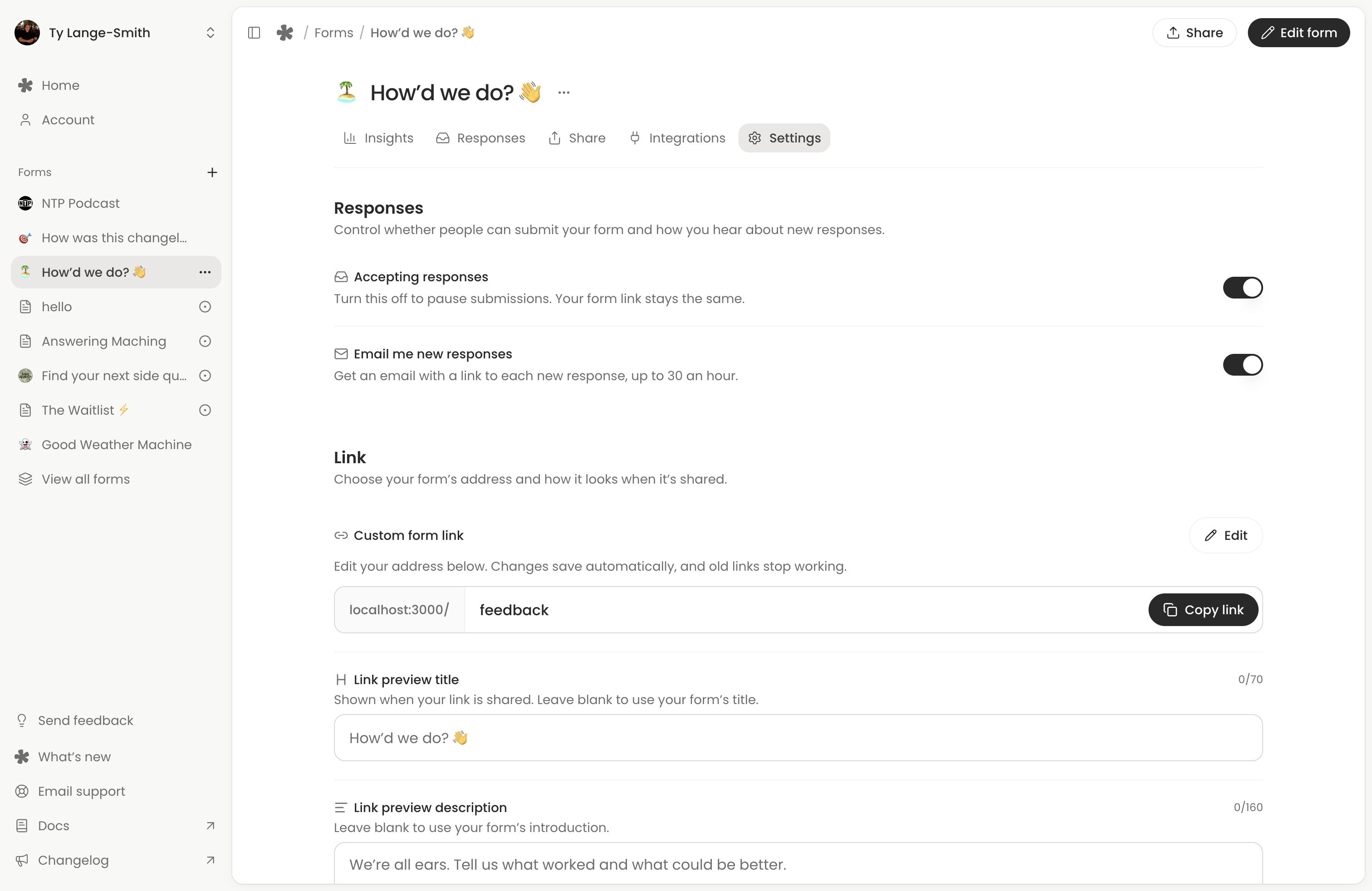
Share the form link with your invitation, theme and deadline. Put it beside the episode, newsletter or event information where people can answer immediately. You can embed it on the relevant page too.
At the cutoff, turn off Accepting responses in Settings if you need to stop receiving more. Closing on a date automatically is coming soon; set a reminder in your own calendar. You can reopen the form later with the same link.
Review and choose
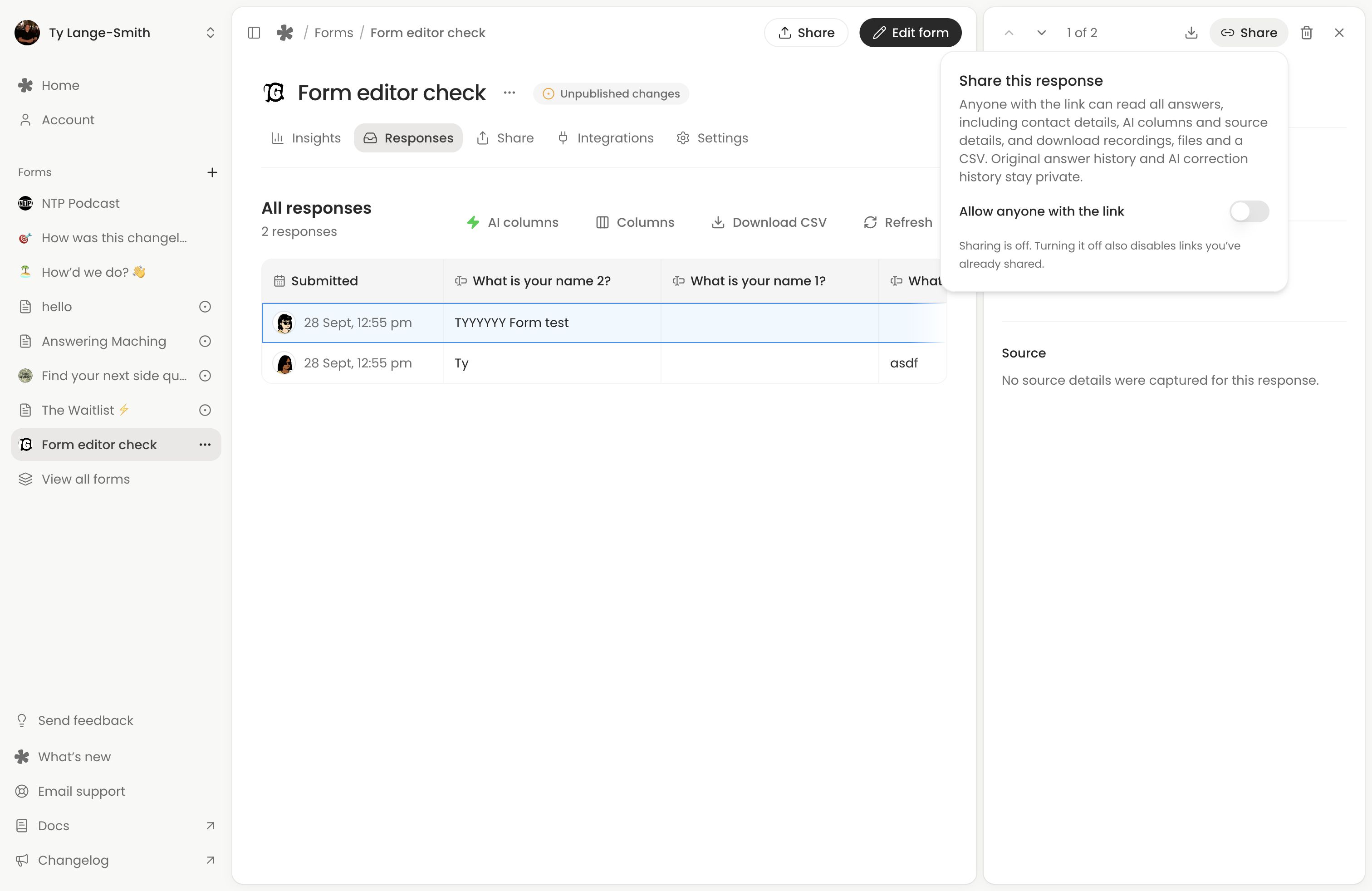
Open Responses, read the questions and play the full voice answers. Check names and permission alongside the contribution. Choose a mix that answers the theme without repeating the same question several times.
Needs reply can help review written requests. Creator custom AI columns can group questions into subjects you define. Standard Topic is no longer offered for new columns. AI does not listen to recordings, so a voice-only question needs your review.
Download the recordings you plan to use. If you share a response link with a collaborator, it exposes all that response’s answers, files, AI results and captured source details; check the sharing instructions first.
Close the loop
Publish or present the answers where you promised. For audio or video, follow Use voice responses in your content and use your normal production tools.
For the next round, change the theme and introduction, select Publish changes, and resume responses if you paused them. The link can stay the same; previous responses keep their submitted answers.
Next action: Create a question form with one theme, a review date and a clear explanation of how contributions will be used.