
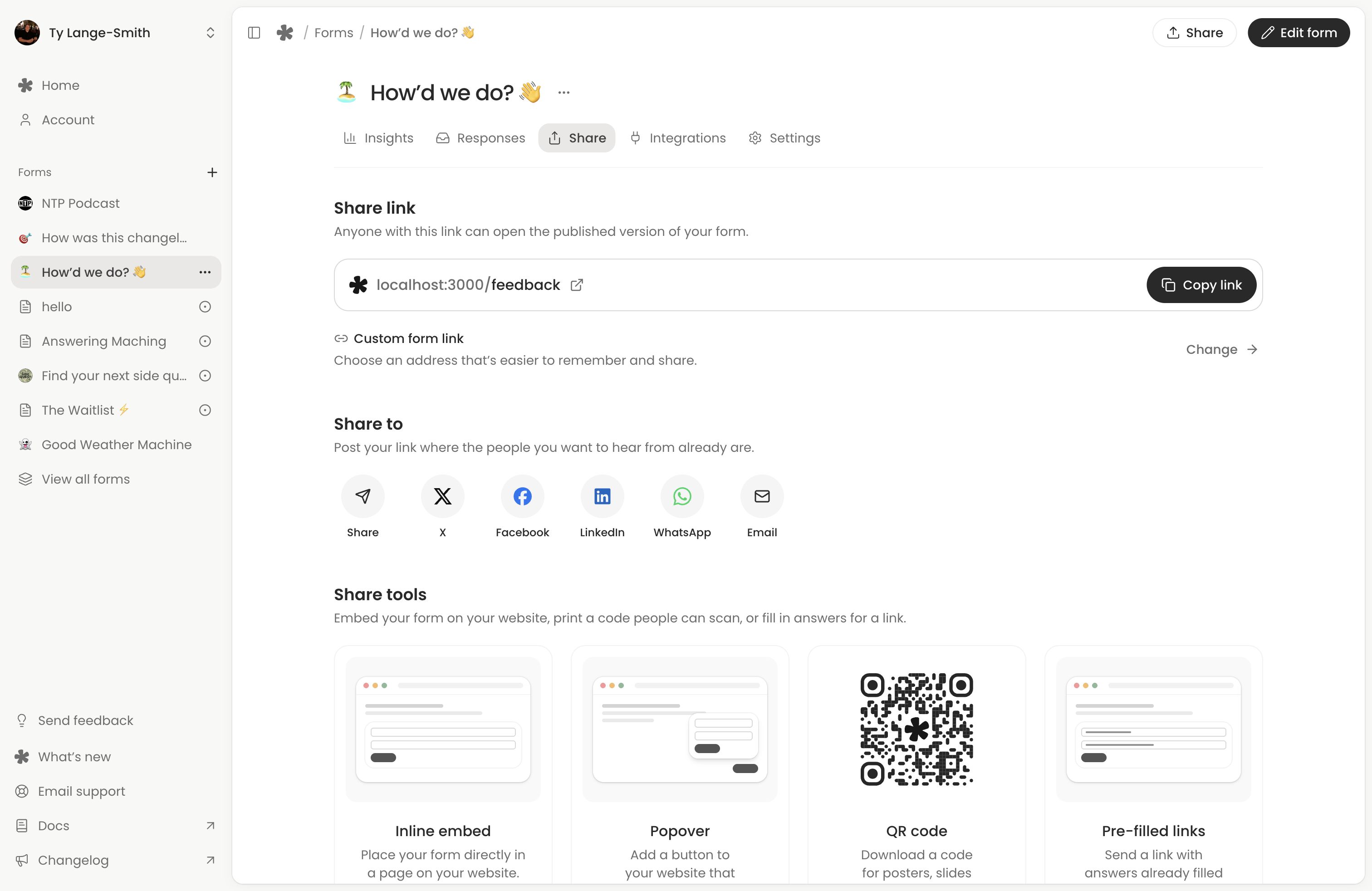
Open the form from Forms (opens in a new tab) and select Share. Use Copy link to get its public address. Anyone with this link can open the published form without a whatayarn account.
Test the destination first
Open the link in another tab or on a phone. Check the questions, complete a test response and wait for confirmation. Return to Responses to check it arrived. A response sent through the live link is a real response; the editor’s Preview does not send one.
Check any notices in Share first. Unpublished changes means people still see your last published version. Not ready for responses means you need to finish the form in the editor. If responses are paused, resume them in Settings.
Opening the editor’s Share button saves pending work without publishing it. Select Publish changes to make later edits public. See Saving, publishing and version history.
Put the link beside the invitation
Use newsletters, social profiles, community posts, website buttons or event materials. Write a specific invitation, such as “Tell us one thing we could improve”. Tell people how you will use their answers and when to expect any follow-up. The sharing shortcuts can prepare an email or social post; review it before sending.
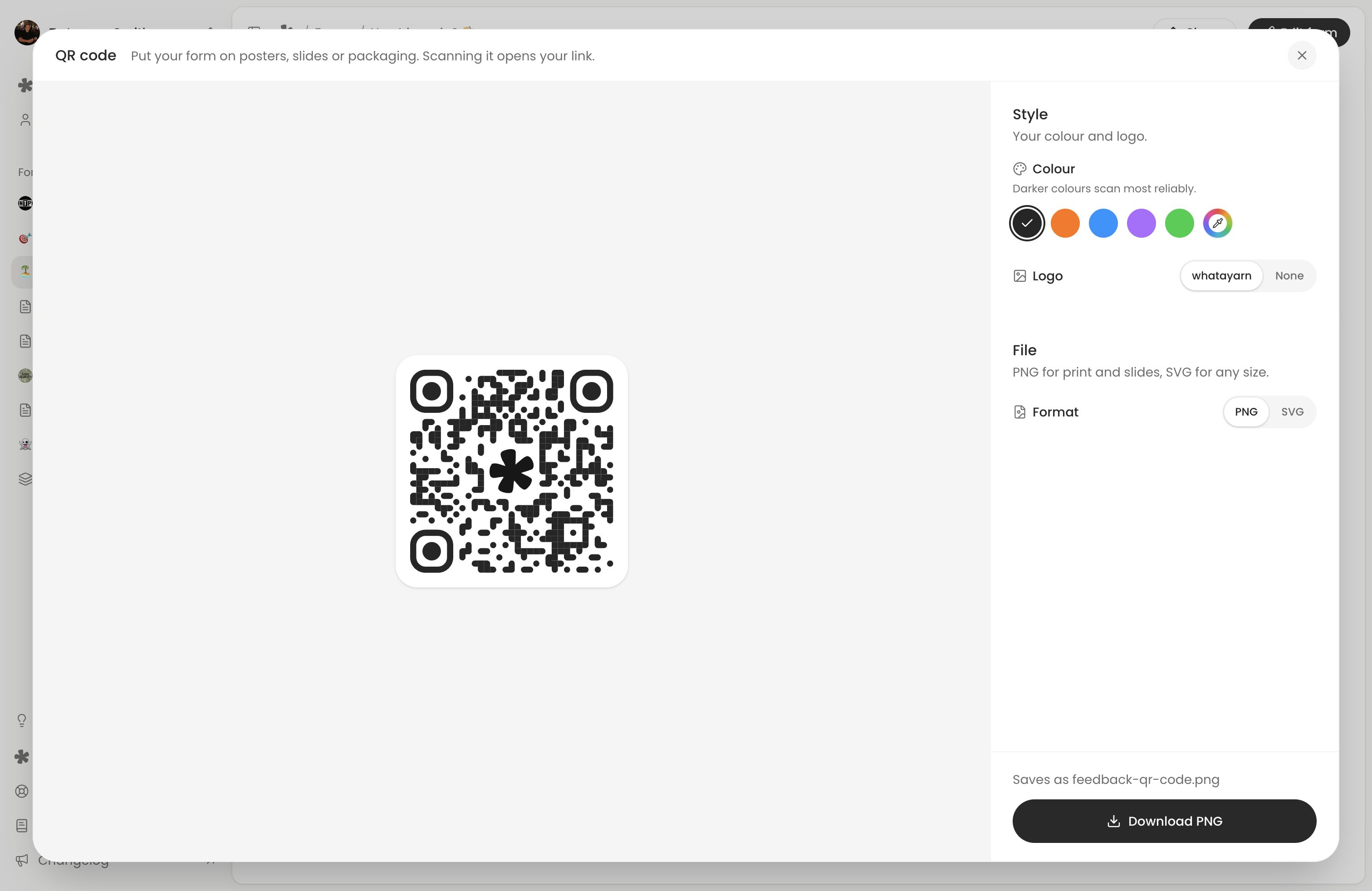
Download a QR code
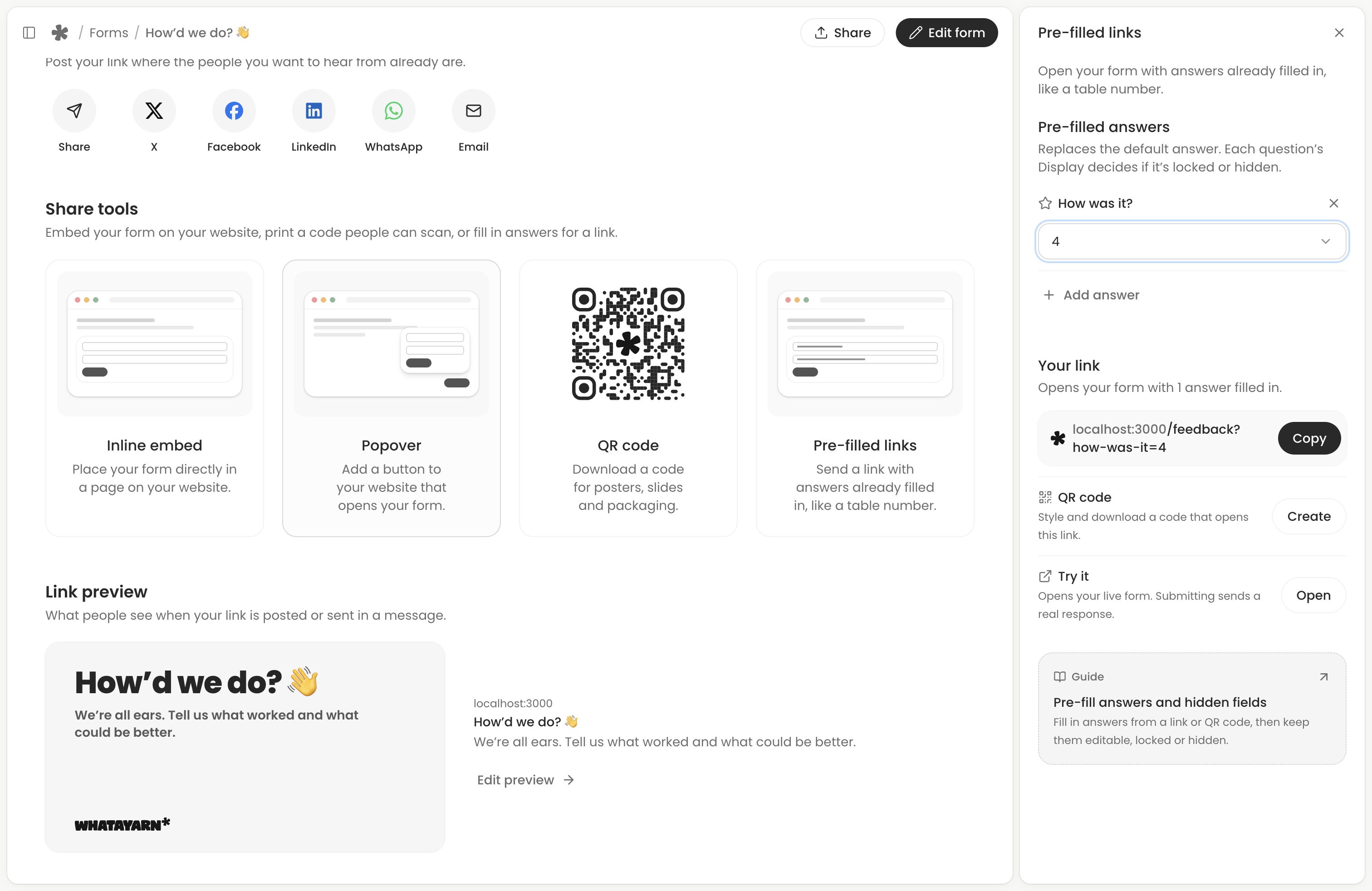
Choose QR code in Share. Both plans can download a standard code as PNG or SVG. Creator unlocks colours and logo choices. Test the downloaded code at its final printed size and keep clear space around it.
The code points to the link shown when you download it. If you change a custom address that the code uses, download a new code and replace distributed copies.
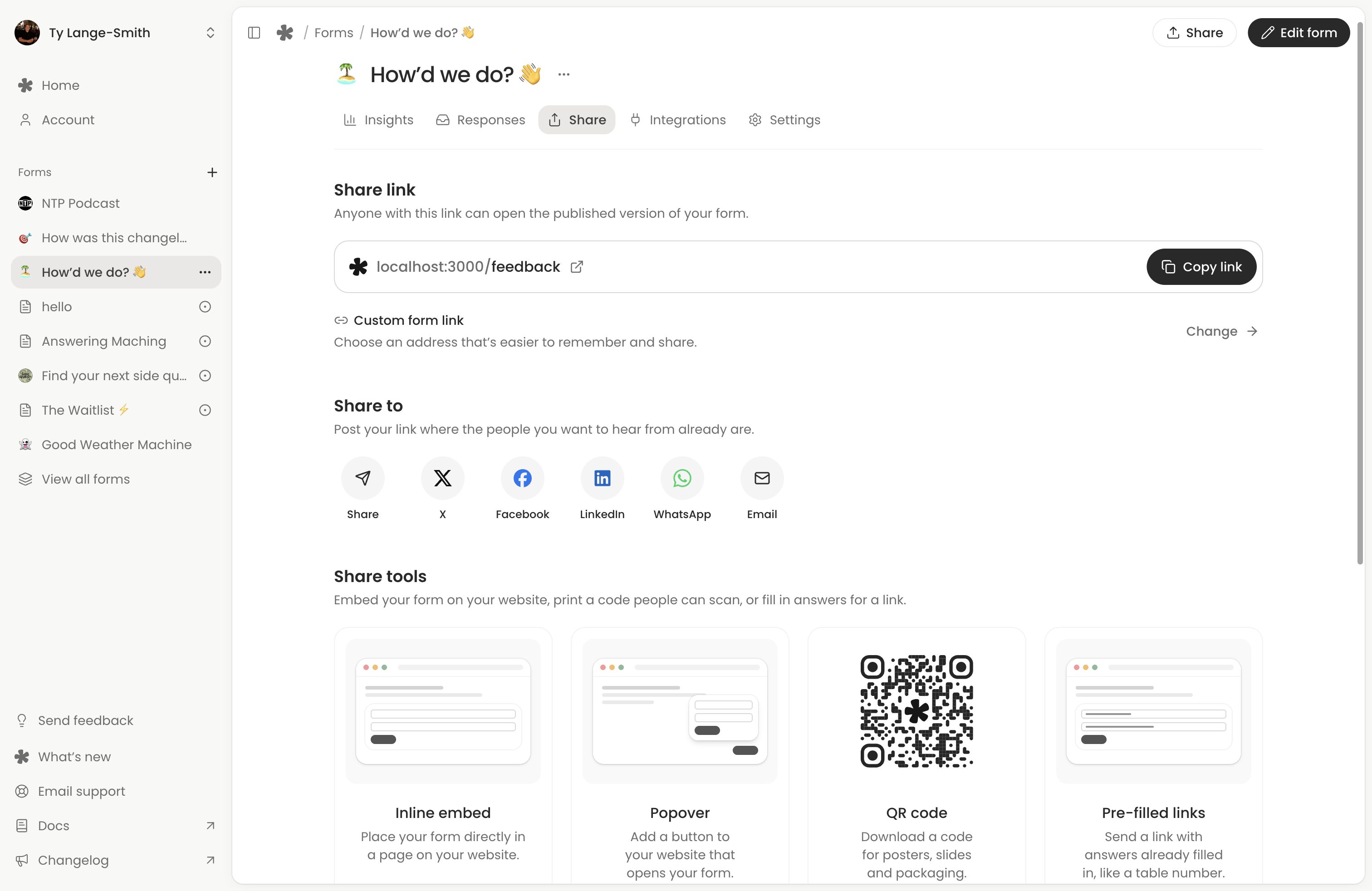
Put the form on your website
Choose Inline embed to put the form inside a page, or Popover to add a floating button that opens it. Both work on Free and Creator. Set the appearance, copy the code and install it in your website’s HTML. See Embed your form for the controls and a testing checklist.
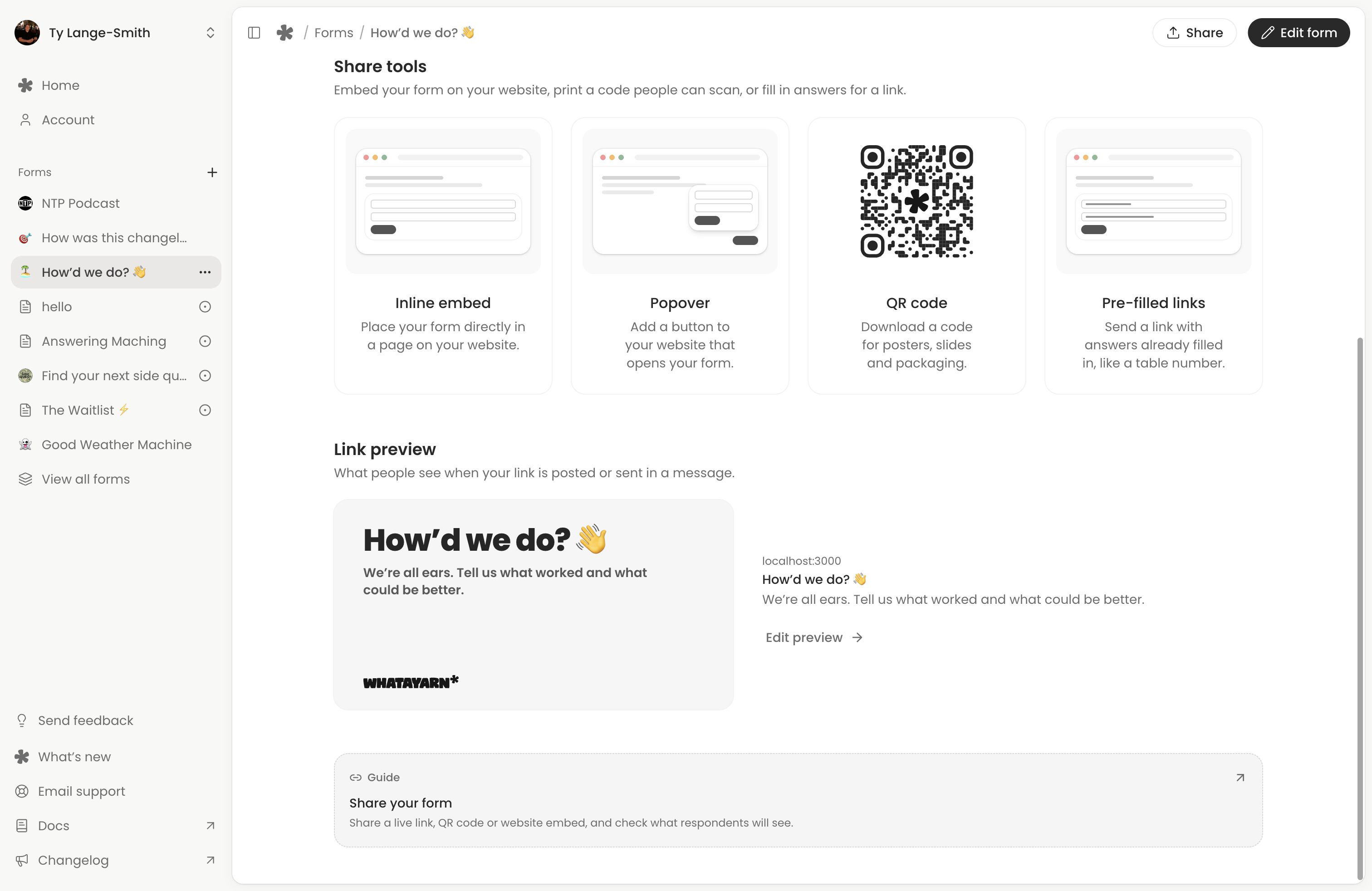
Check the link preview
Share shows the title, description and image used for your link preview. Select Edit preview to change its title and description in Settings. Leaving them blank uses the form’s title and introduction. Custom preview text saves immediately; changes to the form’s logo, cover, title or introduction need publishing.
Fill in answers for a link
On Creator, choose Pre-filled links in the Share page, or Pre-filled in the editor’s Share menu. Make a link with answers already filled in, like a table number, and copy it or download its QR code. See Pre-fill answers and hidden fields.
Keep the address stable
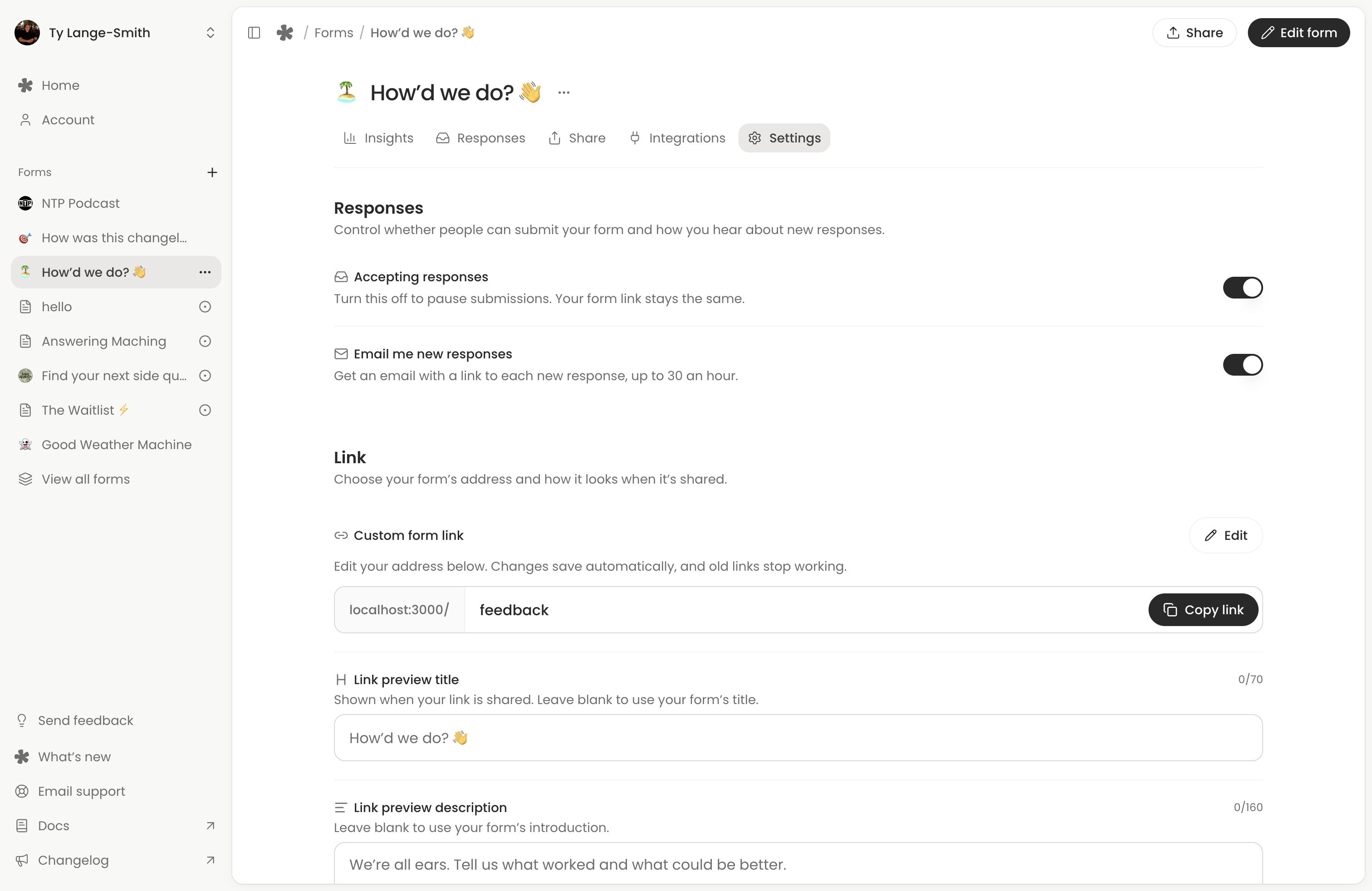
You can update questions and publish changes using the same live link. Each response retains the questions that person saw. Creator can customise how a form’s link ends in Settings, under Custom form link. The generated link works on Free.
Changing a custom address takes effect as soon as it saves, and the previous custom address stops working. Replace links and QR codes that used it. Generated website embeds use a stable form ID and keep working after a custom address changes.
Next action: Share one tested link with a focused invitation.