
Voice answers can sit alongside written questions and contact details in a form. Explain in the introduction whether you may use recordings in a video, episode or other public content. Add a permission question if you need an explicit choice from the contributor.
Review before selecting
Open the form’s Responses and listen to the whole voice answer. Read the other answers for context, including any permission choice. Check names, contact information and material that should stay private. Resolve unclear permission before publishing a contribution.
AI columns do not listen to recordings or transcribe them. A typed alternative can be read by AI, but it does not tell you everything said in an audio answer.
Download the recording
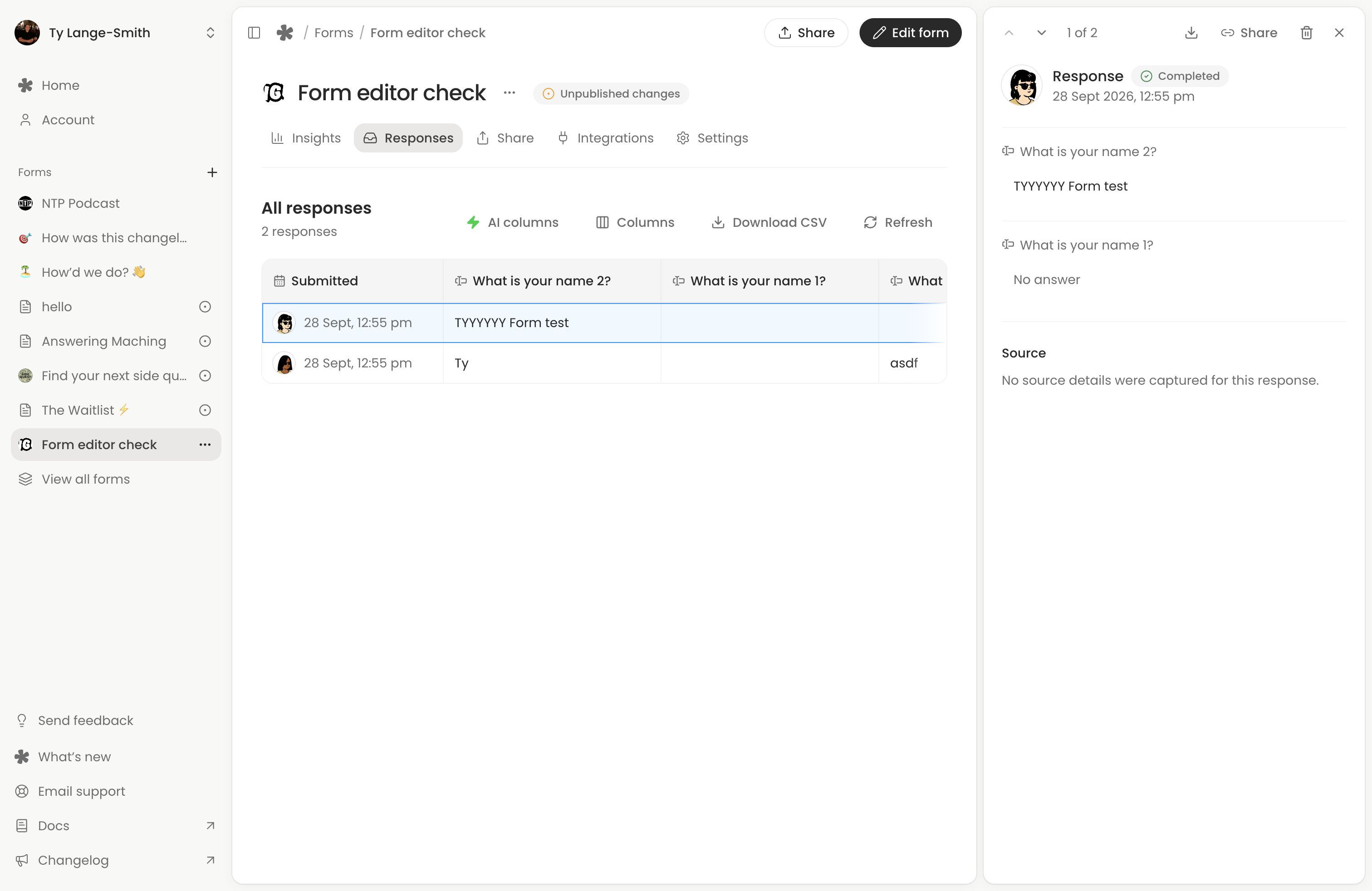
Open the response and use Download beside the recording player. Keep the original and make a working copy for editing. If a form has several voice questions, download each recording you need separately.
A CSV export contains links to recordings, rather than the audio files themselves. Download the actual recordings before deleting a response or form. Existing Classic voice-message pages have their separate recording downloads in Messages (opens in a new tab); see Classic forms and messages.
Share a contribution with a collaborator
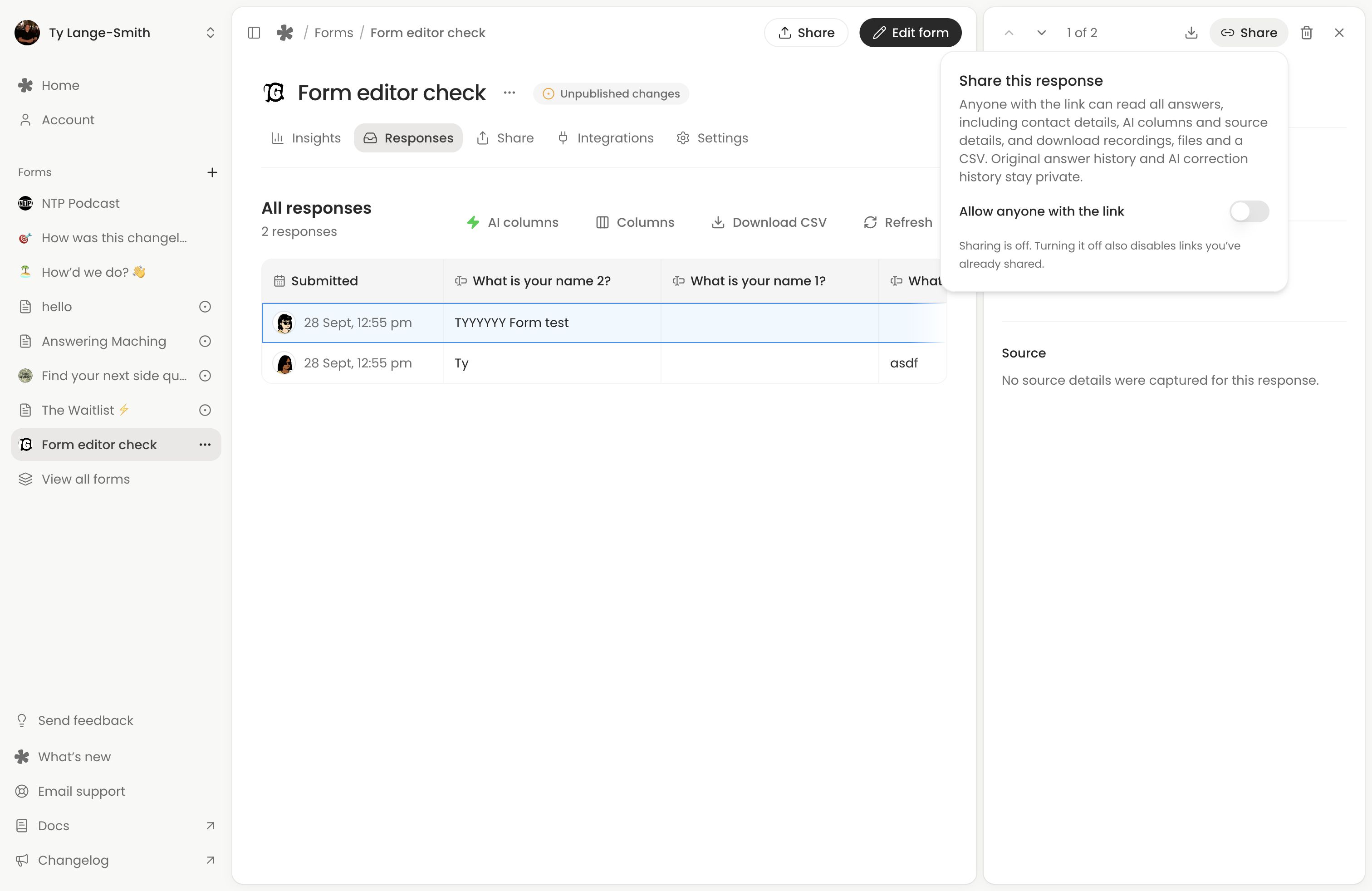
For a completed response, choose Share, enable Allow anyone with the link and copy the response link. Anyone with it can read all answers, including contact details, see AI results and captured source details, and download recordings, files and a one-row CSV. Review the whole response before passing the link on.
This is access to the full response, not a public-use permission from its contributor. For an audio-only handoff, download the recording and use your usual file-sharing workflow instead.
When access is no longer needed, turn off the sharing switch. The page and its media links stop working, but downloaded copies remain with whoever saved them. See response sharing for the complete workflow.
Edit and publish in your own tools
Import the recording into your usual editor. Check audio quality, volume and transitions, then listen again to make sure the edit preserves the meaning. whatayarn collects responses; your production tools handle mixing and publishing.
If you need a name or contact correction in whatayarn, you can edit a completed written answer. That does not alter the recorded audio.
Keep only what you need
Record why you selected the contribution and how you may use it. Avoid copying unnecessary personal details into shared production documents. Keep permission information with your working records, and delete responses and downloaded copies when you no longer need them.
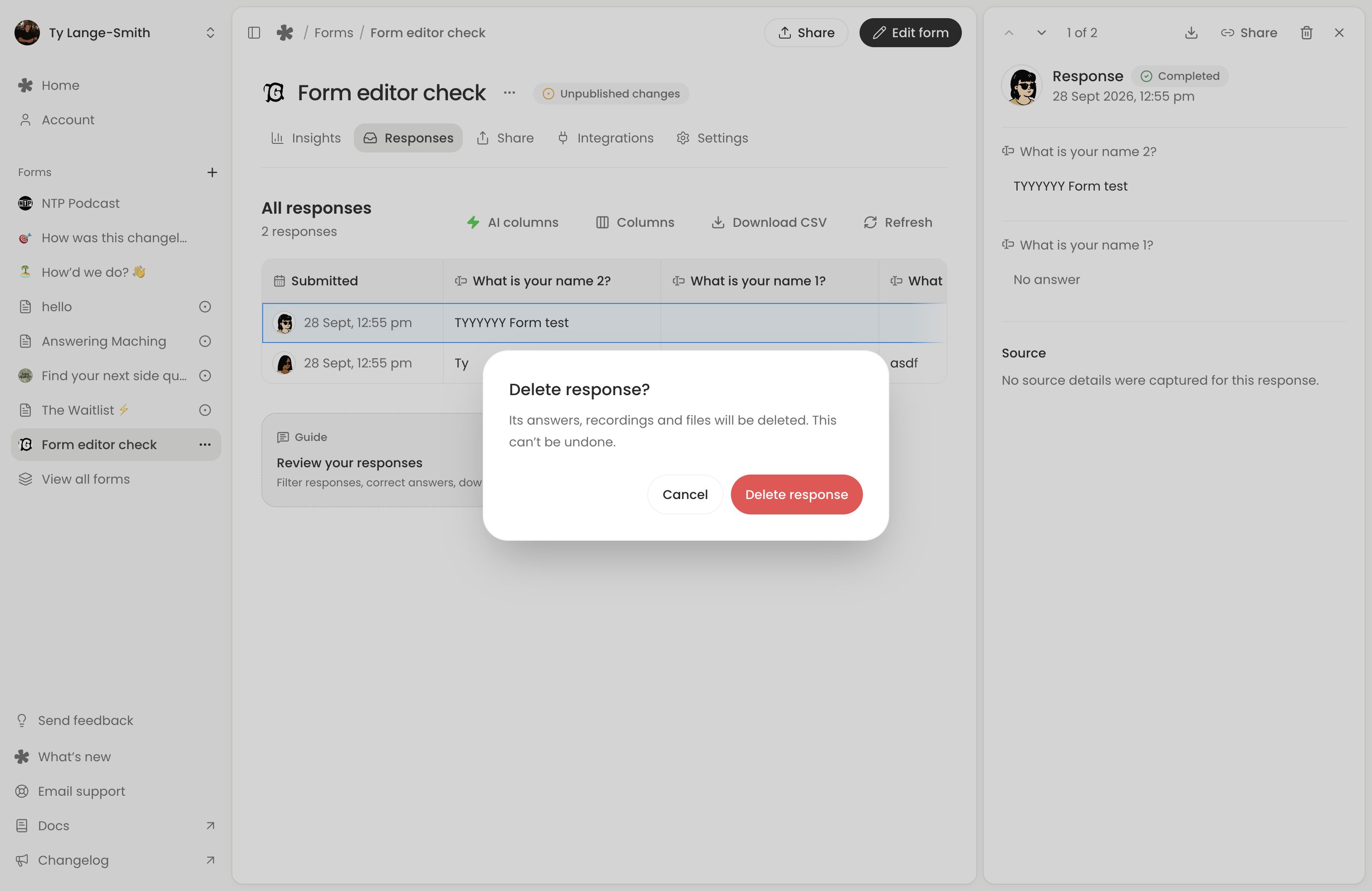
Deleting a response removes its files and recordings and disables its shared link. Download anything you need to retain first.
Next action: Download one test voice answer and check that it opens in your editor.