
Build a small customer-feedback form with a rating, written feedback and an optional voice answer. You can complete this exercise on Free.
Open Forms (opens in a new tab), sign in and select New form. The template gallery opens. Choose Customer feedback, try its preview if you like, then select Use this template. Template previews do not save responses.
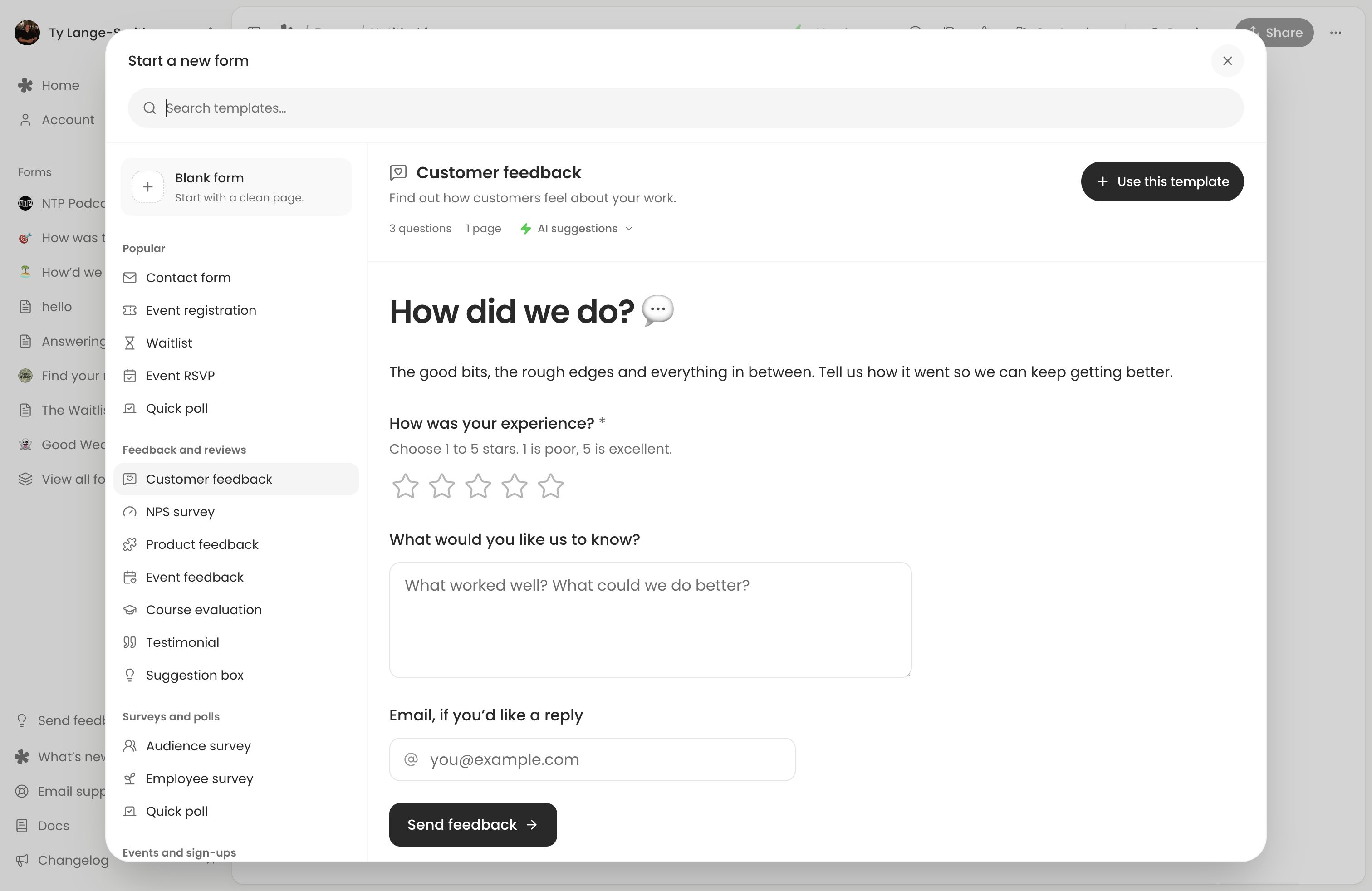
If you prefer a clean page, select Blank form. Opening an empty editor alone does not create a saved form; using a template or making a meaningful edit does.
1. Write a clear introduction
Change the title to Tell us about your visit. Edit the introductory text to explain the request: “How was your visit? Tell us what worked and what we could improve. Leave an email if you’d like a reply.”
The template’s introduction is a text block. You can also use Add description for a short introduction beneath the title. Keep contact details optional when you do not need them for every response.
2. Add questions
Keep the template’s required How was your experience? rating. Open its block menu and check that Stars is set to 5 and Required is on. Its description explains which end of the scale is good.
Keep What would you like us to know? for written feedback and Email, if you’d like a reply for optional contact details.
Add a voice question before the thank-you page:
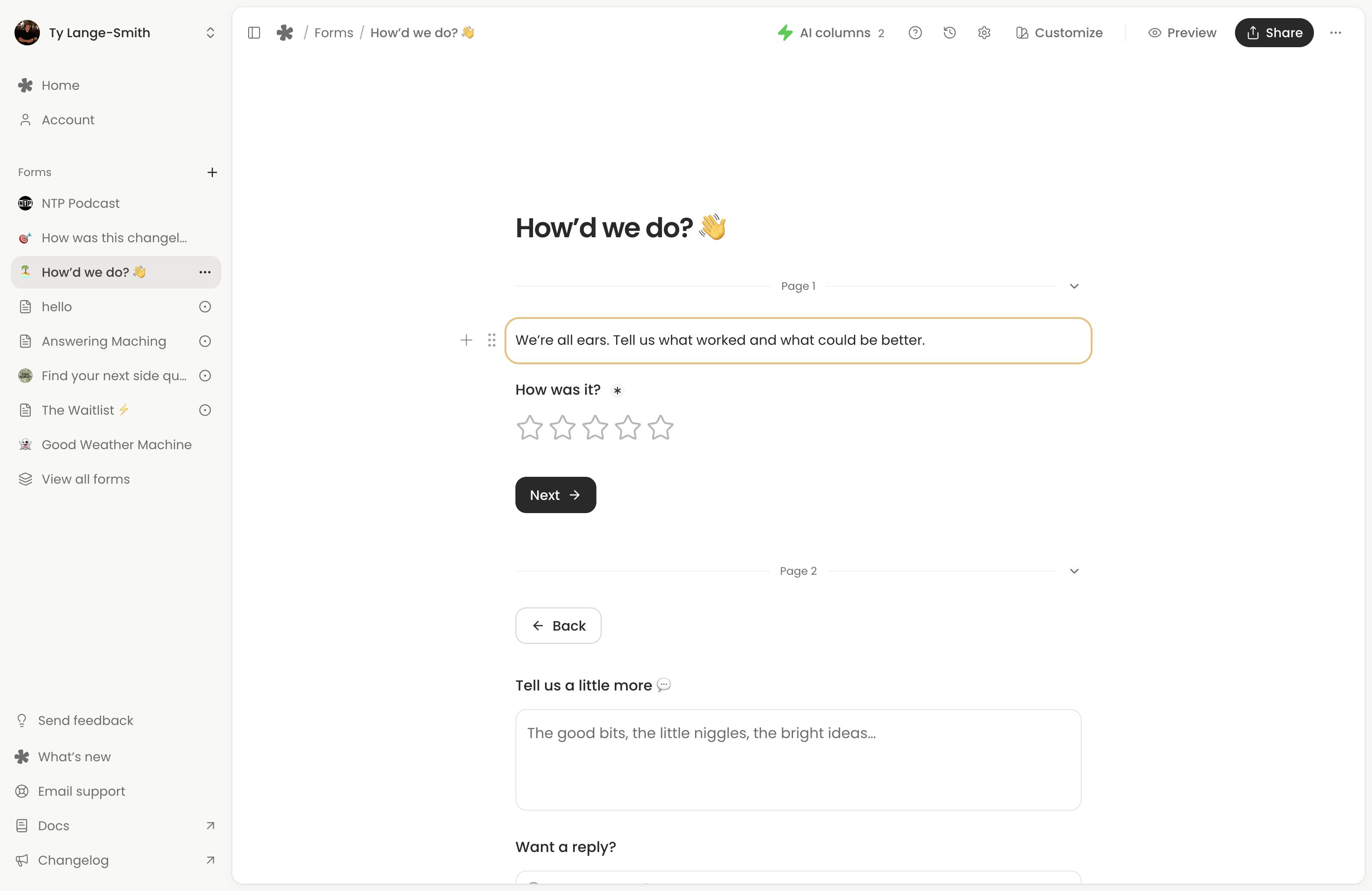
- Click the + in a gap between questions, or type / on an empty line.
- Choose Voice and write “Want to tell us more in your own words?”
- Open that question’s block menu. Leave Required off, choose 1m for Max length, and turn on Allow typed answer.
- Add a description: “Record up to a minute, or type your answer instead.”
The typed alternative belongs to the same voice question. People can use it when recording is inconvenient. See Voice questions for upload options and recording limits.
3. Check the design and live version
Choose the design
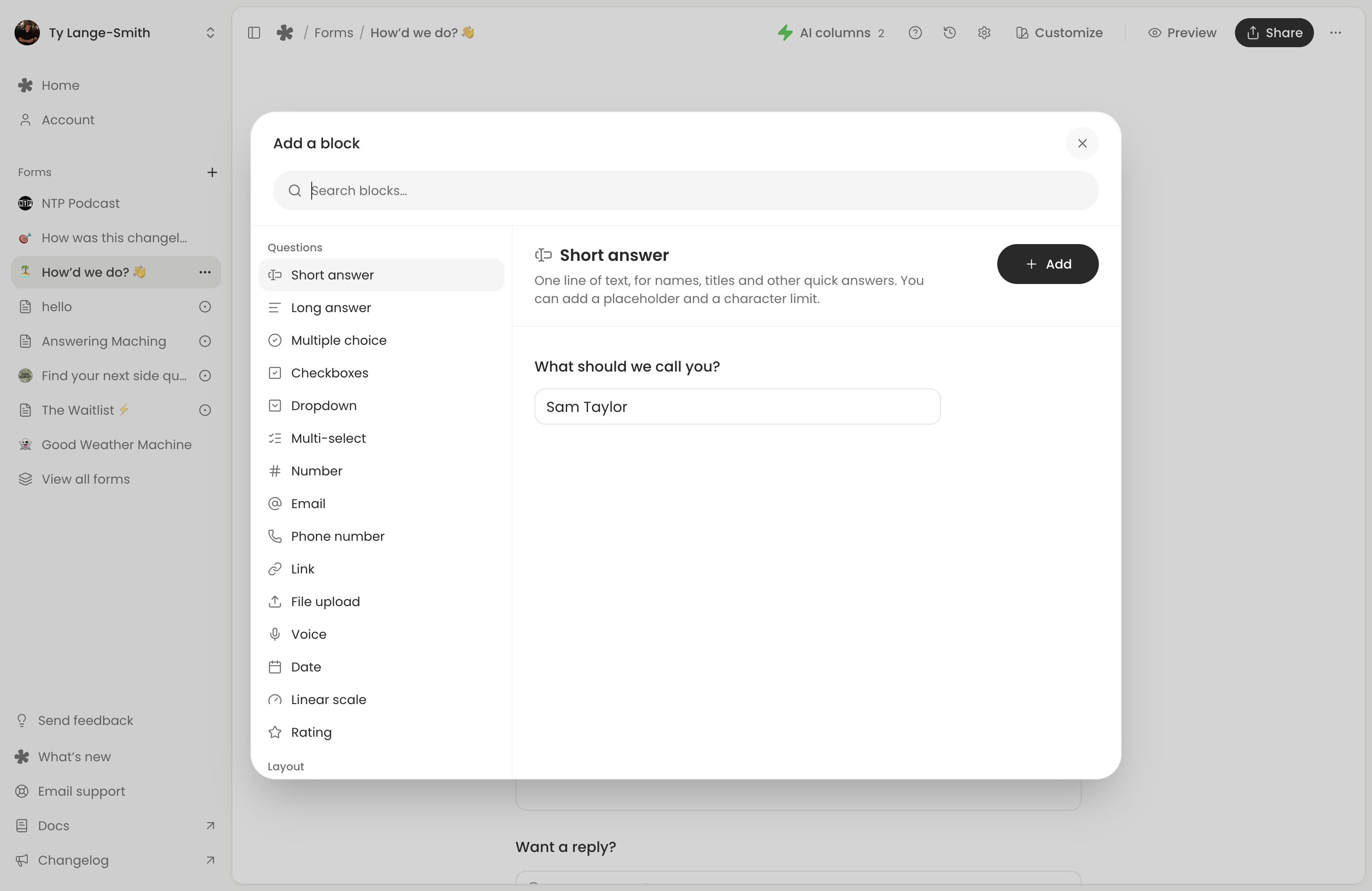
Select Customize to choose colours and fonts, or add a logo and cover. Design controls are included on Free; you can leave the defaults for this first test.
Try the questions in Preview
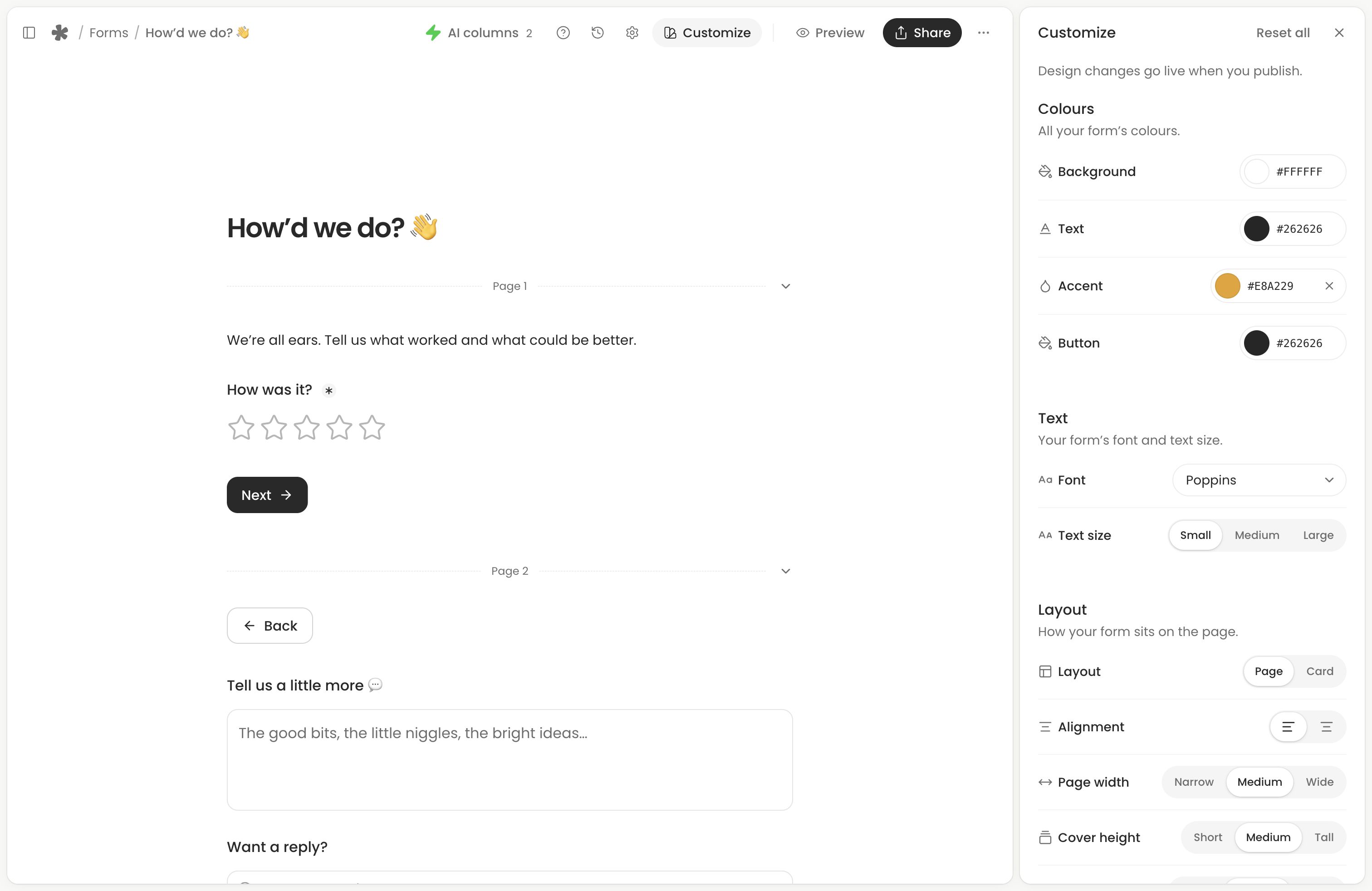
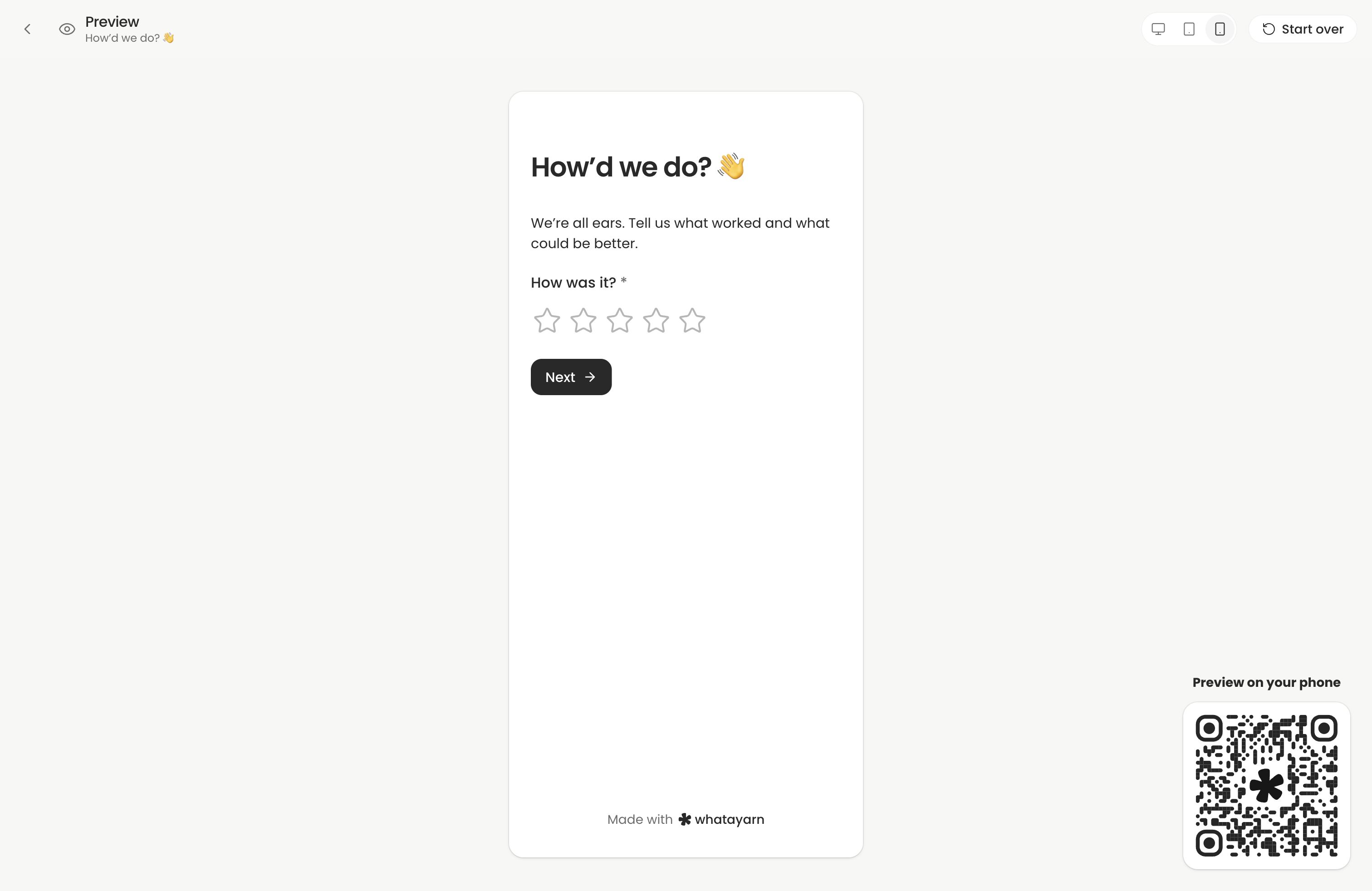
Open Preview, choose a rating and try the voice question. Record a short answer and play it back, then test its typed alternative. Submit the preview to check the thank-you page. Preview answers are not saved in Responses. Use Start over to clear the preview answers, then Back to editor.
Switch between desktop and phone layouts to check wrapping and navigation. The phone layout in Preview helps you check the design; test recording on a real phone through the live link in the next step.
Publish the completed form
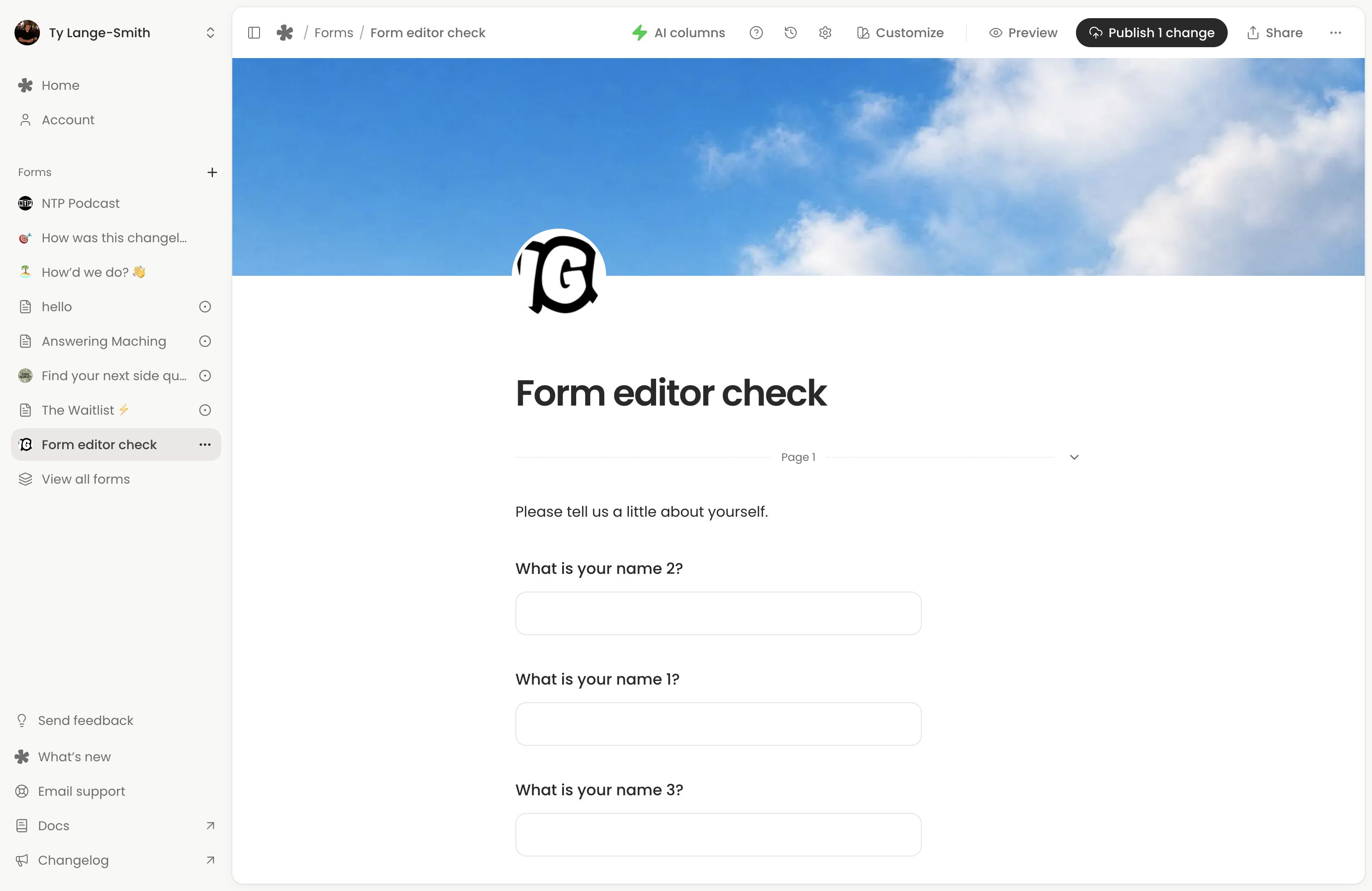
The first saved version creates a live link automatically. Later edits save privately. Select the editor’s publish button, which shows the number of changes, to publish the completed form. Publishing keeps the editor open with a confirmation. Saving, publishing and version history explains this lifecycle.
4. Submit a test
- Open Share, copy the live link and open it in another tab. Share saves pending edits but does not publish them.
- Choose a rating, write “This is a test response” in the feedback question and record a short voice answer. Leave email blank if you do not need it for this test.
- Submit and wait for the thank-you confirmation. This live submission creates a real response.
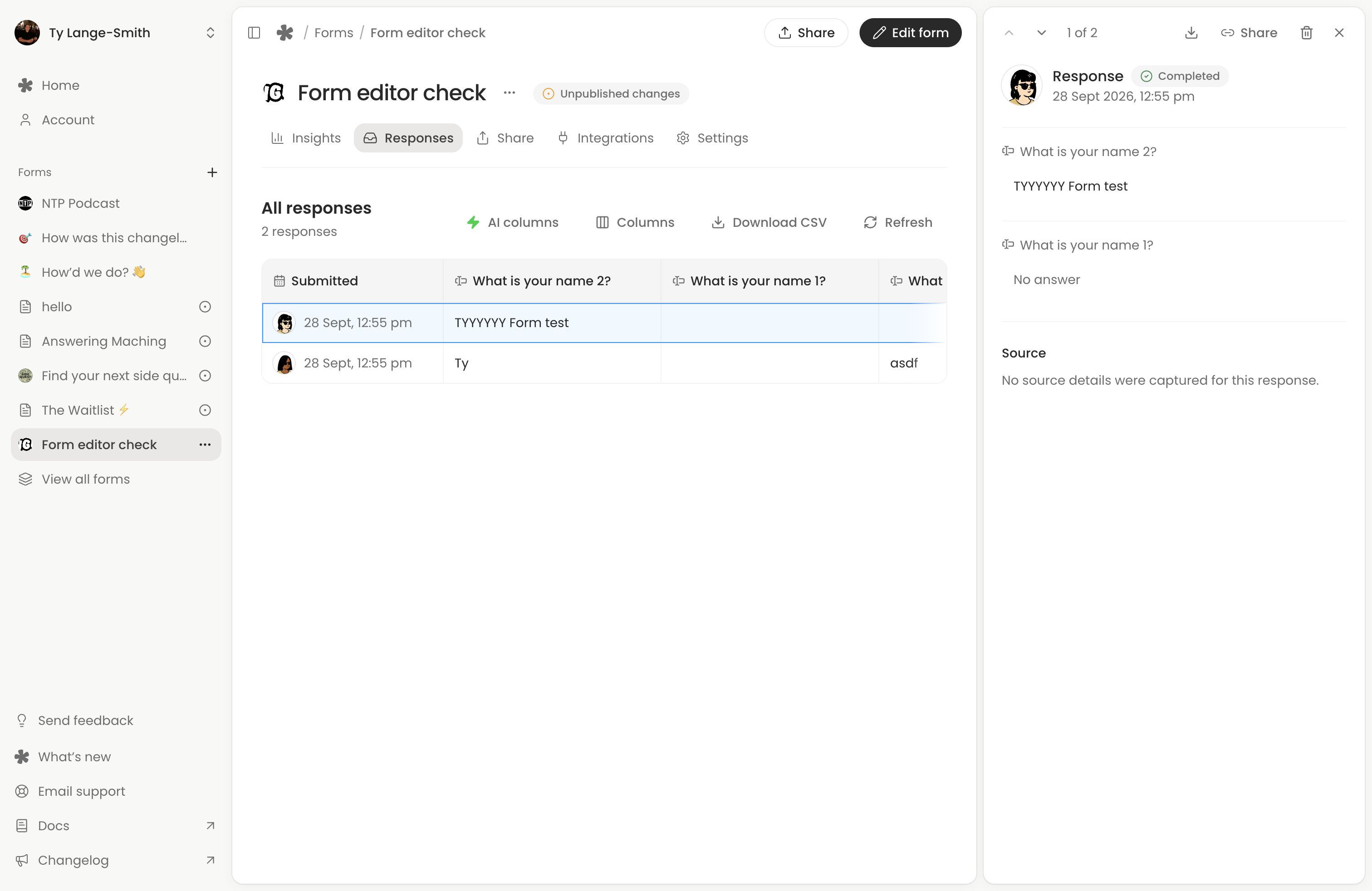
- Return to Forms (opens in a new tab) and open your form. It opens Responses. Select the test response, read the feedback and play the recording.
Open the live link on your phone for a second test, using the voice question’s typed alternative. If the form shows a holding message or your latest edits are missing, see Form troubleshooting.
To organise the written feedback, add a Sentiment column using AI columns. Template AI suggestions are ideas; choosing the template does not create those columns automatically.
Add another form
Select New form from Forms or the sidebar. Both plans include unlimited forms and responses. Each form has its own editor, live link and Responses view. Browse the template library for another starting point, or follow the feedback, enquiry and RSVP examples. On Creator, pre-filled links can identify a feedback source without asking another question.
Next action: Share your tested link, or embed the form on your website.