
Your existing voice-message pages, links and messages remain available. The Classic label in the forms list identifies a page made with the earlier whatayarn editor.
Find a Classic page and its responses
Open Forms (opens in a new tab) and select the Classic page. It opens that page’s Responses. The app keeps Classic messages with their page; they do not become responses to a newly created form.
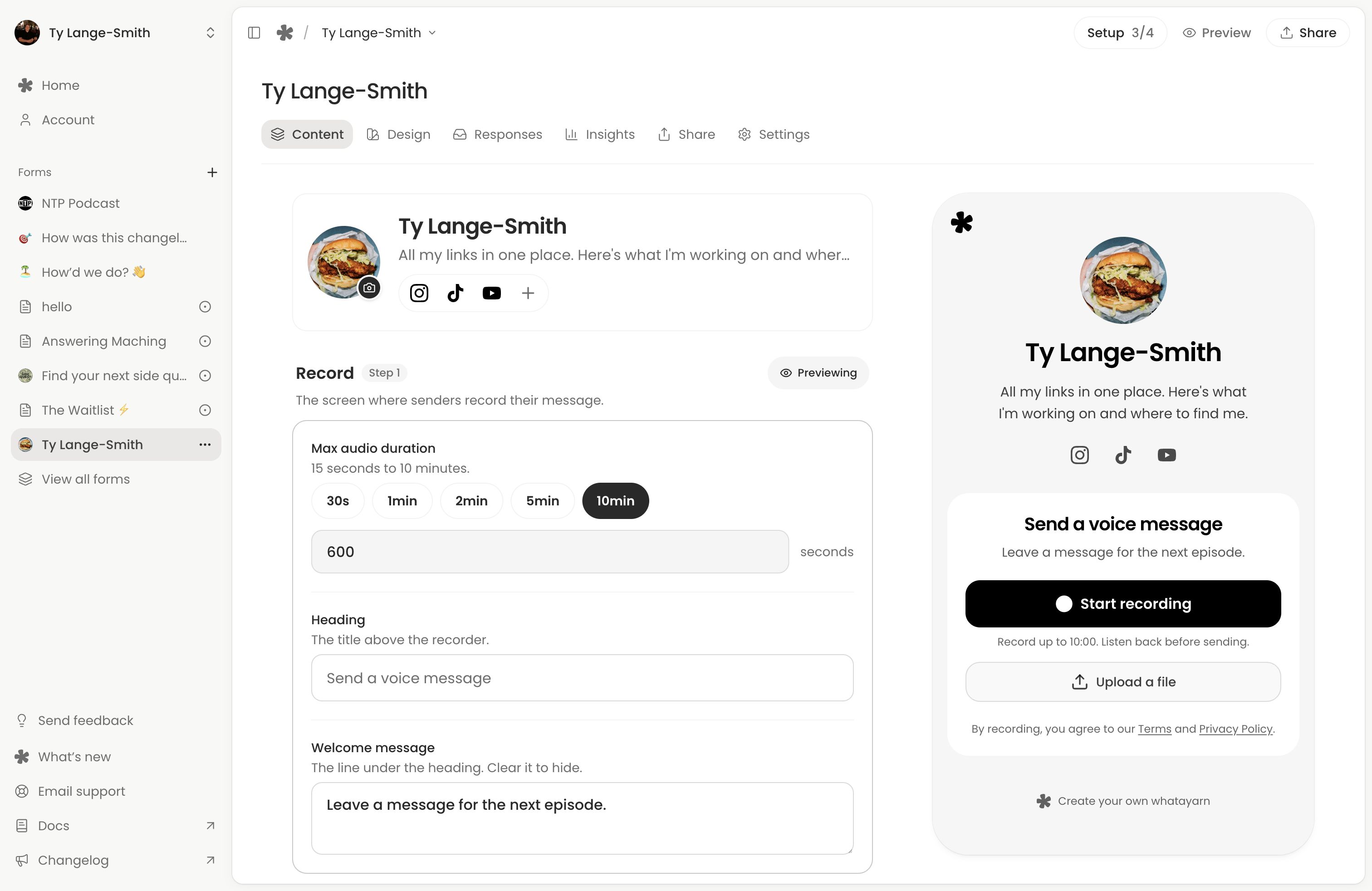
Use Edit to open its existing builder. Classic Content and Design controls, sharing tools and page settings remain available. Its existing public link keeps working.
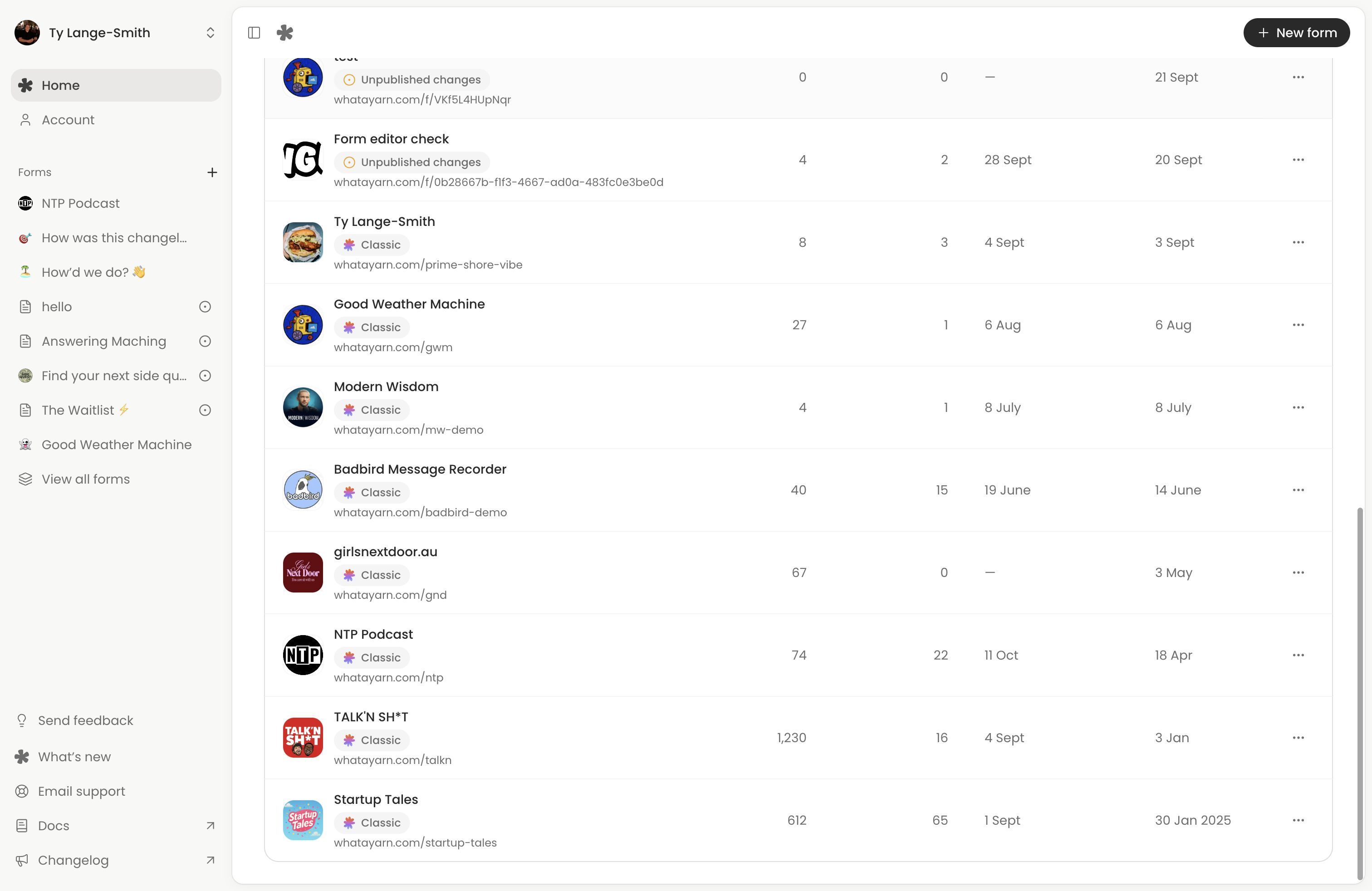
Which instructions apply?
The new form builder combines text, questions, pages and a thank-you screen in one document. Its later edits save privately until Publish changes.
Classic uses its existing content and design screens. Settings may save immediately or have a Save button; follow the control shown. It does not use the new builder’s Publish changes workflow.
The voice question guide identifies the separate Classic recording controls. How people answer your form describes the new form’s respondent experience. New form templates and AI columns belong to the new builder.
Moving to the new builder
The forms release announcement describes a planned move of Classic pages to the new builder, with notice before anything changes. That migration has not happened yet. Keep using your Classic page as usual; there is no migration action to complete now.
Creating a new form makes a separate form with its own link and responses. It does not convert a Classic page or bring its messages across.
Next action: Create a separate form to try the new builder while your Classic page stays available.