
Use a waitlist to hear from interested people before you launch. Use client intake to prepare for someone you are about to work with. Both templates are included on Free and keep each person’s answers together in Responses.
Gather interest with a waitlist
- Open the Waitlist template and choose Use this template.
- Replace the introduction with what you are launching and what people will hear from you.
- Keep the required Email address question and optional What would you use it for? question. Adapt the second question if another detail would help you plan.
- Update the thank-you message to explain what happens next.
- Publish the form, submit a test and check it in Responses.
Keep the invitation specific:
Want to try our new planning tool? Leave your email and tell us what you would use it for. We will email you when early access opens.
Put the link on your landing page or embed the form beneath the announcement. Read the use cases before choosing who to speak with first.
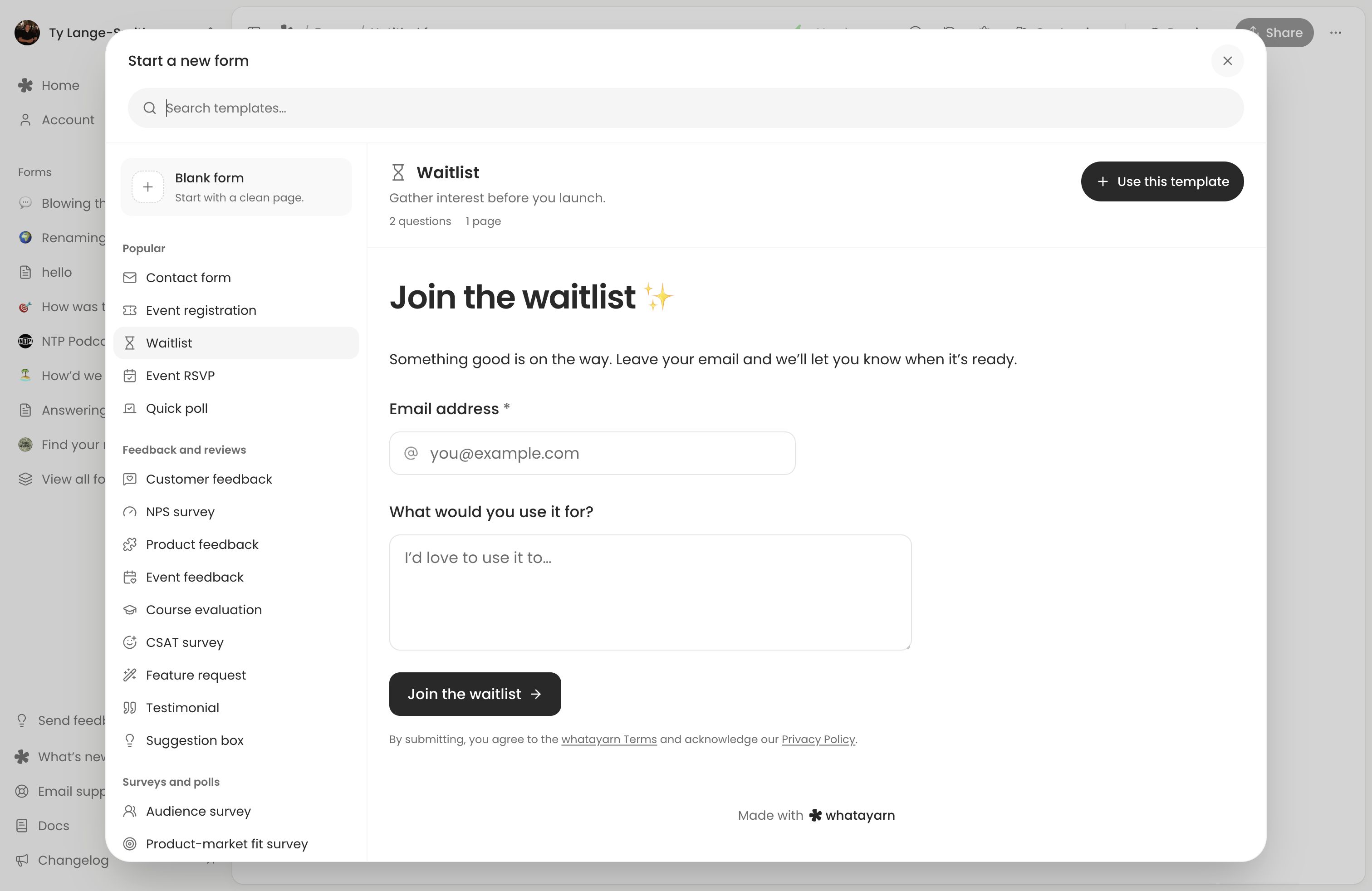
A response does not automatically subscribe someone to a mailing service or send a launch email. Export the contacts you need and manage invitations through your own sending process, matching the promise on the form.
Prepare for a first client session
Open the Client intake template. It already separates contact details, goals and practical details into three pages:
Page | Starting questions |
|---|---|
| Contact details | Required Full name and Email address, plus optional Phone number. |
| Your goals | Required What would you like to achieve by working together?, optional What have you tried so far?, and a readiness scale from 1 to 5. |
| Practical details | Optional How would you like to meet? with In person, Video call and Phone call, plus Anything else we should know before we start? |
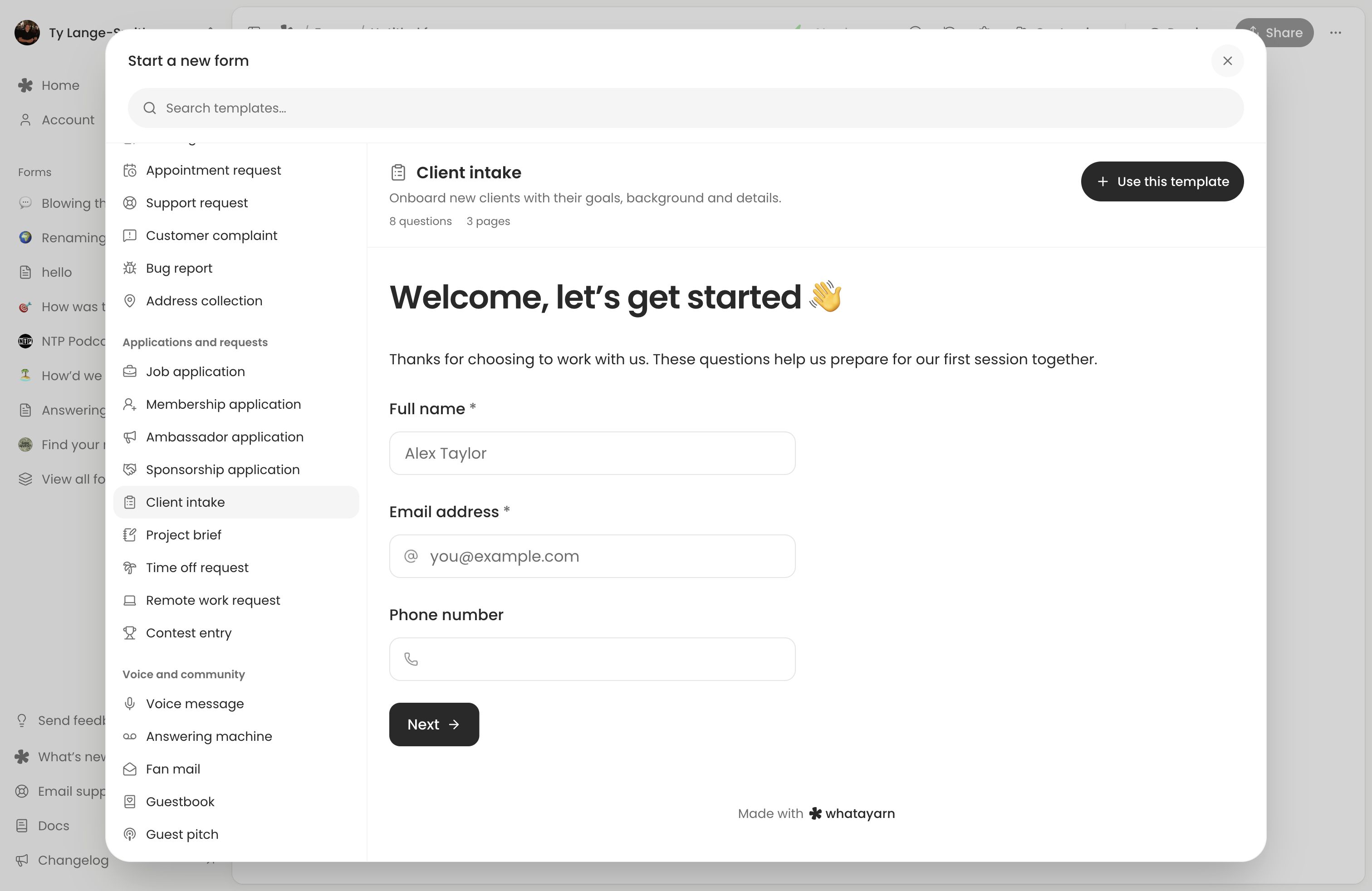
Adapt the wording to your service and remove details you do not need. Keep the goals question focused enough to help you prepare. Rename the final prompt if its suggested health or access examples do not fit your work.
Set expectations in the introduction:
Before our first session, tell us what you want to achieve and what you have tried. We will read your answers beforehand so we can spend our time on what matters to you.
Review the thank-you text, publish and submit a test. Send the live link with your booking or welcome email. Read each completed response before the session and note the questions you want to discuss.
Good to know
- The meeting question records a preference; it does not book a calendar appointment.
- For a scope and budget, start with Project brief instead.
Review and follow up
Open Responses to read each signup or intake. Download a CSV for a manual handoff to your contact list or project tracker.
For a longer intake, review saved progress and partial submissions. Browser recovery lets a client return later; Creator’s partial submissions can show supported unfinished answers to you. Explain partial collection if you enable it.
Next action: Choose Waitlist or Client intake, adapt its introduction and complete one realistic test submission.